





A command center LED video wall should be judged first on uptime, serviceability, and operator readability, not just on brightness or price. In a 24/7 control room, the right wall has to stay clear, repairable, and stable under long shifts, so the best choice is the one that supports continuous work without creating a maintenance burden.
What Makes a Control Room Wall Different
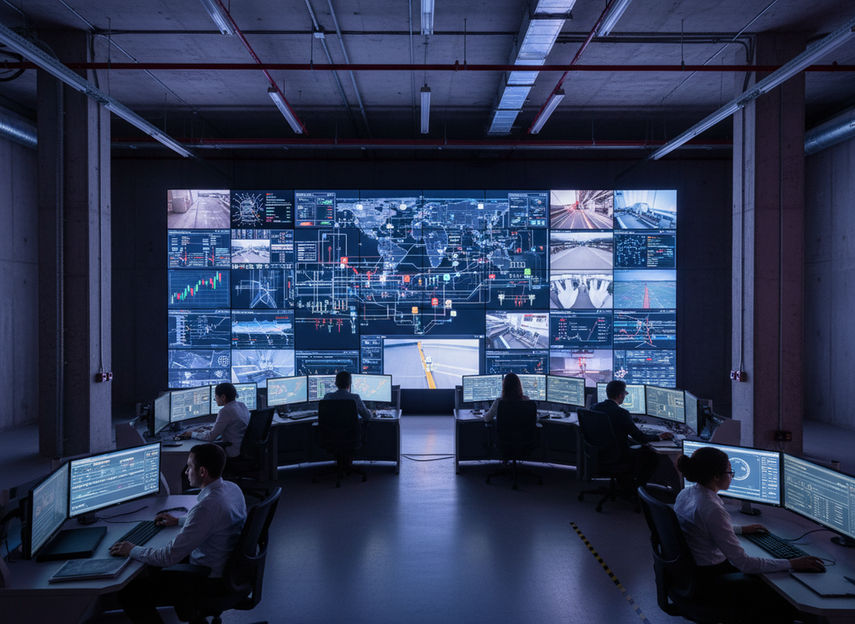
A command center wall is not a standard meeting-room display. It has to support continuous operation, fast decisions, and consistent readability across many tiled panels. That changes the buying question from “looks good in a demo” to “keeps working when the room is busy, dim, and under pressure.”
ISO 11064 control center ergonomics is a useful reminder that layout and display use in a control room are part of the operating system, not just the furniture plan. For buyers, that means wall size, viewing distance, and placement should support long-shift comfort and task accuracy, especially when operators read dense status data, CCTV feeds, or maps for hours at a time.
A practical decision rule helps here: if the wall mainly shows large-status information, continuity and service access may matter more than ultra-fine resolution. If it needs to carry dense text or multiple windows at once, image clarity and pixel pitch move up the list. Either way, the wall should be evaluated as mission-critical infrastructure, not as a general-purpose screen.
Core Reliability Specs to Verify
For a command center LED video wall, reliability checks should come before cosmetic features. The goal is not to collect more specs, but to find out which design choices actually reduce the chance of downtime and which ones make service harder.
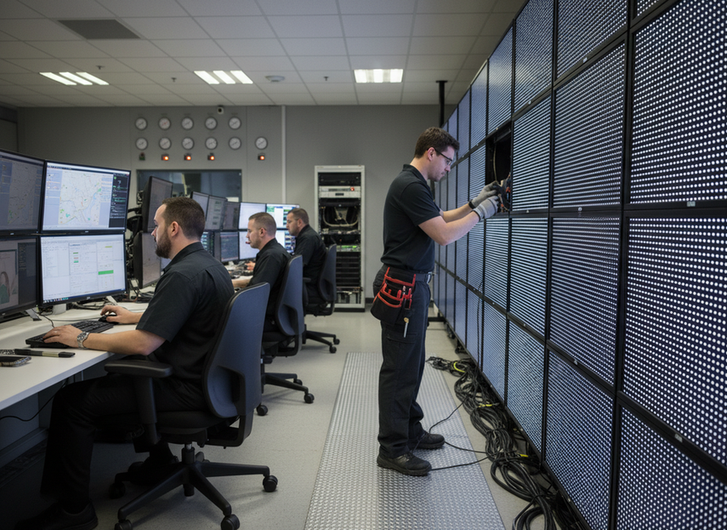
Start with front-service access. If modules, power supplies, and related parts can be reached from the front, repairs are usually faster and less disruptive. That matters in dense control rooms where rear access is limited or impossible. Ask the vendor exactly what can be swapped from the front, how long a typical replacement takes, and whether the wall can keep operating while maintenance is underway.
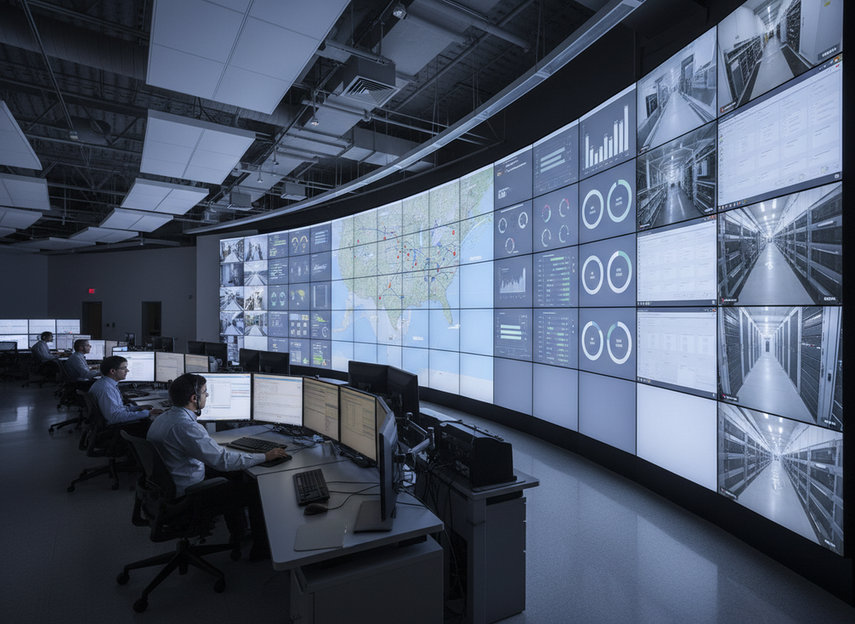
Then verify command center LED video wall redundancy in plain language. Ask whether the quoted system supports dual power paths, signal backup, controller failover, or another backup design. Do not assume the whole architecture is redundant just because one component is. The useful question is whether a single failure stays local or takes down a larger portion of the wall.
Thermal stability and power stability matter too. In a 24/7 room, heat management and clean power affect how consistently the wall behaves over time. Buyers should ask for operating limits, ventilation needs, and the service plan that goes with the system. A wall that looks fine in a showroom can still create trouble if it runs near its thermal limit or depends on undocumented operating conditions.
Also check calibration consistency, spare-parts availability, and warranty response terms. Calibration is about whether the whole wall still looks like one image after installation and after service visits. Spare parts are about recovery time. Warranty response is about how quickly a fault becomes a repaired system again. For mission critical LED wall uptime, those are not secondary details; they are part of the procurement decision.
| Reliability checkpoint | What to ask vendors | Why it matters |
|---|---|---|
| Front-service access | Can a failed module be swapped without rear access? | Reduces downtime and installation constraints |
| Redundancy | Is power, signal, or controller backup available? | Helps prevent a single-point failure |
| Spare parts | What critical spares are stocked or included? | Speeds recovery from faults |
| Calibration | How is brightness and color kept uniform? | Preserves a seamless image |
| Service plan | What are response times and escalation steps? | Protects operational continuity |
Image Quality That Matters in Operations
In a control room, image quality is not about theater-style punch. It is about whether operators can read data quickly, compare views, and trust what they see. That is why the most useful specs are the ones that affect readability and consistency.
AVIXA’s image uniformity and viewing quality guidance supports that buyer focus. Contrast, uniformity, and viewing behavior matter because control-room staff often look at the wall from different angles and for long periods. A panel that seems impressive in a demo can still be hard to use if brightness shifts across the array or if the image loses clarity off center.
For image quality, compare these fields:
| Spec | Why it matters in a 24/7 control room | What to ask the vendor | Risk if weak |
|---|---|---|---|
| Pixel pitch | Affects how close operators can sit and still read detail | What viewing distance was used to size the wall? | Text and symbols may feel crowded or fuzzy |
| Contrast and uniformity | Helps separate objects, maps, and overlays | How is consistency measured across the full wall? | The wall may look patchy or hard to scan |
| Viewing angle | Matters when multiple operators view the wall at once | How does the image hold up from side positions? | Some seats may see a weaker image |
| Calibration consistency | Helps keep one wall looking like one image | How is brightness and color matched after service? | Tile differences become visible over time |
| Color verification | Confirms what the wall actually shows under room conditions | What documentation or proof can you provide? | Color shifts can affect map and camera interpretation |
Color space should be verified rather than assumed, especially when the wall is used for surveillance, incident response, or map work. Community discussion from video engineers often points to color-space and seamlessness issues as real frustrations, but the buying decision should still rest on vendor documentation and live demo content, not on assumptions.
The best demo content is your own content: live dashboards, CCTV, dark-theme interfaces, and split-screen layouts. That is the fastest way to see whether the wall supports the actual operating load or only the marketing reel.
How to Compare Vendors Without the Hype
A vendor comparison works best when every bidder answers the same questions. That keeps the RFQ focused on command center LED video wall requirements instead of presentation polish.
-
Define the operating target first.
Start with uptime expectations, shift length, room lighting, and the types of content the wall will carry. A vendor that cannot tie the design to the room’s actual use is not yet solving the right problem. -
Separate architecture from appearance.
Ask what supports command center LED video wall redundancy, what supports front service, and what supports recovery after a fault. A wall can look premium and still be hard to maintain if the service path is awkward or undocumented. -
Test the service model.
Ask who handles installation, who handles calibration, and who owns the maintenance workflow after handoff. If the answer is vague, downtime risk usually rises later. -
Check room-fit constraints.
Confirm depth, mounting, power, heat, access path, and structural load before the order is final. A good system on paper can still become a bad fit if the room cannot support it cleanly. -
Score support as part of the product.
For 24/7 control room LED wall requirements, the support plan matters as much as the cabinet design. Response timing, spare parts, and training should be written into the comparison, not left as assumptions.
If you want a starting point for room-fit conversations, command center solutions can help frame the discussion around service expectations and operating needs. For category-level browsing, C-Pad mission-critical walls and C-Max indoor displays are better used as navigation paths than as proof of a specific configuration.
For buyers narrowing a shortlist, C-Pad Command and C-Max fine-pitch display can help you check whether a control-room-oriented or commercial-indoor path is the better fit. If you also need a compliance-oriented follow-up, the C-Max CE test summary is useful background reading.
Final Fit Checks Before You Buy
Before you approve a purchase, confirm that the wall fits the room, the workflow, and the maintenance plan. The last review should be about avoiding surprise downtime, not just signing off on the spec sheet.
- Verify that the wall size and pixel pitch match the expected viewing distance and the density of the content.
- Verify that the quoted system explains how redundancy works, including what happens if a key component fails.
- Verify that modules, power supplies, and other service parts can be replaced without turning the room into a construction zone.
- Verify that spare parts, training, and support response terms are written into the quote or contract.
- Verify that the wall was demonstrated with real operational content, not only promotional video.
If the vendor cannot explain how the wall stays online, stays legible, and gets repaired on a normal service timeline, the quote is not complete. Compare the room-fit details first, then decide whether the system belongs on your shortlist.
FAQs
What Makes a Command Center LED Wall Different From a Standard LED Display?
A command-room display is judged by uptime, serviceability, and readability in long-shift use, not just by size or brightness. The key difference is that the wall has to support operations continuously, so maintenance access and recovery planning become part of the buying decision.
Do LED Video Walls Support Redundant Power and Signal Paths?
Some systems do, but buyers should verify the exact architecture instead of assuming it is included. The useful check is whether the design has backup power, signal, or controller paths and how it behaves when a component fails.
How Do Buyers Reduce Downtime on a 24/7 Control Room Wall?
Front-service access, spare-part planning, and a clear support response path are the main levers. The practical next step is to ask how long a module swap takes and whether the room can keep operating during service.
What Image Quality Specs Matter Most in a Control Room?
Pixel pitch, contrast, uniformity, viewing angle, and calibration consistency matter most because they affect how quickly operators can scan information. The best proof is a demo with your own live maps, dashboards, and CCTV feeds under actual room lighting.
Can a Mission-Critical LED Wall Be Serviced Without Shutting Down the Room?
Sometimes, but only if the design and room workflow support it. Buyers should confirm the service method, the access path, and the operational procedure before signing, because the answer can change depending on cabinet layout and maintenance policy.





