





A COB LED wall can be a strong boardroom option when close viewing, hybrid meetings, and a clean wall appearance matter, but the fit depends on the room, the model, and the integration stack. For executive rooms and collaboration spaces, the real question is not whether COB sounds advanced; it is whether the display will stay readable, serviceable, and easy to run in your actual meeting setup.
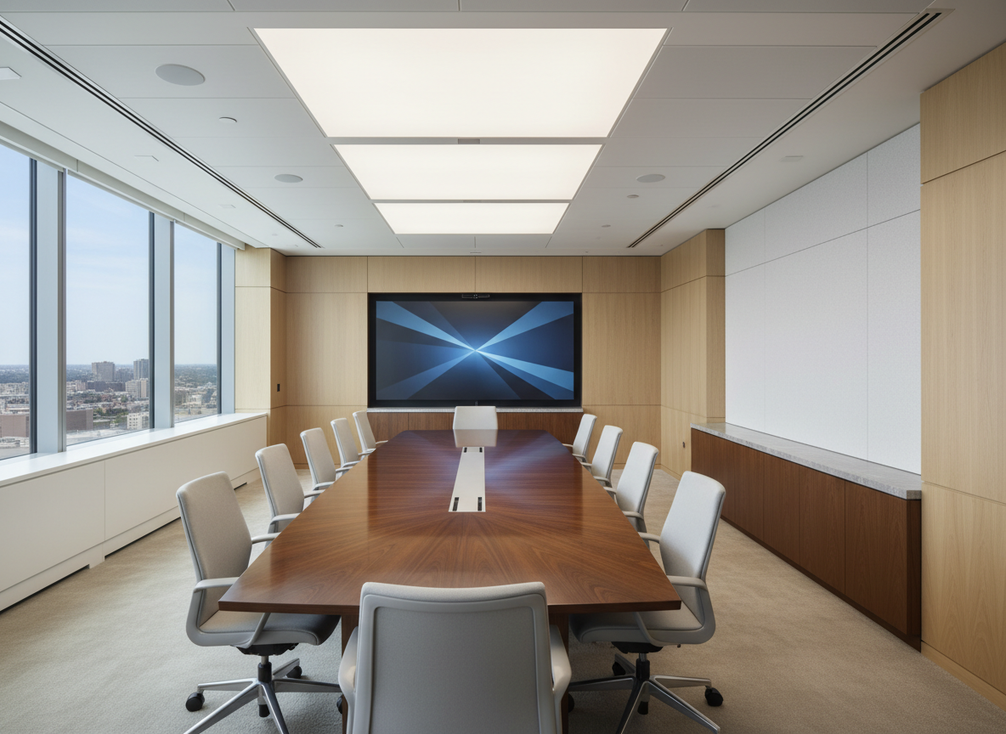
When COB Fits Boardrooms
For corporate boardrooms and collaboration rooms, COB LED is worth a serious look when people sit close to the wall, switch content often, and expect a polished front-of-room look. In that setting, fine-pitch COB can make sense because the buying decision is driven by presentation quality and room design, not just raw display size. A conference-room guide from Yitong places a 135-inch to 162-inch boardroom range around roughly 4 m to 8 m viewing distances, which is best treated as planning guidance rather than a universal rule.
Room Types That Benefit Most
Executive boardrooms, hybrid meeting rooms, and huddle spaces are the clearest fit when the display sits inside normal conversation distance. That matters because attendees are not just watching content from across a room; they are reading slides, joining calls, and often standing near the wall during discussion. In premium interiors, a fine-pitch wall can also look more intentional than a mixed setup of smaller screens, mounts, and bezels.
Buyer Signals That Justify COB
COB becomes more compelling when the room has frequent presentations, regular video calls, and a need for visual consistency across the front wall. It also starts to make more sense when stakeholders care about a seamless canvas instead of a framed LCD look. If the room is mostly used for occasional static slides and simple sharing, COB may be more display than you need.
What to Check Before Shortlisting
Before you shortlist a COB LED wall, check the typical viewing distance, the amount of ambient light, the kind of content shown, and whether the wall will need touch or annotation use. Also confirm service access and cable routing early, because a room that looks simple on paper can become awkward during installation. For buyers comparing meeting-room display options, the safest rule is to verify the exact model against the room, not the COB label alone.
Touch, Glare, and Viewing Comfort
Touch and glare are the two areas where COB adoption in collaboration rooms can get overpromised fast. The useful question is not whether the surface sounds durable or the finish sounds matte. It is whether your room will see frequent contact, bright ambient light, and mixed seating positions that expose weak spots in the setup.
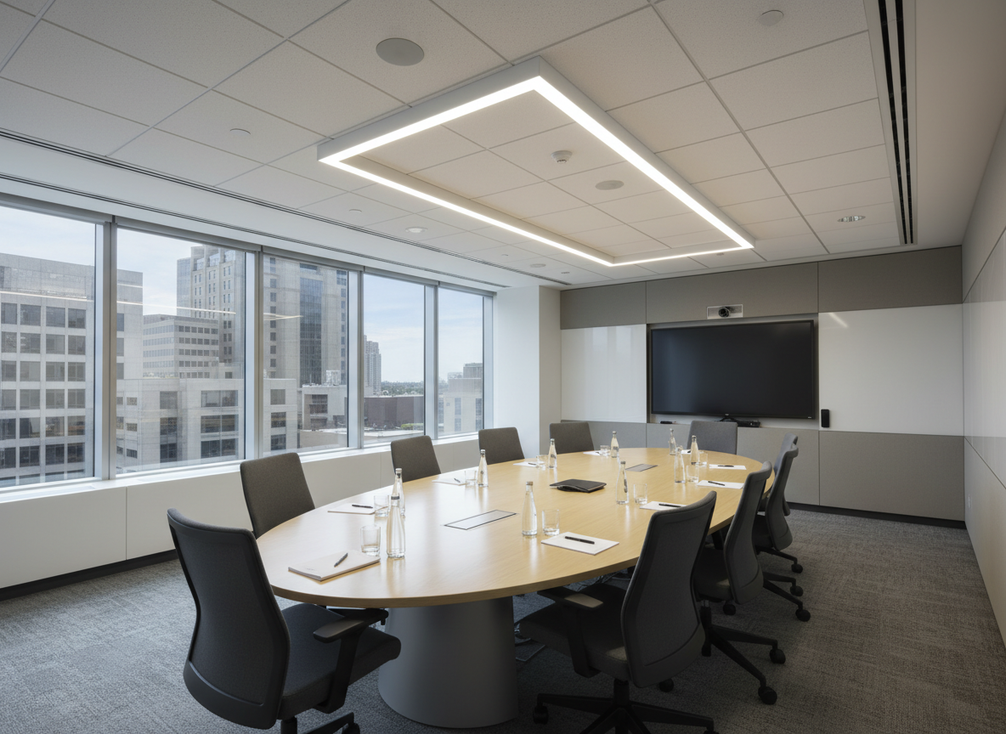
Touch Durability in Shared Spaces
Touch-heavy rooms need a stricter check than passive boardrooms. If people will point at the wall, annotate slides, or use it as a shared workspace surface, confirm the front-surface protection, cleaning guidance, and wear expectations at the model level. One COB product page lists strong surface-protection claims and is useful as a reminder that touch durability checks should be verified before procurement, not assumed from the technology name.
That distinction matters. A display that works well for presentation-only use may still be a poor fit if users will repeatedly touch the same areas every day. In practice, touch use changes the buying decision because it shifts the conversation from image quality to surface maintenance, service planning, and replacement risk.
Glare Control in Bright Rooms
Bright conference rooms can flatten contrast and make even a good wall look worse than expected. Window placement, downlights, glossy furniture, and the mounting angle all affect what people actually see. A COB article from Primatouchscreen points to matte optical resin and high contrast as part of glare control in bright rooms, but that should still be read as room-dependent, not universal glare elimination.
What this means is simple: if the room has strong daylight or hard reflections, test the display in that room before you buy. Calibration can help, but it cannot fully override bad lighting geometry. In other words, the display surface helps, but the room design still decides how comfortable the wall feels.
Calibration for Seated and Standing Views
A boardroom display has to work for people at the table and for presenters who stand near the screen. That usually means checking color balance, brightness, and content layout in the actual meeting space, not in a showroom. If a wall looks good only from one seat, it is not really solving the boardroom problem.
For most teams, the right approach is to validate readability from the farthest seat, the nearest standing position, and a side angle. If any of those viewpoints look weak, the issue is usually room tuning rather than the COB label itself.
Conference Integration Without Friction
A COB wall that looks great in isolation can still be a poor buy if it makes hybrid meetings harder to run. IT and AV teams should evaluate camera framing, source switching, room control, and service access as a single deployment problem. That is where many attractive room upgrades get delayed or approved with hidden friction.
Camera and Content Framing
Camera position matters because the display can compete with the camera’s view if it sits too high, too low, or too close to the presenter area. In hybrid meetings, the wall should support the room without creating visual clutter behind speakers or blocking sightlines to attendees. If the display makes the camera shot awkward, the room may feel more expensive without actually working better.
Room Control and Source Switching
Some all-in-one COB setups bundle operating systems, wireless casting, and room-control interfaces into the cabinet, which can simplify deployment. Yitong’s room control integration example shows that these bundled features can reduce equipment sprawl, but the real compatibility question is model-by-model. A clean feature list does not guarantee that the wall will cooperate with every codec, control panel, or conferencing platform.
That is why integration needs a check list, not a slogan. Verify source switching, control workflows, and how the display behaves during live calls, since a room can look integrated on paper and still feel awkward in use.
Cable Management and Service Access
Cable routing and service access are not afterthoughts. They affect downtime, appearance, and how easy the room is to support later. For a boardroom, front-of-room neatness matters because exposed cabling and awkward access points undermine the premium feel buyers usually want from COB LED wall projects.
If a room needs frequent maintenance access, confirm how much wall space is needed behind or around the display, and whether the install team can service components without tearing up the whole front wall. That practical check often decides whether a project is smooth or painful after launch.
COB Versus LCD for Huddle Spaces
COB vs LCD video wall for huddle spaces is not a universal winner-loser comparison. The better choice depends on room size, budget, how often people touch or annotate the display, and whether the team values a seamless visual surface more than familiar installation and service habits. In huddle rooms, the simplest answer is often the best one if it meets the use case.
| Decision Factor | COB LED Wall | LCD Video Wall | Best When |
|---|---|---|---|
| Viewing distance | Better when the wall is viewed up close and needs a fine-pitch canvas | Often fine for less demanding room layouts | You need close reading and a more seamless front wall |
| Visual continuity | Seamless look with fewer visible seams | Bezels remain part of the visual field | A premium aesthetic matters to stakeholders |
| Touch and annotation use | Can work, but model-level surface and wear checks matter | Familiar option if the workflow is simple | The room needs frequent interaction and clear service rules |
| Glare sensitivity | Room design and calibration still matter | Can also struggle in bright rooms | You can control lighting and reflections well |
| Integration complexity | Can be streamlined, especially in all-in-one setups | Often familiar to AV teams | You want a cleaner visual wall and accept more planning |
| Serviceability | Needs careful install planning | Usually more familiar to support teams | Long-term support simplicity matters more than visual continuity |
The practical takeaway is that COB is strongest when the room itself is part of the message, such as executive collaboration spaces and polished hybrid rooms. LCD remains a sensible choice when budget pressure, service familiarity, or simpler rollout matters more than the visual benefits of COB. If the room is small, busy, and lightly interactive, LCD may be the lower-risk path.
Shortlist, Budget, and Next Steps
Before you move a COB boardroom project to RFQ, confirm five things: room fit, touch expectations, glare risk, conferencing integration, and service access. If the wall will be touched often, make the front-surface and cleaning question explicit. If the room is bright, test the display in the actual lighting. If the room stack is complex, verify camera, control, and switching behavior before approval. Energy and budget discussions matter, but they should stay secondary to room fit and workflow.
If your team is narrowing options, review the indoor display lineup and compare it against the room’s real use pattern. The safest purchase is the one that fits the room you have, not the spec sheet you wish the room had.





