





3D DOOH LED content services matter most when a campaign stalls between concept, production, and playback. The screen is rarely the only issue. In practice, the bigger friction usually comes from unclear handoffs between media teams, hardware partners, and motion designers, plus late changes to perspective or delivery specs. If you are planning a 3D anamorphic billboard workflow, the first question is not just what the screen can show, but who owns each step before the file is handed off.
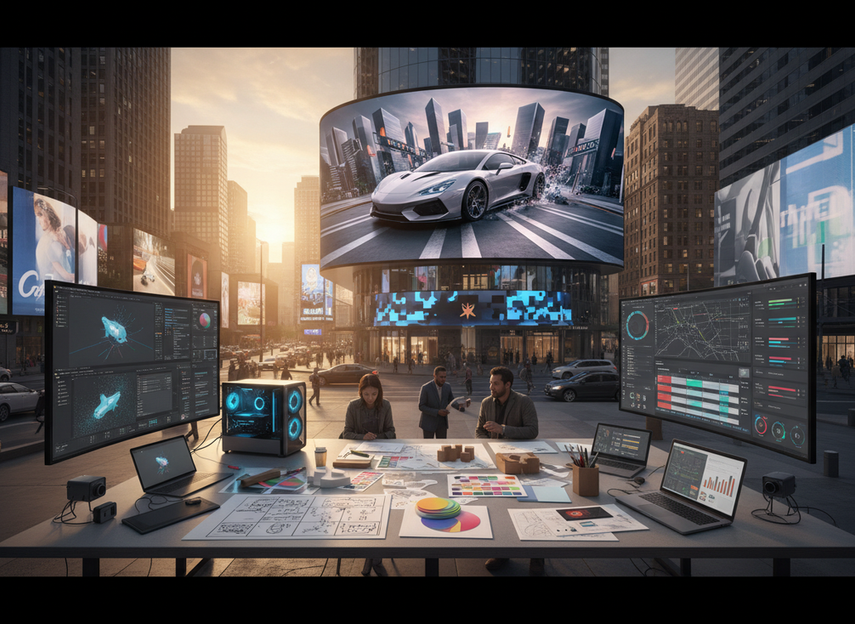
Why 3D DOOH Projects Stall Before Launch
For agencies and venue owners, 3D DOOH projects slow down when creative, playback, and venue operations are treated as separate jobs. One team may approve the concept, another may own the screen geometry, and a third may handle final upload or scheduling. That split often creates rework because no one is checking the full chain from the hero concept to the last playback test.
The most common delay is not making the ad 3D. It is deciding what the content needs to fit, who signs off on it, and what happens if the venue setup changes. When those answers are vague, revisions tend to stack up late in the process. That is why content services for outdoor LED billboards are often more useful as coordination support than as a design add-on.
A simple rule of thumb is this: if the campaign depends on multiple vendors, a hero viewpoint, or a tight launch date, the workflow needs a named owner early. If the team only has a static creative brief and no playback check, the risk of last-minute reformatting goes up fast. For buyers comparing options, that is the first sign that service scope matters as much as display hardware.
What Content Specs Need to Be Locked First
Before motion design starts, the brief should lock the canvas, aspect ratio, safe areas, and delivery expectations. That sounds basic, but it is where many 3D DOOH content services save time. If the dimensions are still in flux, the creative team can spend hours building around the wrong frame and then rework the composition later.
For a practical export baseline, the DOOH motion file format baseline commonly points to H.264 in an MP4 container with a 25 to 30 fps frame rate. In many campaigns, that is enough to start a delivery conversation, not to guarantee compatibility. The real check is whether the venue’s player and playlist rules match the intended export.
Bitrate is another place where teams often overcorrect. The bitrate and playback stability trade-off is usually easier to manage when the file stays in a practical midrange instead of chasing maximum quality at the expense of smooth playback. For many outdoor setups, the useful question is not "What is the biggest file we can make?" but "What will still play reliably on the actual system?"
A planning heuristic for safe areas is to keep important text and logos away from the edge, especially on large-format screens where crop and framing can vary. In a brief, that means the creative team should mark what must stay visible, what can flex, and what can be trimmed if the venue has a different mounting or framing setup. That small step can prevent a lot of late-stage cleanup.
How Anamorphic Perspective Gets Built
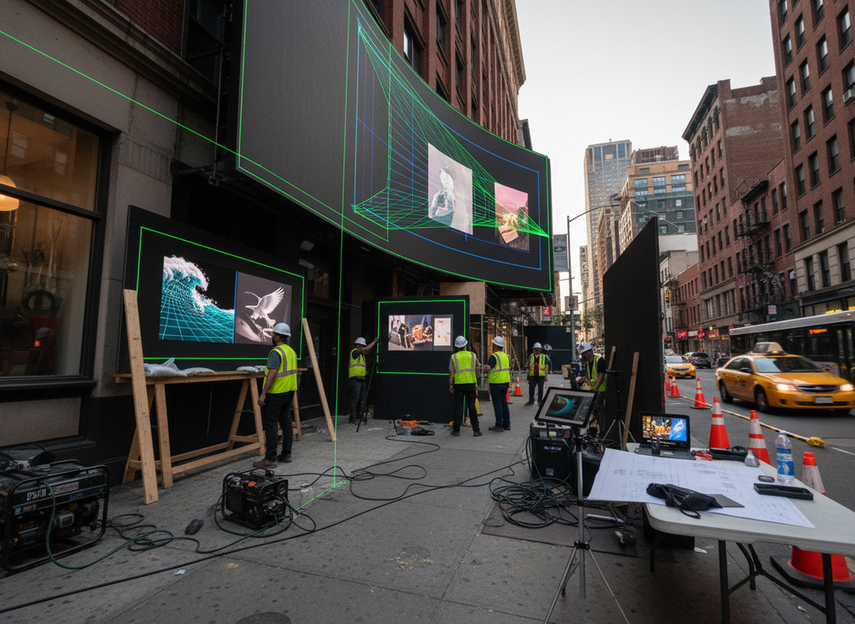
A convincing 3D anamorphic billboard is built around the viewer, not around a generic camera angle. The illusion usually locks from a hero viewpoint that matches real pedestrian flow and an eye-level planning assumption, which is why the creative team needs to map perspective before final animation. The Virtual Camera A/B workflow is useful here because it ties the rendered scene to the intended viewing position instead of guessing after the fact. Maxon’s hero viewpoint planning shows the same principle in a practical production context.
What this means in real production is that the vanishing point, object scale, and depth cues all have to agree. If the audience path is off to one side, or the screen geometry is unusual, the illusion weakens quickly. In other words, the creative is not just more 3D; it is calibrated 3D.
This is also why repurposed 2D assets often disappoint. The custom-built anamorphic content problem is common when teams assume a normal motion spot can be stretched into an illusion. If the screen geometry and viewing distance are not built into the scene, the result can feel flat or broken instead of convincing.
A practical decision sentence for buyers: if the campaign depends on a clean hero angle, custom perspective work is the safer path; if the same asset needs to work from many angles with no geometry lock, the anamorphic effect will usually be weaker. That does not mean the idea fails, but it does change expectations and the amount of revision work needed.
Playback Checks and Handoff Workflows
Before handoff, the team should confirm the approved master file, the naming convention, the delivery owner, and the playback constraints that matter for that venue. The goal is to keep the final transfer boring. If the file is labeled one way in the creative studio and another way in the player library, someone will end up cleaning it up at the worst possible time.
A good proofing workflow usually includes:
- A test loop or proof run when the venue setup allows it.
- A final check on frame rate, bitrate, and file container against the actual player.
- A review of audio use, scheduling windows, and playlist placement if those elements apply.
- A written sign-off note so each stakeholder knows what was approved.
That checklist is especially useful when the campaign is going through multiple teams. It does not promise a flawless launch, but it makes the failure points visible before the file is treated as final. For 3D DOOH content services, that is often the difference between a tidy transfer and a messy rollback.
Choosing Between DIY and Turnkey Services
The right service model depends less on price alone and more on coordination load, revision risk, and who owns launch readiness. Turnkey support is most useful when the campaign has multiple stakeholders, a hero-viewpoint composition, or a venue team that wants one accountable path from concept to final render. DIY can still make sense when the creative team already owns the workflow and the playback environment is stable.
| Service Model | Coordination Load | Revision Risk | Launch Ownership | Best Fit |
|---|---|---|---|---|
| DIY production | Low to moderate | Lower if the team already knows the venue | Mostly internal | Simple campaigns with one creative owner |
| Partial support | Moderate | Moderate | Shared across teams | Teams that need help with perspective or export checks |
| Full turnkey support | High | Lower when scope is clear | Largely external or shared | Multi-vendor launches and venue-led inventory |
A good shortcut is this: if the team can clearly answer who owns concept, calibration, export, and playback sign-off, DIY may be enough. If those answers are spread across several vendors, full-stack support usually reduces coordination friction more than it adds overhead. That is the main reason service models matter in 3D DOOH campaigns.
For teams evaluating outdoor LED inventory, the biggest question is whether the partner is only delivering content or also helping coordinate playback readiness. For campaigns that need a tighter geometry fit, 3D billboard campaigns can benefit from broader launch support, but only when the service scope is actually defined.
Final Checks Before You Choose a Service Model
Before you sign off on a partner, check five things: the locked screen dimensions, the approved file format, the hero viewpoint plan, the playback owner, and the revision policy. If any one of those is vague, the workflow can still work, but the chance of avoidable rework rises. That is why 3D DOOH content services are best judged as a coordination layer, not just a creative output.
If you are comparing curved and cube LED layouts, confirm whether the partner can support the geometry you actually need, not just a headline concept. For agencies, that usually means briefing the campaign around ownership and sign-off. For venue owners, it means making sure the service scope matches the inventory you plan to sell.
FAQs
How Do You Make 3D LED Billboard Content?
Start with the viewing angle, then build the perspective around a hero viewpoint, storyboard the illusion, and animate against the screen geometry. The last step is to verify delivery specs before export so the final file is ready for the actual playback setup.
What File Formats Are Best for DOOH Motion Content?
The safest answer is that it depends on the venue player and workflow. A common baseline is H.264 in an MP4 container with 25 to 30 fps, but the real decision is whether the file matches the player, bitrate, naming rules, and scheduling setup.
How Do You Design Anamorphic Content for LED Walls?
Design from the audience path first, then set the vanishing point, depth layers, and motion pacing around that view. If the screen geometry or pedestrian flow is ignored, the illusion often weakens even when the animation itself looks polished.
Who Should Own the Content Handoff Process?
The brief should name one owner for creative approval, one for venue requirements, and one for playback readiness. When that split is unclear, teams tend to duplicate checks, miss handoff details, or rework files late in the schedule.
Can Turnkey Services Reduce Revision Cycles?
They can reduce friction when the scope covers concept, calibration, export, and launch coordination, but the benefit depends on how clearly the work is defined. Turnkey is most useful when several vendors are involved or when the campaign needs one accountable path to launch.





