





Brompton vs NovaStar for XR is a workflow decision first and a brand comparison second. If your project is a camera-heavy virtual production LED wall, the processor choice needs to support sync discipline, repeatable rehearsal behavior, and clean handoff across the full signal chain. If the room is more static, the better fit may be the ecosystem that keeps commissioning simpler for your team.
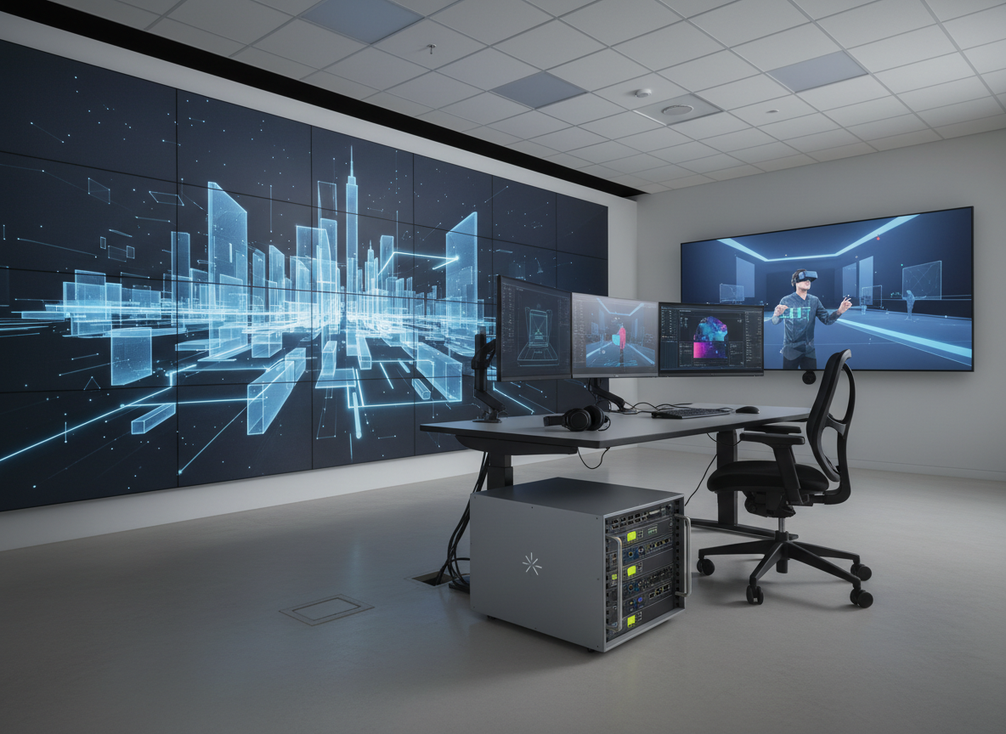
What XR Workflows Need From a Processor
For most virtual production and XR stage builds, the processor has to do more than feed pixels. It needs to support the camera chain, keep setup repeatable, and make it easier to validate sync before shoot day. That is why the right answer depends on the deployment, not just the spec sheet.
Brompton’s camera-shutter matched refresh is one example of why this comparison exists. Its ShutterSync feature is designed to tune panel refresh to camera shutter speed so scan lines or flicker can be reduced without locking the camera to one creative shutter angle. That matters when the image has to look right through the lens, not just to the eye.
In practice, the decision layer is simple: if your workflow lives or dies on what the camera sees, the processor choice deserves rehearsal time; if the display is mostly for a controlled room, the processor stack can be chosen more like a standard video system. Do not treat genlock as a universal rule for every room, but do treat it as a major planning item in many professional XR setups.
Brompton and NovaStar in the XR Decision
The most useful way to compare Brompton vs NovaStar for XR is by workflow fit, control philosophy, and the kind of installation each ecosystem usually supports best. That keeps the choice grounded in operations instead of brand loyalty.
| Workflow factor | Brompton | NovaStar | What it means for the buyer |
|---|---|---|---|
| XR stage fit | Often stronger when on-camera artifact control and refresh tuning are central | Can fit XR work, especially when the workflow is broader than one camera-heavy stage | Choose based on how much the wall is judged on camera, not just by eye |
| Control philosophy | Feels more specialized for high-end image control and show-day consistency | Often positioned as broader and more flexible across event and broadcast use | Choose the ecosystem your team can operate with less friction |
| Integration complexity | Can be a better fit when the crew already expects an XR-specific workflow | Can feel easier to standardize across more varied rooms and shows | Prefer the path that lowers commissioning burden |
| Operator familiarity | Strong when the team already knows the Brompton workflow | Strong when the team already runs NovaStar in adjacent environments | Familiarity can matter as much as feature depth |
| Deployment type | Premium virtual production, camera-critical XR, and tightly managed stages | Broadcast volumes, event systems, and rooms that need broader deployment flexibility | Match the processor to the room you actually run |
| Buyer caution | Can be overkill in a static room with limited camera dependence | May need more careful validation in a camera-critical XR build | Do not buy the "bigger" ecosystem unless the workflow needs it |
Independent comparison guides also frame the choice as a workflow fit for XR processors, not a simple winner-takes-all spec contest. That is the right mindset here. One system may be the safer choice for a camera-driven stage, while the other may be the more practical choice for broader broadcast or event use.
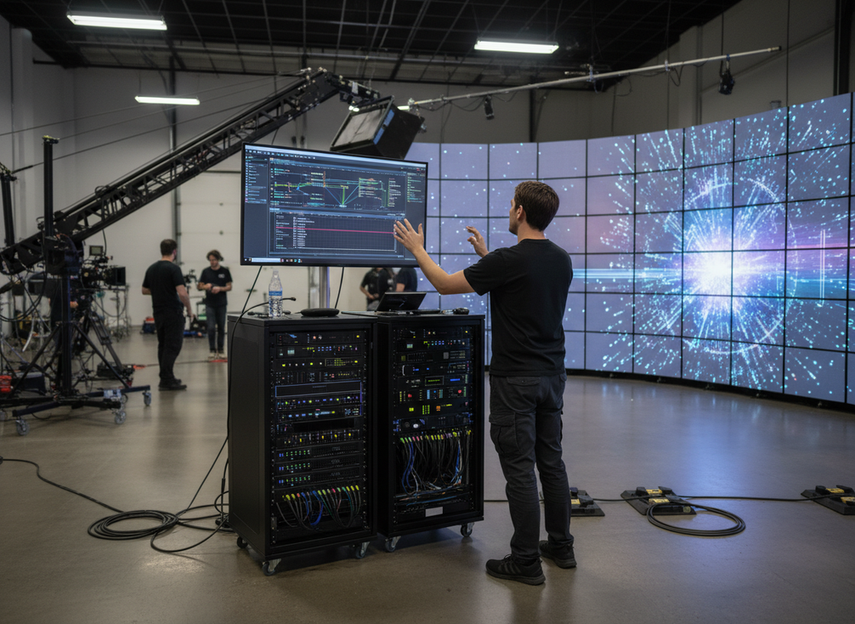
Where Each Ecosystem Fits Best
XR Stages With Camera-Heavy Sync Requirements
If your stage uses camera tracking, live lensing decisions, or frequent rehearsal changes, Brompton often fits the more demanding XR brief. The reason is not a magic performance promise. It is that the workflow is built around what the camera sees, and Brompton’s ShutterSync is aimed at that exact problem.
This is where many buyers make a mistake: they compare brands as if both are interchangeable, then discover the crew spends too much time chasing scan lines, flicker, or refresh mismatch during rehearsal. The safer move is to ask whether the stage is camera-first or screen-first.
Broadcast Volumes That Need Repeatable Show Control
Broadcast-style volumes usually care about repeatability, cue discipline, and how quickly the crew can get back to a known state after a change. NovaStar often makes more sense when the workflow is not only about one XR stage, but about a broader operational environment that values flexibility and standardization.
That does not mean NovaStar is a compromise by default. It means the buyer should value operational fit before feature depth. If the team already knows the platform and the room is used for repeatable shows, the practical advantage can come from lower friction, not from chasing the most specialized XR label.
Fixed Control Rooms and Lower-Change Workflows
A fixed control room usually has different priorities from an XR stage. If the room changes less often, and camera-visible artifacts are not the central risk, an XR-first processor stack may be overbuilt.
That is the point where NovaStar can look more attractive for some buyers, while Brompton can be harder to justify unless the room also needs camera-driven image discipline. The question is not which brand is stronger in the abstract. It is which one reduces support burden over the life of the installation.
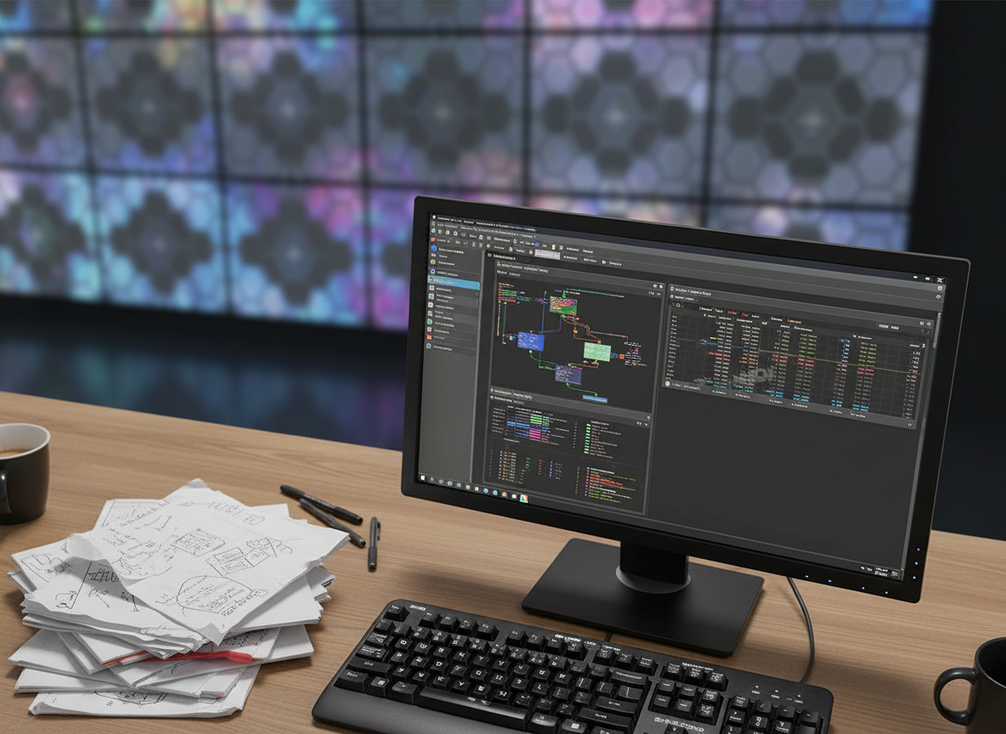
Genlock, Latency, and Camera Artifacts
Before you lock the purchase, test the full signal chain in rehearsal. That means camera, tracking, processor, wall, content, and lighting together. A processor spec on paper does not tell you whether the image will hold up under your actual camera settings.
A useful third-party reminder is that genlock in virtual production is often treated as a core planning item because the wall, camera, and tracking system need the same clock. That is why many teams validate sync behavior on site instead of assuming it will sort itself out later.
Use this checklist before you commit:
- Confirm whether the camera chain needs genlock for this project.
- Test the wall under the real shutter settings you expect to use.
- Watch for scan lines, flicker, moiré, or other camera-visible artifacts.
- Verify latency in the full chain, not just inside one box.
- Recheck the result after changing content, lighting, or camera angles.
A community troubleshooting thread on full signal chain testing reflects the same practical lesson: latency and artifacts are end-to-end outcomes, not single-device features. For buyers, that means rehearsal is part of the purchase decision.
A Practical Selection Checklist
- Start with the workflow. Is this a camera-heavy XR stage, a broadcast volume, or a mostly fixed room?
- Check sync needs early. If camera tracking and on-camera quality are central, treat genlock and refresh behavior as rehearsal items, not afterthoughts.
- Match the ecosystem to the crew. The best processor is often the one your operators can commission confidently under time pressure.
- Validate the full signal chain with real content, real cameras, and real lighting.
- If the room is more static and the image is not judged mainly through the camera, NovaStar may be the more practical path. If the project is XR-first and on-camera quality is the main risk, Brompton is often the safer fit.
If you are still unsure, step back and ask which failure would cost more: extra training and setup time, or visible camera artifacts on shoot day. That answer usually points to the right ecosystem.
FAQs
What Makes Brompton and NovaStar Different for XR Projects?
The difference is usually workflow orientation. Brompton is often chosen when camera-facing image control and sync discipline are central, while NovaStar can make more sense in broader broadcast, event, or fixed-room environments. The better choice is the one that reduces friction for your actual operating model, not the one with the longest feature list.
Do I Need Genlock for Virtual Production LED Walls?
In many professional XR and virtual production setups, genlock is a major planning point because the wall, camera, and tracking system need to stay aligned. That said, the exact requirement depends on the full chain and the project goals. Treat it as a validation step for camera-driven work, not a universal rule for every installation.
How Do I Reduce Camera Artifacts on an XR LED Wall?
Start with the whole chain: processor, camera, tracking, content, lighting, and shutter settings. Test in rehearsal and look for scan lines, flicker, moiré, or refresh mismatch under the real camera setup you plan to use. No processor choice removes the need to validate the result on site.
When Is NovaStar a Better Fit Than Brompton?
NovaStar can be the more practical choice when the room is not heavily camera-driven, the crew values broader deployment flexibility, or the workflow is closer to broadcast and event operations than to a dedicated XR stage. It is also worth considering when operator familiarity and standardization matter more than specialized XR tuning.
Can a Fixed Control Room Use the Same Processor Logic as an XR Stage?
Usually not. A fixed control room tends to prioritize uptime, consistency, and lower commissioning burden, while an XR stage puts more weight on camera-visible sync and artifact control. If the room is not judged mainly through the camera, an XR-first processor stack may be more than you need.





