





Anamorphic 3D content workflow for a 3D DOOH LED billboard works best when you lock the viewing position first, then build the illusion around the real screen geometry. If the team needs a display that reads from many angles with no testing window, this format is usually not the safest fit. For a fixed audience corridor and a site-specific creative plan, it can be very effective when the brief, camera, motion, and export steps stay tightly aligned.
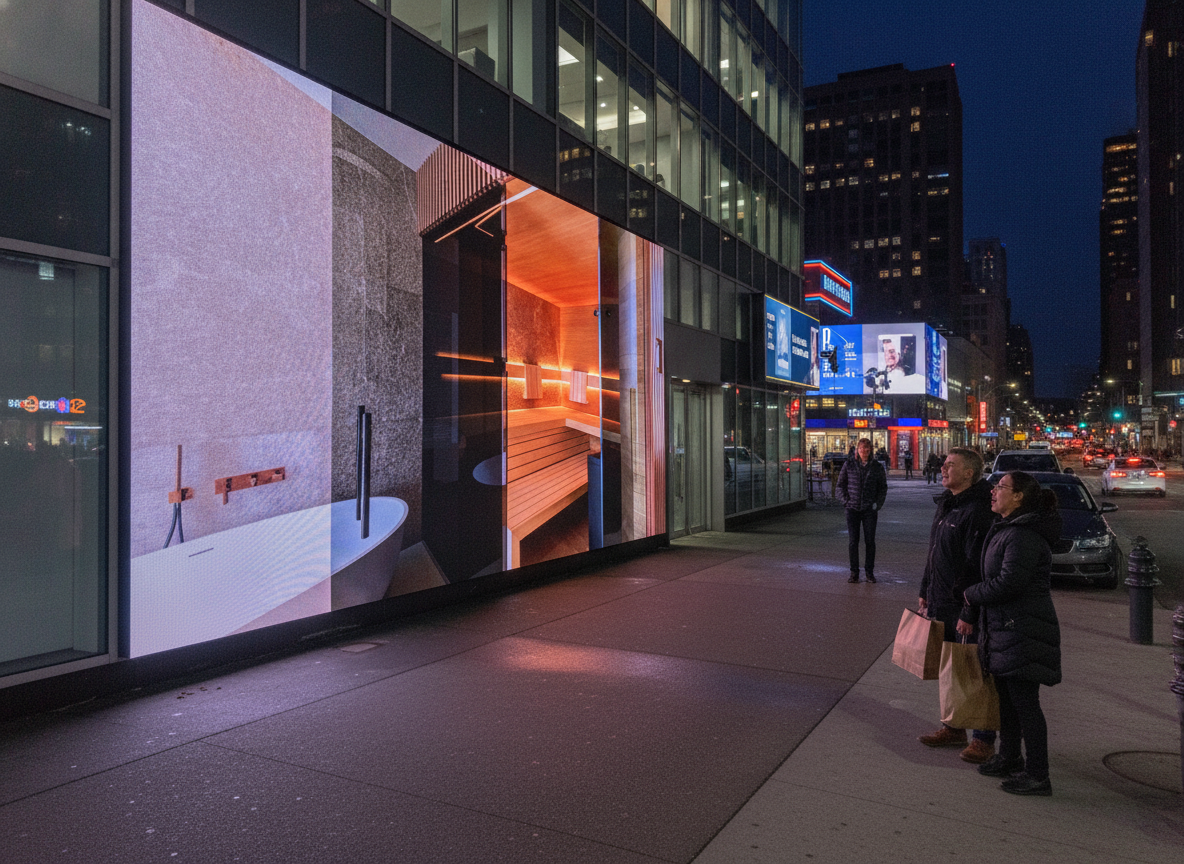
Plan the Creative Brief and Viewer Target
The first decision is not the animation style. It is the audience position. The OAAA’s DOOH creative guidance emphasizes a core idea, strong imagery, and motion levels that fit the display rather than fighting it. That matters here because anamorphic work can look impressive in a render but still fail if the street-level viewing path is not clear enough. OAAA creative guidance is a useful baseline for the brief.
For most teams, the brief should answer four questions before production starts: who is the primary viewer, where is the strongest viewing corridor, what should the illusion feel like, and how much motion can the display support without hurting readability? If those are not defined, the team often ends up polishing the wrong camera angle.
A useful rule is simple: if the campaign needs broad readability from multiple approaches, treat anamorphic 3D as a lower-priority option. If the campaign is built around one approach path, a one-angle illusion may be the right creative tool. That is the decision layer that should come before modeling.
Use the brief to align the agency, media owner, and operator on who owns final spec checks. That avoids the common regret trigger, which is discovering late that a polished animation does not match the actual display frame or playback plan. If you need a conservative starting point for broader site planning, Outdoor DOOH is a natural browsing path, but it should be treated as a navigation aid rather than proof of fit.
If the audience path is predictable, the 3D DOOH LED billboard workflow is worth pursuing; if the audience angle is broad or unstable, the illusion usually weakens fast. If the brief cannot name a single primary viewpoint, stop and define that before animation starts.
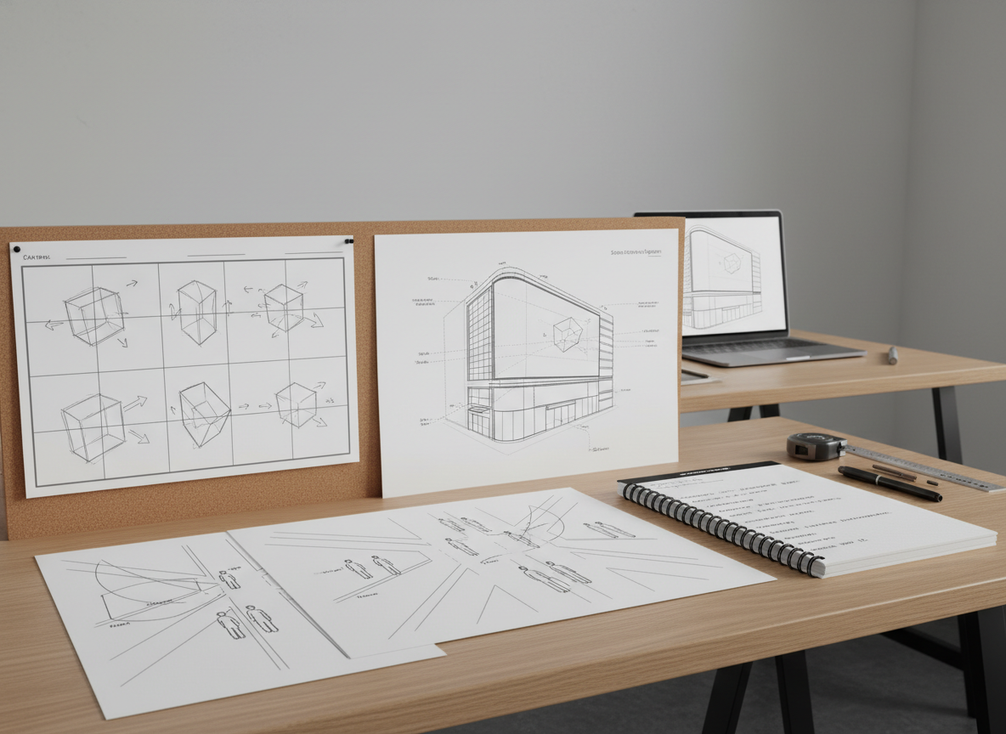
Map the Viewpoint Geometry
The viewing corridor is the core of the whole effect. Groove Jones notes that teams often validate these campaigns by building a 3D model of the physical location and reviewing it from the intended audience viewpoint, often with VR or previs. That is a sensible best practice, even if every project does not need a full simulation pass. Groove Jones on anamorphic perspective supports that viewpoint-first approach.
What this means in practice is that camera position, lens feel, and framing should match the real-world viewing path instead of a generic render setup. For most campaigns, one strong hero angle is better than trying to make the illusion work equally well from every side. That trade-off matters because the more you spread the effect across multiple angles, the more likely the scene is to flatten.
Curved or corner LED surfaces are not automatic upgrades. They can change how the illusion reads, and the result depends on the site, the curve, and the composition. Treat curvature as a composition constraint, not a guaranteed enhancer. If the display is curved or corner-based, the team should verify the center line, safe zones, and reveal moments before the motion phase gets locked in.
A practical check is to compare three views: the target view, a slight off-axis view, and a wider environmental view. If the illusion only survives the center point, it may still be usable, but the team should know that early. That is why site modeling and camera matching are useful, especially for media owners who need to judge whether the site can support naked-eye 3D content.
For teams evaluating more specialized display formats, Creative Curved/Cube LED Display Solution and 3D Billboard are useful category links to review after the geometry is defined, not before.
If the site can support only one strong viewpoint, design for that point first and accept some off-axis loss. If the screen is curved or corner-based, measure the surface and model the curve before animation begins.
Build Depth and Motion for Naked-Eye Effect
The creative goal is not to make everything move. It is to make the depth read cleanly. The OAAA guidance also points toward motion that matches the display and supports the idea rather than overwhelming it. That is especially important for 3D DOOH LED billboard content, where too much motion can turn a convincing illusion into visual noise. OAAA motion guidance is the clearest authority anchor here.
A strong anamorphic scene usually has a clear foreground object, a supporting middle layer, and a background that reinforces depth without competing for attention. That structure helps the viewer understand the illusion in a few seconds, which is closer to how outdoor viewing actually works. In real use, people are often walking, driving, or glancing past the display, so the composition has to carry the message fast.
Common mistakes are easy to spot once you know what to look for. Overbusy scenes flatten the frame. Weak focal hierarchy makes the eye wander. Motion that crosses the frame too aggressively can break the perspective cue. Typography can also get lost if it is treated like a normal billboard ad instead of a spatial element.
A good production habit is to test the scene in still frames first, then in restrained motion. If the effect only works after the viewer stares at it for a long time, it may not be strong enough for a busy street context. For teams that want a more display-specific category reference, transparent or mesh LED display options can be checked as a navigation point, but only if the format matches the campaign’s visibility and structure needs.
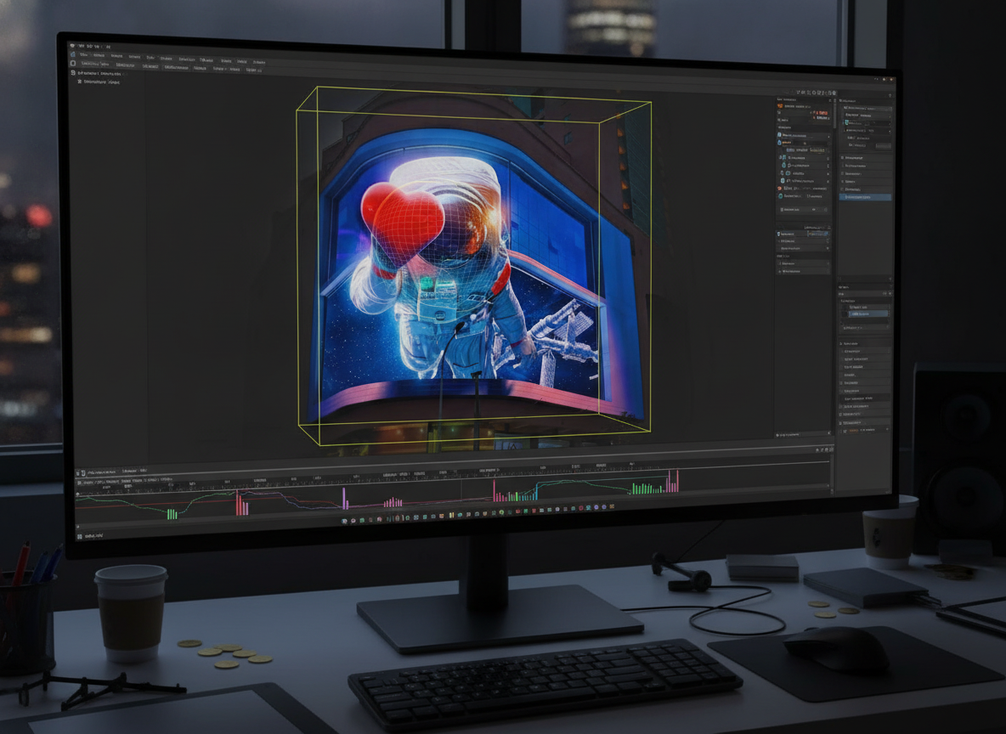
If the scene needs lots of motion to look interesting, it probably needs simplification. If the hero object does not read clearly at a glance, the illusion is too busy for billboard use.
Export Files That Survive Billboard Playback
Export is where a good scene can still go wrong. The main risk is assuming a studio-friendly file will automatically play well on the operator’s system. It usually will not unless the aspect ratio, wrapper, frame rate, naming, and color handling are aligned with the delivery spec. Final settings are project- and operator-dependent, so this is the stage where checking the playback requirements matters more than using a favorite preset.
Maxon’s guidance on creating 3D anamorphic billboards uses extremely high-resolution rendering, including a 16K benchmark example, to preserve fidelity on large-format canvases. That is useful as a planning reference, not a universal rule. In other words, high resolution may be necessary for some large installations, but the right export still depends on the exact display and playback environment. Maxon on anamorphic billboards is the right source for that benchmark example.
The most useful export checks are often simple.
| Export check | What to verify | Why it matters |
|---|---|---|
| Aspect ratio | Match the operator’s required canvas | Cropping can flatten the illusion |
| Resolution | Use the requested delivery size | Overspec or underspec can create workflow issues |
| Frame rate | Match the approved playback pipeline | Timing errors can affect motion readability |
| Color handling | Confirm how the system treats gamma and brightness | The scene may lose depth cues if tones shift |
| File naming | Use a clear, operator-friendly convention | Mislabeling can delay playback |
| Test file | Send a short validation version if possible | Early playback checks catch avoidable mistakes |
A safe handoff process usually includes one short validation render, one final master, and one plain-language note about any site-specific assumptions. If the team is unsure whether the export package is aligned, it is better to ask the operator to confirm the ingest path before delivery than to assume the file is fine. For a product-side reference on curved installations, C-Slim(ca) Seamless Curved & Corner LED Display can be used as a navigation link, but only as a check-before-buying path.
If the operator has a required delivery format, follow that spec exactly instead of using a generic render preset. If a high-resolution master is needed, treat 16K as a benchmark example, not a default requirement.
Run a Final QA and Handoff Checklist
The final QA pass should answer one question: does the illusion still work in the real playback path? That means checking the approved viewpoint, the framing, the motion timing, and the final file behavior together. If the sequence only works in a studio preview, it is not ready yet.
Before go-live, verify the following:
- The final viewing position still matches the approved target angle
- The hero object reads as volumetric from that angle
- The off-axis view is acceptable, even if it is weaker
- The file opens cleanly in the operator’s environment
- The delivery package includes naming, version, and assumption notes
- The site-specific caveats are documented for future reuse
This is also the best time to confirm what would make the piece reusable. A billboard anamorphic effect built for one site may not transfer cleanly to another. If the screen geometry changes, the camera and perspective work may need to be rebuilt. That is normal, not a failure.
When the campaign must be broad, fast, and easy to repeat, a conventional LED motion package is often the safer choice. When the campaign is built around one site and one audience path, anamorphic 3D can justify the extra setup. The difference is not just style. It is the amount of control the format needs.
FAQs
How Do You Choose the Right Viewpoint for Anamorphic 3D LED Content?
Choose the real audience corridor first, then build the camera and composition around that point. If the display has no stable primary view, the illusion usually becomes much harder to control.
What Causes a Naked-Eye 3D Billboard to Look Flat?
The most common causes are weak depth separation, the wrong viewpoint assumption, overloaded motion, or a file that was cropped or scaled during export. Flatness is often a workflow problem, not just a creative problem.
Can Curved LED Billboards Support Anamorphic 3D?
Yes, but only with site-specific planning. Curvature changes how the perspective reads, so the creative should be modeled against the actual surface rather than treated as a universal upgrade.
What Should Be Included in the File Handoff Package?
At minimum, include the final master, a short test render if possible, a clear naming scheme, version notes, and any assumptions about viewpoint or screen geometry. That keeps operator review faster and reduces rework.
Why Is the Final QA Step So Important for 3D DOOH?
Because the illusion depends on how the file behaves in the real playback environment. Final QA catches viewpoint drift, scaling issues, and motion problems before the campaign goes live.





