





A camera-safe refresh and color settings for XR LED volumes decision starts with one rule: a wall that looks bright in the room can still fail on camera. For buyers comparing a virtual production LED setup, moiré, sync behavior, and color drift are separate problems, so the full imaging chain matters more than the panel spec sheet.
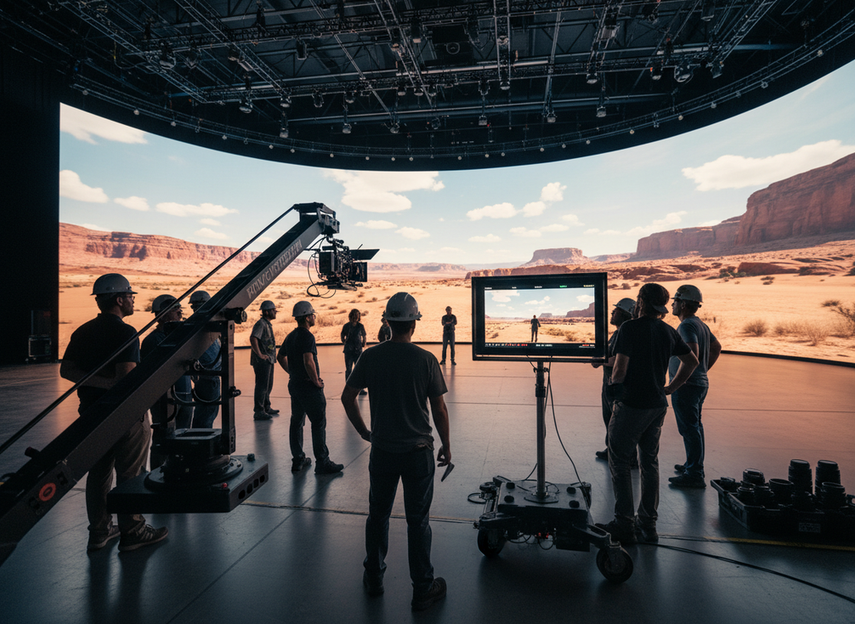
Why Camera-Safe LED Volumes Fail in Practice
The most common mistake is treating visual brightness as the main buying test. In virtual production, the camera sees a different reality than the eye does. A wall can look clean from the floor and still show moiré, flicker, or color shifts once the lens, shutter, and sensor are in play.
Moiré is the classic trap. Netflix explains that it appears when the LED pixel grid interferes with the camera sensor’s photosite array, which is why the artifact may show up on camera even when it is barely noticeable to people standing on set.camera-visible moiré happens when the LED grid and sensor pattern interact Amazon Studios also notes that camera-side adjustments can reduce moiré during evaluation, including distance, focal length, aperture, and angle.
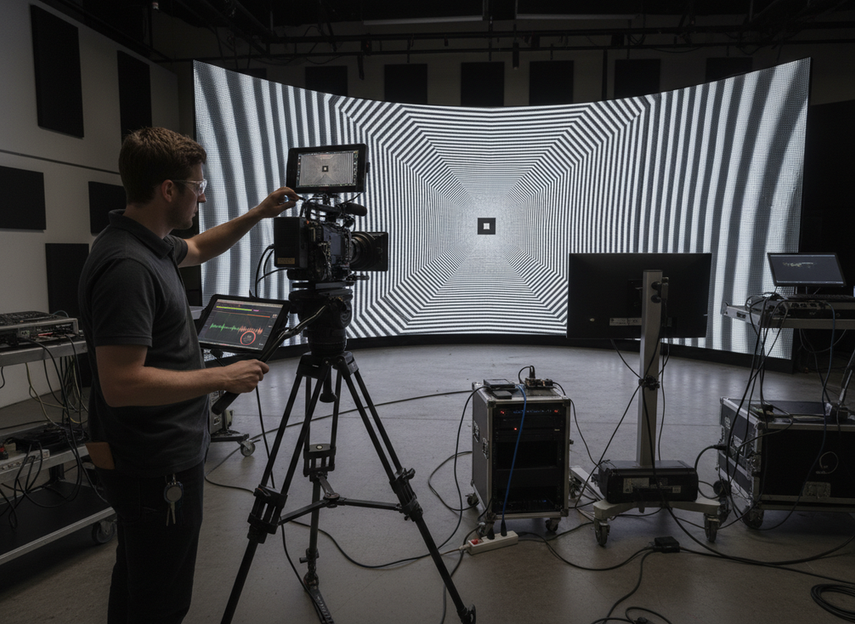
For most buyers, that means the first test is not “Does it look good in the showroom?” It is “Does it stay clean at the intended camera distance, lens choice, and framing?” If the answer is unclear, the wall is not ready for approval yet.
What Refresh Rate Means for XR Camera Use
Refresh rate matters, but it is not a magic pass-fail badge. In XR work, the wall has to stay synchronized with the camera exposure window, which is why Brompton treats genlock and phase alignment as mandatory for virtual production. In plain terms, genlock keeps the wall and camera timed together so the camera does not catch the panel mid-update.
A higher refresh can help, especially when the shoot is demanding, but the headline number does not tell the whole story. Scan method also matters because it changes how the panel behaves during exposure; a wall with the right Hertz value can still look unstable if its scan behavior does not match the camera setup. That is why a camera-safe refresh and color settings for XR LED volumes conversation should always include the processor, scan pattern, shutter behavior, and phase, not just the panel spec.
A useful buying rule is simple: if a vendor only gives you one refresh number and no camera-test footage, you still do not know enough. Ask for footage shot under the intended distance, focal length, and exposure settings, and compare it under the same conditions across candidates.
| Condition / check | Why it matters | Practical check |
|---|---|---|
| Panel pitch and camera angle | Fine pixel structure can produce moiré when the camera resolves the LED pattern | Review framing at the intended lens and focus setup, then look for interference patterns |
| Camera-side moiré mitigation | Camera settings can reduce visible artifacts even when the wall is unchanged | Test focus, aperture, distance, and defocus behavior on the camera side |
| Genlock and phase alignment | Sync timing helps prevent rolling artifacts, tearing, and unstable scan interaction | Verify camera and wall timing are aligned before critical shots |
| Scan method behavior | Different scan architectures can change how motion and exposure interact with the camera | Confirm the wall’s scan behavior under the exact capture setup, not just in isolation |
| Camera-ready color profiling | Color that looks fine to the eye may still shift on camera | Build and verify a camera-specific profile with the intended sensor and lighting |
For teams comparing processor options, this is where the buyer decision usually flips. If the processor cannot support repeatable sync and stable test conditions, a slightly better panel spec will not save the setup. If the processor does support clean timing and repeatable calibration, then refresh becomes one part of a stronger whole.
Camera-Ready Color Depends on the Full Pipeline
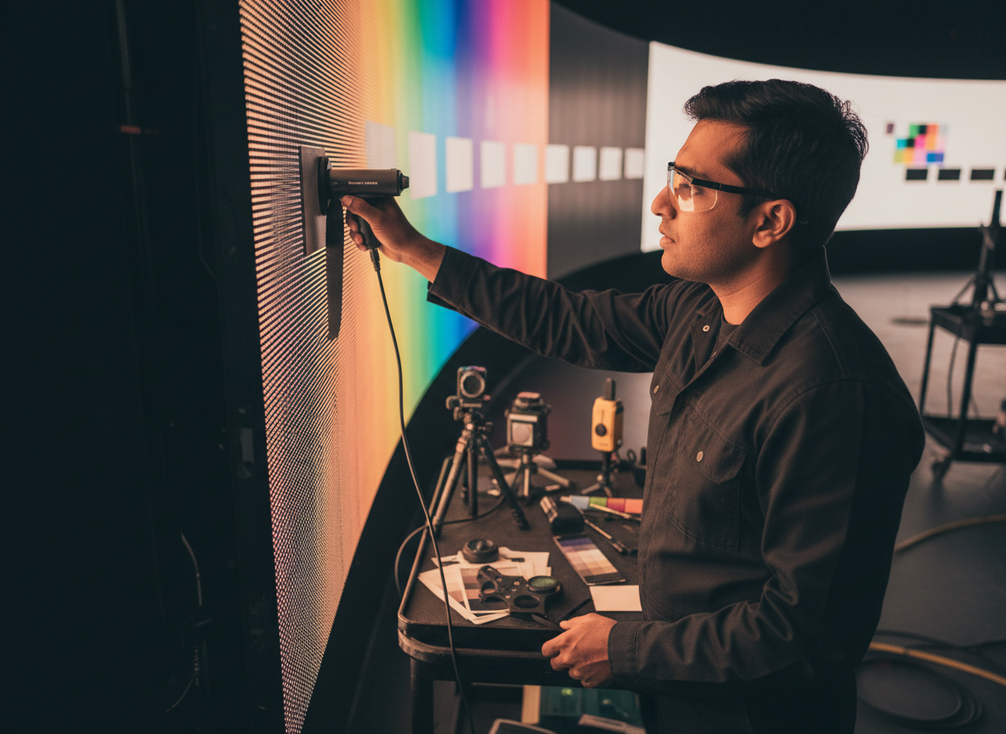
Color on an XR wall is not just a panel setting. It is a chain that starts with panel matching and calibration, then moves through processor output and finally into the camera profile. ARRI’s virtual production guidance says camera-ready color requires profiling the LED wall to the camera sensor’s spectral response,camera-ready color depends on profiling the wall to the sensor response which is why a wall can look balanced to the eye and still feel off once the camera records it.
What buyers should watch for is not abstract color theory but the visible signs of a weak pipeline. Patchy whites, tint drift across modules, or skin tones that change as the camera moves usually point to a calibration or profiling mismatch. In long production runs, the question is not whether calibration happened once. It is whether the team can repeat it and keep the wall stable over time.
A camera-safe refresh and color settings for XR LED volumes spec set only matters if the color workflow is repeatable. If you cannot describe how the wall is profiled, recalibrated, and checked before shoot day, you are still buying uncertainty rather than reliability.
Choose Panels and Processors for XR
The practical shortlist for XR is less about brand language and more about fit. Start with the camera-critical items: refresh behavior, sync support, scan behavior, calibration workflow, and processor compatibility. Then decide whether the panel family can survive the actual shoot conditions you care about, such as curved builds, repeated rigging, or rental inventory reuse.
That is also where rental-series options can be considered as conditional paths instead of automatic choices. Chipshow’s rental LED lineup can be a relevant browse path for teams evaluating stage inventory, while our C-Rock rental LED displays and our C-Shine-Plus rental LED displays make sense only if the intended XR build can support the needed camera tests and calibration workflow. That is a fit check, not a blanket promise.
If you already know the wall will be used for in-camera work, a rental-series panel should be judged the same way as any other option: can it hold sync, can it be profiled cleanly, and can it stay consistent during the full production window? If not, it is better treated as a general rental choice than as an XR front-runner.
Final Checks Before You Commit
Before you approve an XR wall or rental package, ask for camera-test footage, the processor model, the sync method, and the calibration workflow used in that demo. The most useful proof is repeatable proof under your intended lens, distance, and exposure conditions, not a polished marketing clip.
Also confirm how the wall is maintained over time. If the vendor cannot explain the recalibration schedule, the color profile handoff, or the support path for sync issues, that is a real risk for shoot day. A clean approval should leave you confident about both the hardware and the workflow.
If you are still comparing options, browse the rental LED lineup or request a fit check for your XR stage setup before you lock in the wall.
FAQs
How Do You Avoid Moiré in Virtual Production LED Walls?
The safest approach is to test the wall under the exact camera distance, focal length, aperture, and framing you expect on set. Moiré is usually managed by combining camera-side adjustments with panel and pitch choices, so one spec rarely solves it by itself.
What Refresh Rate Is Needed for XR Stages?
There is no universal number that fits every stage. Use refresh as one part of the decision, then verify genlock, phase alignment, scan behavior, and camera footage from the actual setup before you approve the wall.
Why Does Color Shift Show Up on Camera Even When the Wall Looks Fine?
The wall may look balanced to the eye but still miss the camera profile. Color drift can come from module mismatch, weak calibration, or a profile that was not built for the intended sensor and lighting conditions.
Can a Rental LED Series Work for XR Virtual Production?
Yes, but only if it can pass the camera test for your build and the vendor can support calibration and processor integration. Treat rental-series inventory as a candidate, not a guaranteed XR fit.
What Should You Ask for in a Processor Demo?
Ask for camera-test footage, sync details, calibration steps, and the exact conditions used for the test. If the demo cannot be reproduced under your own framing and exposure, it is not enough to make a buying decision.





