





Connected VMS cybersecurity is not just about "making it secure." It is about deciding how much remote control you need, who can use it, and which network paths must stay closed. For most highway VMS projects, the safest approach is layered: treat the sign interface, the remote session, the network boundary, and the update process as separate checks. That keeps maintenance usable without assuming one control solves everything.
What Makes Connected VMS Security Sensitive
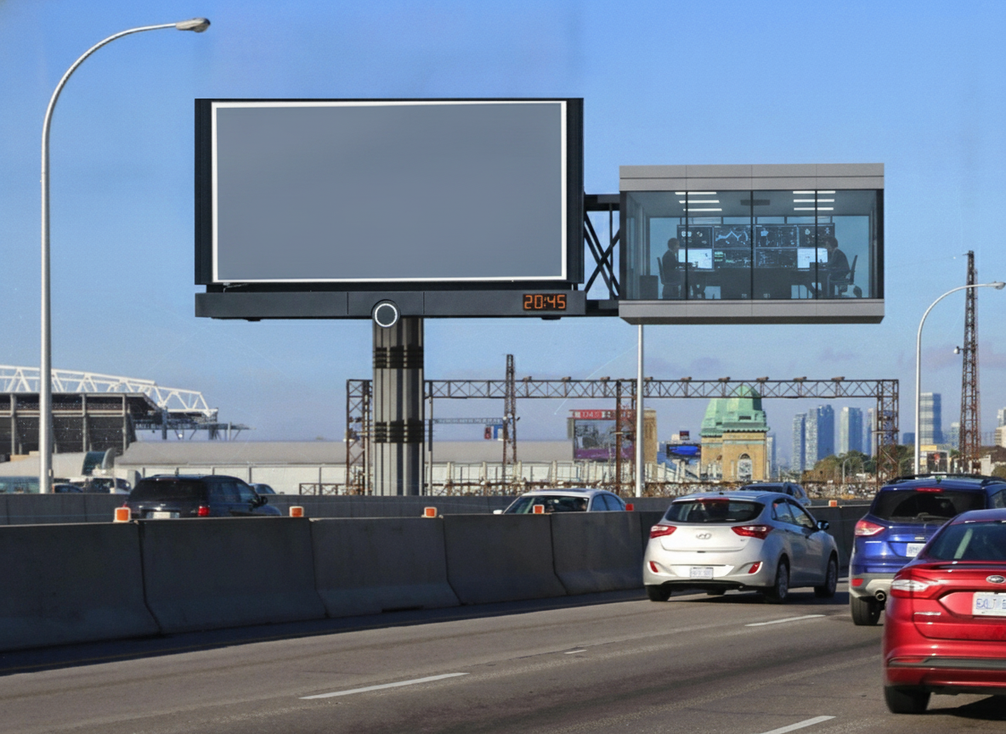
A connected VMS has a wider control surface than a locally managed roadside display because the management station, field device, and remote link all matter. That is why NTCIP 1203 v03 should be read as the DMS/VMS interface standard, not as encryption by itself. In other words, it defines how the sign talks, while secure transport and access control determine who can reach it.
The practical risk is not abstract. Research on message-sign vulnerabilities shows that weak cabinet security and insecure remote access can lead to unauthorized message manipulation, which is exactly why VMS cybersecurity has to focus on control paths, not only hardware enclosure. The buyer question is simple: can operators reach the sign fast enough for maintenance and incident response, without opening a path that lets the wrong person or system push changes?
If the deployment is offline or locally isolated, the exposure is narrower. Once remote access, cellular links, or distributed management are added, the review has to cover identity, session control, and network boundaries too.
Secure Remote Access Without Operational Bottlenecks
Remote maintenance is useful only when it is constrained. The ISSI work on secure ITS communications reflects the direction buyers should look for: move away from legacy insecure management patterns and toward secure transport such as SNMPv3, with TLS where it is part of the design. That does not make a deployment secure by itself, but it gives procurement teams a concrete direction to request.
Authentication and Least Privilege
Start with people, not protocol. Ask who can connect, from where, and for what task. Each operator or integrator should have a unique account, and each role should only have the smallest set of actions needed for maintenance or message control. Shared credentials and standing admin access are convenient, but they make it harder to trace changes and easier for misuse to spread.
Encrypted Session Paths
Encrypted remote access helps protect the session in transit, which matters when maintenance traffic crosses public or shared networks. But encryption alone does not prove the right person is connecting. Buyers should verify how the system handles certificate management, timeouts, and failed logins, because those details often decide whether remote access stays controlled or becomes a standing back door.
Remote Maintenance Workflow
A usable workflow needs approval, logging, and a fallback. If the system cannot record who changed a sign message, pushed firmware, or opened a maintenance session, operations teams lose the audit trail they need after an incident. If remote access fails during a weather event or closure, field crews still need a clear manual path so the sign does not become unreachable at the worst time.
Network Segmentation for Highway Sign Systems
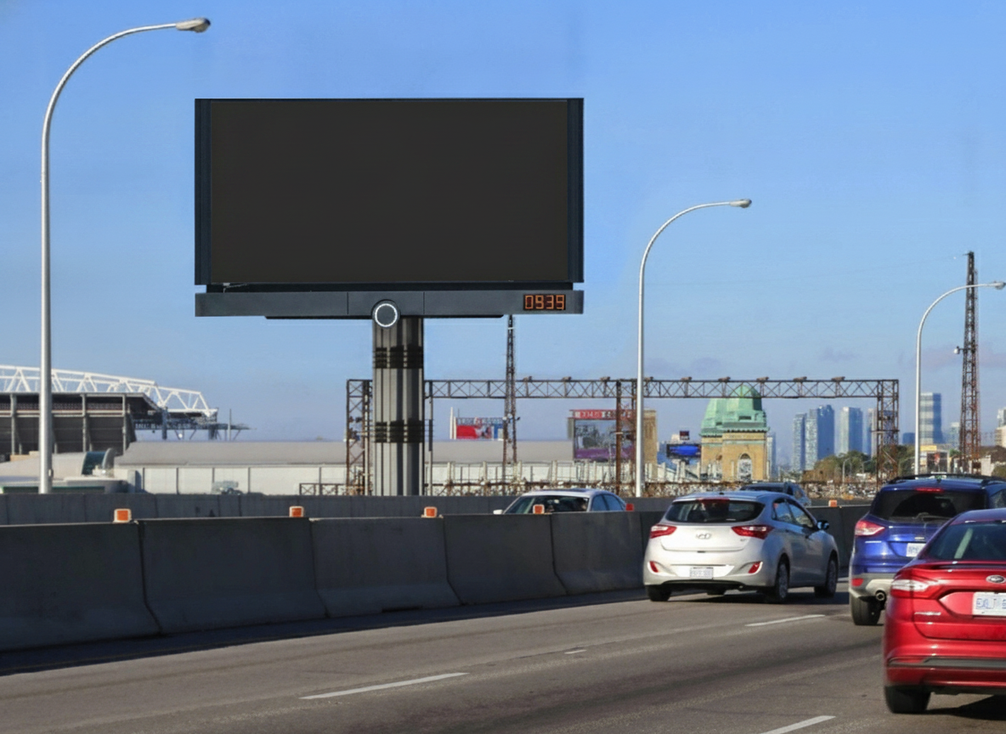
For highway VMS cybersecurity, segmentation is the main containment tool. FHWA cybersecurity guidance supports isolating transportation operations traffic from office IT and guest networks so a problem in one area does not automatically spread everywhere else. The exact design depends on the site, but the architecture question is always the same: where does trust stop?
| Control boundary | What it reduces | Operational trade-off | What to verify |
|---|---|---|---|
| VMS control path separated from office IT | Limits lateral movement from general business systems | May require a dedicated management path | Ask where the control station and admin access live |
| Guest or public network kept apart | Prevents casual exposure from outside users | Minimal if separated correctly | Confirm there is no shared route into the sign network |
| Cellular gateway or external link isolated | Contains risk from remote connectivity | Can add setup and monitoring work | Verify who owns the gateway and how it is monitored |
| Firewall or DMZ boundary in front of management tools | Helps filter traffic into the control zone | Useful only if rules are maintained | Ask for the rule set and exception process |
| Physical separation where risk is high | Stronger containment than logic alone | More design effort and cost | Check whether the architecture actually needs this level |
The chart below helps show how those layers usually compare in practice.
VMS cybersecurity control priorities
A practical comparison of control layers for high-risk VMS deployments: what each layer protects, how it affects maintenance, and what to verify before relying on it.
View chart data
| Category | Maintenance impact | Risk reduction focus |
|---|---|---|
| Network segmentation | 1 | 3 |
| Secure remote access | 2 | 2 |
| Update and certificate management | 2 | 2 |
| Authentication and management protocol | 1 | 2 |
| Supplier claim evaluation | 0 | 1 |
Update, Certificate, and Authentication Controls
Before approving a connected deployment, ask for the update path in writing. NTCIP 1203 v03 defines the interface model, while the security layer around it should explain how firmware or software updates are approved, logged, and rolled back. If the vendor cannot show that chain clearly, the update process is not ready for a critical roadside system.
Use this checklist when reviewing the packet:
- Who can push an update, and how is that identity verified?
- Are updates authenticated before installation, or only after delivery?
- Who owns certificates and credential rotation after handoff?
- What happens if remote delivery is interrupted halfway through?
- Is there a rollback path that restores the previous state cleanly?
- Can the system log every update attempt and every approval step?
That same review should cover the management protocol. If the proposed setup still relies on legacy insecure patterns, buyers should ask why a secure alternative is not being used. The point is not to demand a single vendor stack. The point is to make sure the quoted configuration actually supports controlled updates, recoverable changes, and traceable ownership.
How to Evaluate Supplier Security Claims
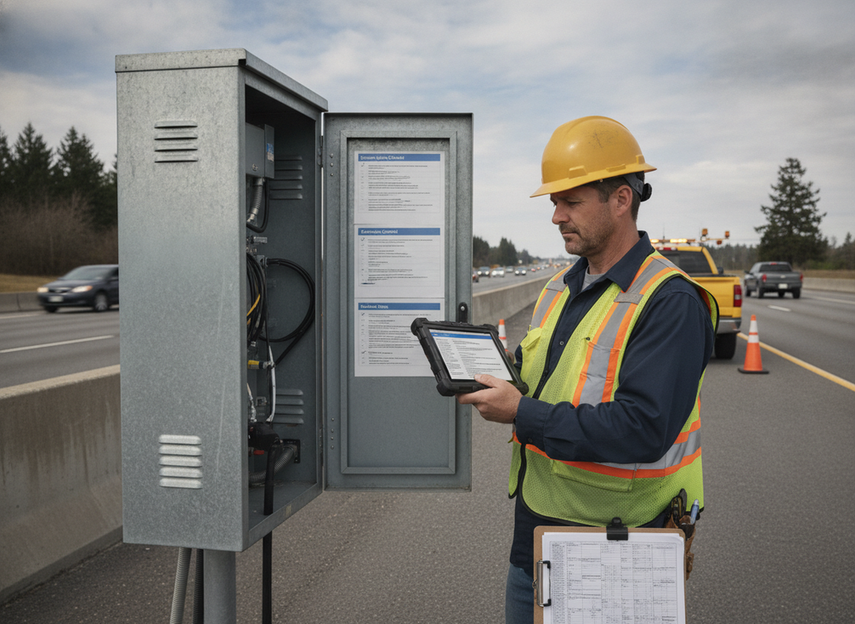
Procurement teams should separate what a system can do from what the quoted configuration will actually include. NEMA TS 40008-2023 gives buyers a modern ITS cyber and physical security anchor to evaluate that posture, while ITS America’s connected-infrastructure guidance is a useful reminder to verify the security and origin of communication links and modules as part of due diligence.
Ask for model-level documentation, not family-level marketing language. Then verify three things separately: open architecture, encrypted remote access, and compatibility. A vendor may support all three in some configurations and none of them in others. That is why feature names in a brochure are only a starting point.
Red flags are usually easy to spot. Vague words like secure, advanced, or open architecture are not enough if there is no description of account handling, update ownership, or isolation boundaries. If the answer depends on future customization rather than current documentation, the buyer is taking on integration risk that should be named before award.
If you are comparing a roadside display family or a specific traffic VMS configuration, a browse path like traffic VMS options can help with navigation, but the security review still has to happen against the exact model and network design.
Final Takeaway
VMS cybersecurity is strongest when remote access, segmentation, and update governance are treated as separate buying checks. For most public works teams, that means one question for the network, one for the user session, and one for the update trail. If a supplier cannot answer those cleanly, the deployment is not ready for sign-off. Use the checklist above as the go/no-go filter, and treat any missing documentation as a reason to pause until the control path is clear.
FAQs
Can VMS Be Hacked?
Any connected VMS can be targeted, but the real risk depends on exposure, credential hygiene, segmentation, and how remote access is implemented. A well-contained system is harder to misuse than one with broad remote reach and shared accounts. The question is not whether risk exists, but whether the control path is narrow enough for the job.
How Should Remote Updates Be Secured on a VMS?
Remote updates should be authenticated, approved, logged, and recoverable. Buyers should also ask who owns the credentials and certificates after handoff. The exact workflow depends on the model and configuration, so a good bid review asks for the update chain in writing rather than assuming every VMS supports the same process.
What Network Segmentation Does a Highway VMS Need?
At minimum, the VMS control path should stay separate from office IT, guest access, and unrelated operational systems where the architecture allows. If a sign network shares too much with general business systems, a compromise can spread more easily. Stronger physical separation may be worth considering when risk is high or the site is heavily exposed.
Why Do Buyers Ask for Certificate and Credential Details?
Certificates and credentials decide who can connect, change messages, push updates, or recover access after a problem. That is why ownership and rotation matter as much as encryption. If those details are unclear, the buyer may end up with secure transport but weak identity control, which is not the same thing.
Can a Supplier Claim Open Architecture and Secure Remote Access at the Same Time?
Yes, but the claims should be verified separately. Open architecture does not automatically mean secure operations, and secure remote access does not prove broad compatibility. Buyers should ask for model-specific documentation that shows exactly which features are included in the quoted configuration.





