





An LED wall upgrade can make sense when your current LCD or DLP wall still has usable structure, access, and power headroom. It is not a drop-in swap in every room, so the first decision is whether the site can support a retrofit or needs a broader redesign. For command centers, the early checks are visual fit, service access, and whether the room can stay operational during cutover.
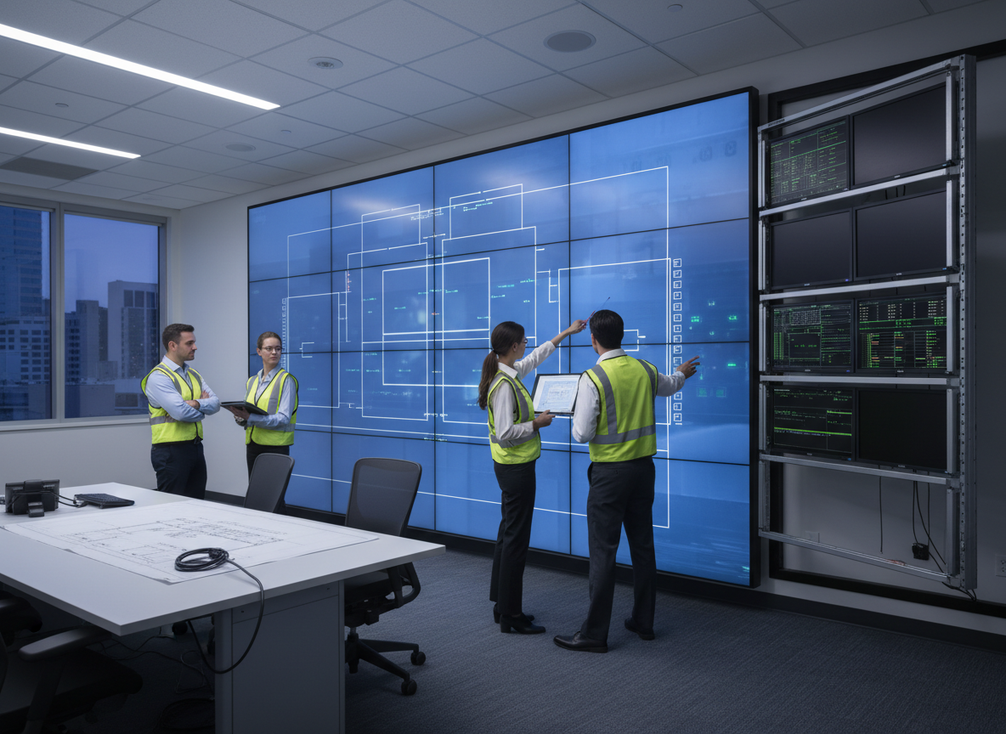
When an LCD or DLP Wall Is Ready for LED
For most control rooms, the question is not whether LED is better in general. It is whether the room can support the change without avoidable rework. A good first-pass fit usually starts with a sound wall, workable access, enough depth for the new layout, and power and data paths that do not need a full rebuild.
The display size and resolution fit should match the room’s viewing distance and analytical tasks. Operators need to read maps, alarms, and dashboards without straining or missing detail. LED also removes the bezel breaks that can interrupt a seamless display canvas, which matters when the wall is used for shared situational awareness.
Retrofit Fit Checks
Start with the site survey, not the product shortlist. Check wall depth, mount condition, service clearance, and the paths technicians will use to reach the back or front of the wall. If maintenance access is awkward now, it usually stays awkward after the upgrade unless the room layout changes too.
Also check power headroom and cable routing early. If those items look tight, the project may still work, but it moves from a simple refresh into a modification job.
What Usually Changes in a DLP Replacement
A DLP-to-LED migration often changes more than the display surface. Mounting dimensions, signal distribution, and enclosure layout may all shift because the new system is not built on the same projection footprint.
That matters for source scaling too. A room that looked fine on the old wall can show layout problems once the new canvas is live, especially if operators relied on legacy presets or fixed windows.
Signs the Existing Wall Needs More Than a Swap
If the structure is worn, the wall cannot carry the new load cleanly, or the cable path is too constrained, treat that as a redesign signal rather than hoping the hardware choice will solve it.
The same warning applies when the room has little service clearance or the existing electrical plan is already stretched. In those cases, the right budget question is not "which LED wall should we buy?" but "how much room work do we need before LED makes sense?"
Mounting, Power, and Signal Changes
A retrofit usually touches more than the display modules themselves. Mounting structure, power delivery, signal distribution, service access, cooling clearance, and control-room integration all need to be checked together because a change in one area can force changes in the others.
| Retrofit area | What changes from LCD or DLP | Planning question | Common risk if skipped |
|---|---|---|---|
| Mounting and structure | LED cabinets may need different load support and spacing | Can the wall carry the new system and still allow safe service access? | Rework after the hardware arrives |
| Power | LED may need a different electrical layout or more headroom | Is the power plan sized for the full new system? | Trips, delays, or forced electrical changes |
| Signal path | Inputs and distribution may need a new layout | Can sources reach the new wall cleanly and reliably? | Image issues and last-minute cabling changes |
| Access and serviceability | Front or rear access may change | Can technicians service the wall without blocking operations? | Slow repairs and awkward maintenance |
| Cooling and clearance | Heat and spacing assumptions may differ | Is there enough space for airflow and safe clearances? | Thermal stress or access conflicts |
| Control-room coordination | Presets and control paths may need updates | Have AV, IT, and operations agreed on the handoff plan? | Downtime and operator confusion |
The useful rule is simple: coordinate the room changes before equipment is ordered. That reduces rework and keeps the installation sequence predictable. When the infrastructure is already close to what the new wall needs, the migration stays in retrofit territory. When the room is missing several of those checks, the project starts to look like a rebuild.
How to Plan a Low-Disruption Cutover
A low-disruption LED wall upgrade is less about speed than sequencing. A practical migration usually moves from design freeze to pre-stage testing, then install, then cutover, and finally stabilization. That order gives each team a chance to catch problems before the room depends on the new wall.
A phased or hybrid cutover can help preserve visibility in a 24/7 environment, especially when one section or feed can stay live while another is replaced. In one control room migration example, the core idea is to use low-traffic windows and staged replacement so operations never lose the whole wall at once. That is a planning pattern, not a guarantee of zero disruption.
- Freeze the design so the room layout, source list, and ownership are clear.
- Pre-stage components and test the signal path before the live changeover.
- Schedule the cutover in a maintenance window that matches the room’s real operating rhythm.
- Keep temporary feeds or a partial wall live if the environment cannot stop monitoring.
- Test rollback steps before the final switchover.
- Run acceptance checks, then leave time for stabilization after go-live.
The main failure mode is assuming installation day is the only hard part. In a command center, the hidden work is coordination: facilities, IT, AV, and operations all need the same handoff plan. If they do not, the risk is not just delay. It is losing clarity right when the room needs it most.
What the ROI Case Should Include
A credible ROI case for a legacy video wall upgrade should include more than the purchase price. The total cost of ownership inputs should cover hardware, installation, energy, maintenance labor, downtime risk, and lifecycle planning over several years, not just the upfront quote.
That wider view matters because two projects with similar hardware prices can have very different results once labor, service access, and outage exposure are included. In many control rooms, the real comparison is not LED versus the sticker price of keeping the old wall. It is LED versus the growing cost and risk of extending a legacy wall past its practical life.
Keep the payback discussion conservative. ROI often depends on usage hours, maintenance burden, and how much room work is needed, so it is safer to frame the answer as a range or scenario set rather than a universal promise.
If the old LCD or DLP wall still needs frequent service, has awkward access, or is approaching a major refresh cycle anyway, LED can be easier to justify. If the room is lightly used and the existing wall is still stable, the ROI case may lean more on continuity and serviceability than on direct savings.
Workflow Changes After the New Wall Goes Live
The hardware swap is only part of the project. After an LED wall upgrade, source scaling, aspect ratios, window layouts, presets, and operator habits often need a reset so the room uses the new canvas well.
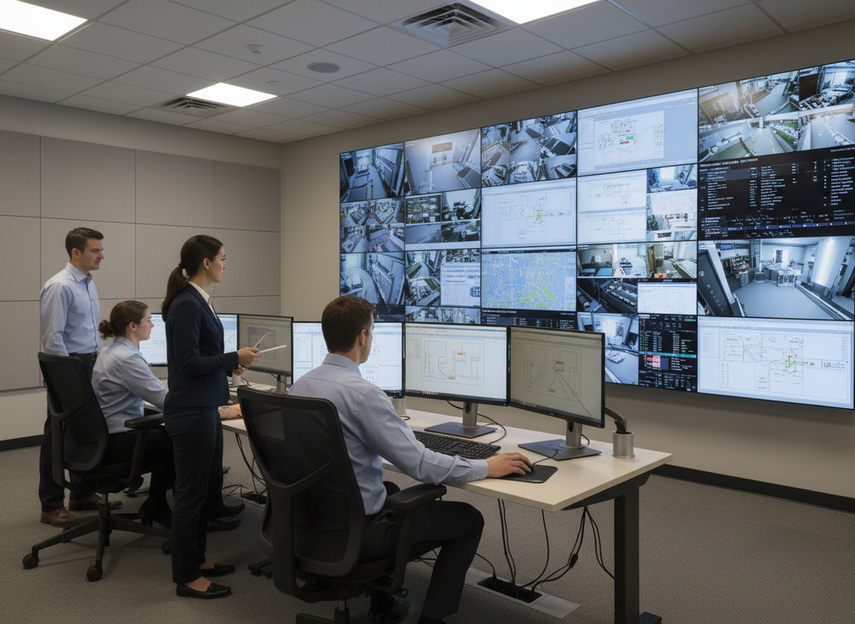
What matters here is not abstract resolution. It is whether the people in the room can see the right thing fast. A layout that looked fine on the old wall may need new safe areas, different window sizing, or a different source map on LED.
Operator training also matters. Update SOPs, teach the new control paths, and leave time for live-use tuning after cutover. That is where many retrofit surprises show up: a preset that was fine in the test phase may need adjustment once alarms, video, and dashboards are all active at once.
A good handoff is not complete when the wall powers on. It is complete when the team can use it cleanly under normal workload and the first round of post-launch issues has been fixed.
Final Checks Before You Commit
Before you approve the LED wall upgrade, confirm five things: the room is a real retrofit candidate, the downtime plan is realistic, the ROI case includes lifecycle cost, the workflow changes are mapped, and the owner for each trade is clear. If one of those pieces is vague, the project usually gets more expensive later.
The safest next step is a site survey and a side-by-side comparison of retrofit scope, cutover timing, and support plan. If the room is close to ready, browse the relevant retrofit planning path. If the room is mission-critical and uptime is the top concern, review command center retrofit options and line up the operational checklist before you order.
FAQs
What Is the ROI of Replacing an LCD Video Wall With LED?
The ROI depends on more than hardware cost. A useful comparison includes installation labor, downtime risk, maintenance, energy use, and how long the old wall would need to stay in service if you do nothing. For many buyers, the better question is whether LED reduces long-term ownership friction enough to justify the project now.
Can a Legacy DLP Wall Be Replaced With LED Without Rebuilding the Room?
Sometimes, but not always. If the wall structure, access path, power headroom, and signal routing are already close to what LED needs, the project may stay in retrofit territory. If those items are weak, the job can turn into a broader room modification.
How Long Does a Control Room LED Upgrade Usually Take?
It depends on room size, access, staging, and whether the team uses a phased cutover. A safe schedule should include design freeze, pre-testing, installation, acceptance checks, rollback time, and stabilization after go-live. The cutover itself is only one part of the calendar.
What Content Changes Are Needed After Switching From LCD or DLP to LED?
Expect to review source scaling, aspect ratios, window placement, and presets. Operators may also need updated SOPs so they know how the new wall behaves under live conditions. The goal is to make the new canvas easy to read, not just installed.
Can a Legacy Video Wall Stay Online During the LED Retrofit?
Often, yes, if the project is staged carefully. A phased or hybrid cutover can keep part of the wall or a temporary feed active while other sections are replaced. That approach reduces risk, but it still needs testing, coordination, and a rollback plan.





