





24/7 command center LED operations need an LED wall service SLA that separates response, triage, dispatch, and restoration instead of hiding everything inside one vague promise. The most useful benchmark is not the fastest headline number, but the shortest support path your site can reliably sustain after hours, across your geography, and with the parts you actually have nearby.

What a Realistic SLA Covers
A mission-critical LED wall service SLA should define the work before it defines the clock. That means incident intake, first acknowledgment, remote diagnosis, escalation, on-site repair, parts handling, and the point at which service is considered restored. A professional service agreement is clearer when it distinguishes ongoing service standards from scheduled maintenance and emergency response, which is the basic structure reflected in CDT Hosted Service Level Agreement standards.
That scope matters because a strong warranty and a strong SLA solve different problems. Warranty language usually covers product defects or failures. A service SLA tells you who responds, when they respond, what they escalate, and what happens if the wall is degraded but not fully down. For a 24/7 command center, that difference changes whether an outage is merely annoying or operationally expensive.
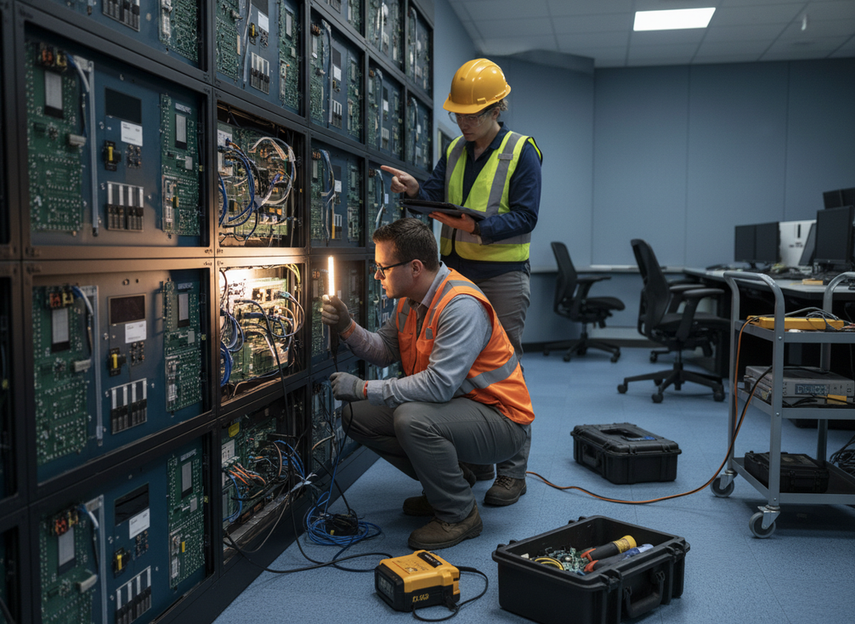
If you are comparing vendors, ask first whether the agreement covers incident triage, repair logistics, and escalation ownership. A plan that only promises a repair eventually is not the same as one that defines the service path for a business-critical display. In practice, the right LED wall maintenance SLA for 24/7 operations is the one that matches your hours, your staffing, and your tolerance for degraded performance.
When we help buyers review mission-critical support terms, we focus on the service definition before the sales pitch. If the contract does not clearly separate support scope from uptime goals, the rest of the numbers are hard to trust. For buyers evaluating mission-critical command centers or browsing 24/7 control-room solutions, that scope check comes first.
Response-Time Benchmarks Buyers Can Expect
The cleanest way to judge command center LED response time expectations is to split the clock into phases. Acknowledgment means someone has received the incident. Triage means the issue is being diagnosed. Dispatch means the right person or parts are on the move. Restoration means the wall is back to verified performance, not just powered on. That distinction is important because buyers often compare different clocks as if they were interchangeable.
For benchmark guidance, a realistic mission-critical SLA can reference about 15-minute triage and about 2-hour escalation windows for a business-stopped incident. That is a planning reference, not a universal industry rule. It helps you pressure-test whether a vendor’s support promise sounds operationally real or just polished.
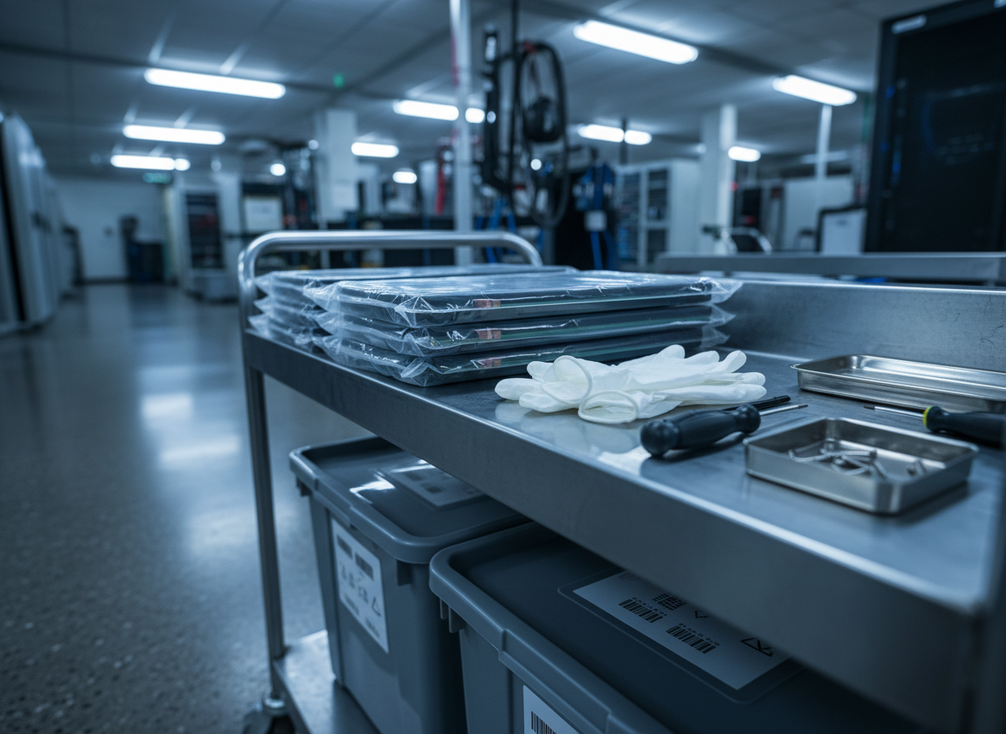
Restoration deserves its own definition. AVIXA published standards emphasize performance verification, so a wall that powers back on but still has color shift, sync problems, or visible faults is not truly restored from an operator’s point of view. For command centers, restoration should mean the display is functional enough to resume the job it was bought for.
Remote support versus on-site dispatch is another place where SLA language gets blurred. Remote diagnosis can be fast, but it only shortens downtime if the issue is diagnosable without waiting for a site visit. On-site dispatch, by contrast, depends on geography, after-hours staffing, and whether spare parts are close enough to move quickly. A traffic operations center spread across multiple locations usually needs a different response promise than a single-room security hub with staff on site.
The realistic benchmark, then, is the shortest response the provider can sustain under your conditions. If the promise ignores travel time, customs friction, or overnight coverage gaps, it is probably too optimistic for a 24/7 command center LED wall service SLA. For some buyers, a slower but dependable dispatch window is better than a fast number that collapses during an actual outage.
Spare Parts and Service Access
Spare parts strategy affects downtime as much as the service clock does. Local spares shorten repair time because the needed module or board is already nearby. Regional hubs reduce carrying cost while still keeping parts within reach. Factory-based replacement workflows can work for lower-risk sites, but they usually add more exposure if the display is truly business critical.
| Strategy | Typical advantage | Main limitation | Best fit for 24/7 command centers |
|---|---|---|---|
| Local spare kit | Fastest swap and the least travel delay | Higher carrying cost and more inventory management | Sites with very low outage tolerance and no room for delay |
| Regional warehouse stock | Balances speed with lower holding cost | Still depends on transport time and regional coverage | Multi-site buyers that need a practical middle ground |
| Factory-based replacement | Lowest local inventory burden | Longest recovery window if the issue is urgent | Lower-risk rooms or sites with strong redundancy |
Service access design changes the downtime equation too. Front-serviceability, modular replacement, and easy access to the failure point can shorten the repair window even when the parts themselves are available. For a command center, that matters because a one-hour truck roll can become a much longer outage if the wall is difficult to access or if the replacement procedure is slow.
Batch-matched replacement modules are a good practice because they help maintain color and brightness consistency after a repair. That is best treated as a planning guideline, not a universal rule. If your operation is sensitive to visual uniformity, ask how spare modules are matched, labeled, and stored so a repair does not create a noticeable patch in the wall.
This is why spare-parts planning belongs inside the SLA conversation, not beside it. A contract that promises fast response but leaves you with no nearby parts can still produce long downtime. For buyers comparing fine-pitch COB display options or a front-serviceable command wall, the practical question is simple: how much of the recovery path is already staged before the outage happens?
Comparing Support Models for 24/7 Operations
Most enterprise buyers compare three support models, even if vendors use different names. Baseline warranty support is the lightest option. Extended coverage adds more service depth, usually for a longer term or broader incident handling. A mission-critical service agreement is the most operationally specific, because it tries to define the response chain, escalation path, and restoration expectation for a 24/7 environment.
-
Baseline warranty support: Best when the room is not business stopped by a display issue and your internal team can handle some first-line triage. It covers product defects, but it may not cover the after-hours urgency a command center needs.
-
Extended coverage: Best when you want more protection than a basic warranty, but the room can tolerate some delay. This is often the middle ground for buyers with partial internal support capacity and a moderate outage tolerance.
-
Mission-critical service agreement: Best when downtime is expensive, after-hours coverage matters, and the site needs clear ownership for triage, escalation, and repair. This is the model most aligned with a true 24/7 command center LED maintenance SLA.
-
Custom enterprise SLA: Best when multiple sites, regional coverage gaps, or special maintenance windows make a standard package too blunt. The goal here is not to buy the biggest plan, but the one that matches operating hours, redundancy, and internal maintenance capacity.
The trade-off is straightforward. More coverage usually costs more, but it also reduces ambiguity when an outage happens. Less coverage can make sense if the room has redundancy and a strong internal team, yet it becomes risky when a display is tightly tied to operations. For buyers who need a clearer baseline on mission-critical support language, our command-center systems and command-center video wall series are useful starting points for evaluating the service model alongside the hardware fit.
A good rule is to choose the least expensive model that still covers your true outage risk. If the room can keep operating during a short degradation window, extended coverage may be enough. If the room stops when the wall stops, the SLA should be written like a continuity tool, not a warranty add-on.
RFP Checks Before You Commit
Before you sign a mission-critical LED service agreement, make the vendor define each service clock in writing. Ask what counts as acknowledgment, what counts as triage, what triggers dispatch, and what evidence proves restoration. If the answer is vague, the SLA is still a sales document, not an operating agreement.
- Confirm service hours, including weekends, holidays, and overnight coverage.
- Ask who owns escalation if the first response does not restore the wall.
- Verify whether spare parts are local, regional, or factory-based.
- Request the method used to measure response and restoration.
- Check whether maintenance windows are excluded from uptime reporting.
- Ask how support terms are renewed and whether the response promise changes at renewal.
- Confirm whether the provider tracks batch matching for critical spare modules.
That checklist helps you compare vendors on the same basis. A shorter response time means little if the contract does not define measurement or parts availability. A wider support package is only useful if your team can actually use it at 2 a.m. without a paperwork detour. If you want a faster procurement path, compare support terms first, then request a mission-critical service review before purchase.
Final Takeaway
A realistic LED wall service SLA for 24/7 command center operations is less about the fastest promise and more about the full recovery path. The strongest agreements define acknowledgment, triage, dispatch, restoration, and spare-parts handling in a way your site can actually execute. Compare support terms on that basis, then request a mission-critical service review before procurement so the SLA matches your outage risk instead of your sales pitch.
FAQs
How Fast Should a 24/7 Command Center LED SLA Respond?
Start by separating acknowledgment, triage, dispatch, and restoration. For planning, a realistic benchmark can look like rapid triage and fast escalation for a business-stopped incident, but the right number depends on geography, after-hours staffing, and parts proximity. If a vendor gives only one response number, ask which phase it actually measures.
What Should a Spare-Parts Strategy Include for Mission-Critical LED Walls?
It should define where critical parts live, who can release them, and how replacements are matched. Local spares help the most when downtime tolerance is very low; regional stock is a better middle ground; factory-only replacement is usually the slowest path. If your room depends on visual continuity, ask about batch matching for spare modules before you commit.
Why Do Warranty Terms Not Equal an SLA?
Warranty covers defined product defects or failures, while an SLA covers support behavior, timing, and escalation. A long warranty does not guarantee after-hours triage or on-site dispatch. The useful check is whether the contract names who responds, how fast they respond, and what happens if the wall is degraded rather than fully down.
Can Remote Support Be Enough for a Command Center LED Wall?
Sometimes, but only when the fault is diagnosable and recoverable without site access. Remote support can speed triage and reduce unnecessary truck rolls, yet it cannot replace a physical part swap or a difficult repair. If your operations cannot tolerate a long visual fault, confirm whether remote troubleshooting is paired with clear dispatch and stocking terms.
What Should Be Confirmed Before Signing a Mission-Critical Service Agreement?
Confirm the service hours, escalation owner, response definitions, spare-parts location, measurement method, and renewal terms. The best contracts also state what counts as restoration, not just acknowledgment. If any of those items are missing, ask for the exact wording before you sign, because the gap usually shows up during the first real outage.





