





Networked highway VMS cybersecurity requirements should start in the RFP, not after award. Once a sign is connected for remote management, the risk moves beyond the display face and into credentials, communications, vendor access, and update handling. For procurement teams, the goal is not perfect security on paper. It is to require controls that make vendor responses comparable and leave fewer gaps before deployment.
Why Networked VMS Need Cybersecurity Controls
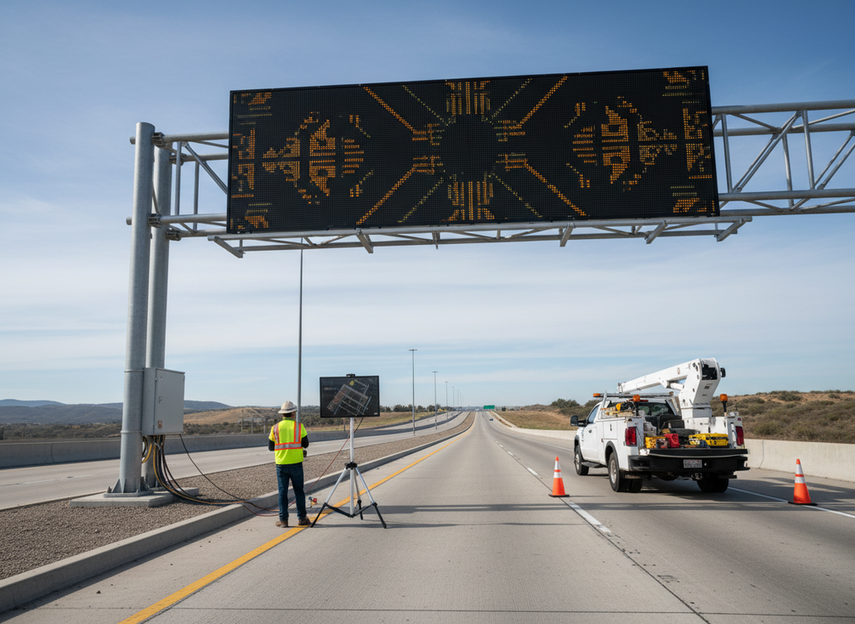
A networked VMS is no longer just a roadside display. It becomes a managed endpoint that can be changed remotely, supported by vendors, and tied into traffic operations networks. That is why the FHWA ITS Security Control Set for Dynamic Message Signs matters for procurement: it turns a broad security concern into control language buyers can actually specify.
The practical risk is straightforward. If credentials are weak, access is shared, or the sign sits on a flat network, someone can potentially alter messages, interrupt service, or use the sign as a path into other systems. For that reason, VMS cybersecurity language belongs in the procurement spec before the first vendor demo, not after someone notices a gap. The question is not whether the sign works. It is whether the networked system can be operated, audited, and updated without leaving the agency exposed.
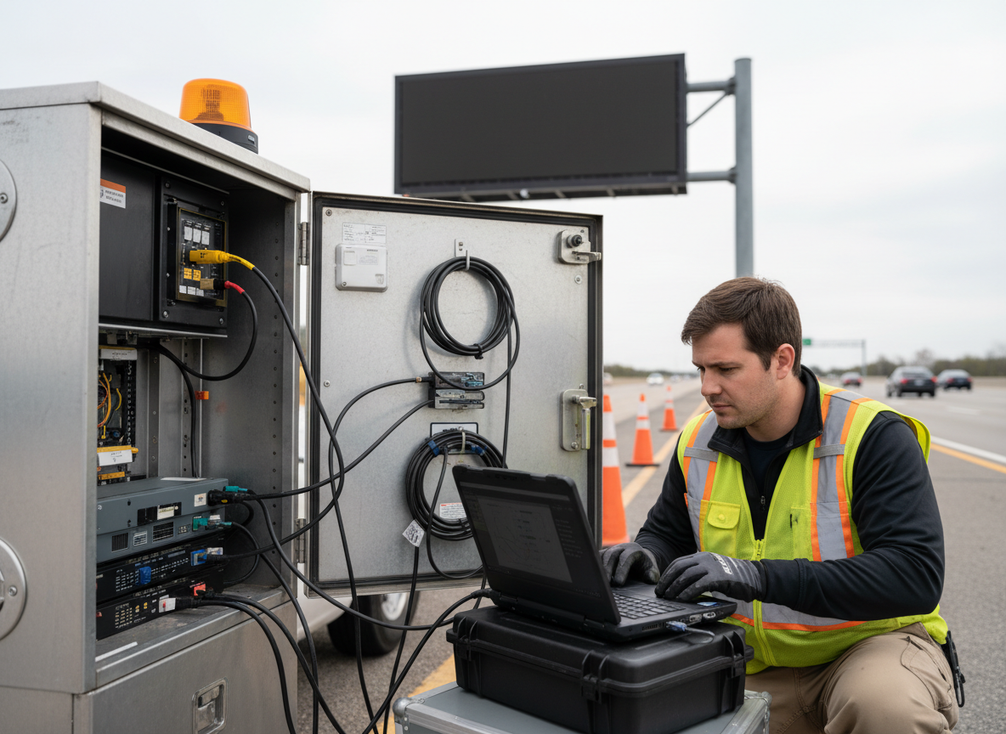
For DOTs and public works teams, the best spec language is specific enough to compare bids. "Secure the system" is too vague. "Use named accounts, isolate the controller, restrict vendor remote access, and log administrative changes" gives vendors something testable to answer.
Controls to Require in the RFP
The strongest VMS cybersecurity requirements usually fall into five control families: identity, segmentation, remote access, logging, and update handling. That structure mirrors how the FHWA security control set for DMS, NTCIP secure management guidance, and FHWA cybersecurity best practices frame the problem.
Access Control and Account Hygiene
Require unique user IDs for operators, maintenance staff, and vendor support. Shared logins make accountability weak, especially when a message change or configuration edit needs to be traced later. Role-based access is the next filter: operators should not automatically have the same privileges as administrators, and vendors should only get the access they need for support.
A good RFP asks how accounts are created, disabled, reviewed, and revoked. That matters when staff leave, contracts end, or a temporary support account should expire. In practice, the buyer should be looking for named accounts, role separation, and audit trails tied to administrative actions. The NIST Cybersecurity Framework for Transportation Infrastructure aligns with that accountability model, but procurement language still needs to spell it out clearly.
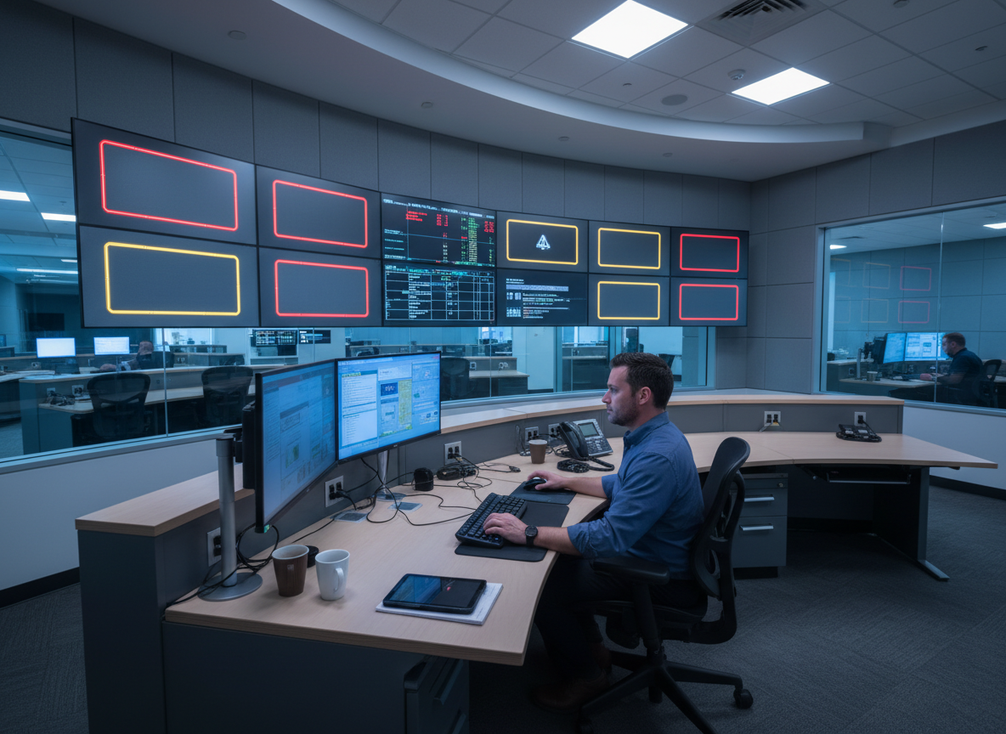
A useful decision sentence: if a vendor cannot describe who can change messages, who can approve those changes, and how those actions are logged, the response is incomplete even if the hardware looks strong.
Network Segmentation and Device Isolation
Segmentation is the minimum barrier that keeps a problem on one network from becoming a problem for the sign. For networked highway VMS, ask for a dedicated ITS or management path, not a flat municipal network that also carries guest Wi-Fi, office traffic, or unrelated devices. CISA’s transportation-sector guidance supports that isolation principle for critical transportation systems, even though the exact implementation can vary by agency and architecture.
This is where buyers should be specific but not rigid. You do not need to demand one exact topology if the vendor can show equivalent isolation. What matters is that administrative interfaces are not broadly reachable from general user networks, and that the sign controller is separated from unrelated systems in a way the agency can review.
If a vendor says "it is on the network," that is not enough. The better answer describes where the sign lives, who can reach it, and what limits prevent lateral movement from other municipal devices. In other words, segmentation is a control, not a slogan.
Remote Access Hardening
Remote access is where many roadside systems become harder to defend. The buyer should require authenticated, encrypted remote management and tightly controlled support sessions. In NTCIP contexts, the security standards for dynamic message signs point toward SNMPv3 with TLS where applicable, which gives procurement teams a concrete anchor for secure communications language.
Do not leave remote support as always-on convenience. Ask vendors how sessions are approved, how long they stay open, and how they are terminated. Emergency access should be defined in advance, not improvised after a failure. If a vendor needs standing access for routine maintenance, the agency should ask why that access cannot be time-bounded and logged instead.
A practical rule of thumb: if remote access cannot be limited by user, time, and purpose, it is too broad for a roadside control system.
Logging, Monitoring, and Update Handling
Logging is what makes a sign explainable after something changes. Require records for message changes, administrative actions, login attempts, privilege changes, and other events the agency would need to reconstruct later. If a system can change state without leaving a visible trail, procurement teams lose both accountability and troubleshooting value.
Monitoring should also surface failed logins, unusual access times, or unexpected configuration changes. You do not need to over-specify a security operations center in the RFP, but you do need to ask how the vendor or integrator would help the agency notice abnormal behavior.
Update handling belongs in the same section because untracked firmware changes create drift. The FHWA cybersecurity program handbook points buyers toward digitally signed firmware and a secure update process. That does not mean updates are automatic or risk-free. It means the buyer should ask how authenticity is verified, who approves the update, and how rollback or failure recovery is handled.
If the answer is only "we push updates remotely," treat that as a gap until the vendor explains the approval chain, signature check, and post-update validation step.
Procurement-Ready Control List
| Control family | What to require in the RFP | What a strong response looks like | What to flag as a gap |
|---|---|---|---|
| Identity | Named users, role-based access, offboarding rules | Separate operator, admin, and vendor permissions with auditability | Shared logins or no clear account lifecycle process |
| Segmentation | Isolated ITS or management path | Controller is separated from general municipal and guest networks | Flat network language or no isolation description |
| Remote access | Encrypted, approved, logged support sessions | Time-bounded access with session control and vendor accountability | Always-on access or vague "remote support available" wording |
| Logging | Administrative and message-change records | Logs show who changed what and when | No audit trail or unclear retention approach |
| Updates | Signed firmware and controlled patch workflow | Update approval, signature verification, and validation steps are documented | Unclear update ownership or undocumented firmware changes |
The point of the table is not to force a single architecture. It is to make vendor claims comparable. A buyer can use the same grid for procurement, traffic operations, and municipal IT review, which is usually where the decision gets clearer.
Vendor Responses and Documentation
The FHWA’s adoption of CISA’s Cyber Security Evaluation Tool is useful here because it reinforces the idea that assessment should be structured, not impressionistic. Vendors should not just say they are secure; they should show how the system is managed.
When you compare responses, use three tiers: strong, partial, and gap. Strong means the vendor names the control, explains the process, and provides supporting documentation. Partial means the idea is there but the process is vague or incomplete. Gap means the vendor cannot describe the control in a way the agency can verify.
| Control area | What to ask | Strong response | Partial response | Gap | Primary reviewer |
|---|---|---|---|---|---|
| Identity | Who gets accounts and how are they removed? | Named roles, offboarding, and review cadence | Role names but weak lifecycle detail | Shared credentials or no account process | Procurement + IT |
| Segmentation | Where does the sign sit on the network? | Dedicated or clearly isolated path | General isolation language without details | Flat network or no diagram | IT + traffic ops |
| Remote access | How is vendor support approved and logged? | Time-bound, encrypted, logged sessions | Remote access exists but controls are thin | Always-on or undocumented access | IT + operations |
| Logging | What events are recorded and retained? | Message changes, admin actions, login attempts | Logs exist but event scope is unclear | No audit trail or no review method | Operations + IT |
| Updates | How are firmware or software changes approved? | Signed updates with documented workflow | Update process exists but ownership is unclear | Uncontrolled or informal updates | IT + procurement |
A useful way to read the responses is this: if the answer sounds like a feature list, keep probing until it becomes a process. For critical infrastructure procurement, process proof matters more than marketing language.
What to Verify Before Deployment
Before a networked VMS goes live, verify the controls in the field, not just in the proposal. The FHWA cybersecurity handbook and FHWA’s transportation assessment approach both support that shift from promise to implementation.
- Confirm that every operator, administrator, and vendor account exists as a named account.
- Check that shared credentials are not being used for routine access.
- Verify that the sign controller sits on the isolated network path the vendor described.
- Test that remote access requires approval and is limited to the intended support window.
- Review the logs and confirm they show message changes, administrative actions, and login attempts.
- Validate that firmware or software updates follow a documented approval and signature-check process.
- Assign ownership for ongoing access review, update approval, and incident response after handoff.
If the deployment team cannot show those items on site, the agency should treat the system as incomplete even if the hardware is installed. That is the point where many projects drift: the sign is up, but the operating model is not.
Buyer Checklist for Procurement Teams
Use this final checklist before award:
- Are accounts named, role-based, and revocable?
- Is the VMS isolated from general municipal and guest networks?
- Are vendor remote sessions approved, encrypted, and logged?
- Can the agency see who changed a message, setting, or privilege?
- Is firmware signed, updates controlled, and ownership assigned?
- Have procurement, traffic operations, and IT all reviewed the same evidence set?
If any answer is vague, treat it as a spec gap, not a minor detail. Turn the checklist into your RFP language, vendor scorecard, or deployment verification sheet before award so the VMS cybersecurity requirements do not disappear between purchase and go-live.
FAQs
What Cybersecurity Controls Should Be Required for Networked VMS?
Start with five control families: named user accounts, network segmentation, restricted remote access, audit logging, and controlled updates. That set gives procurement teams a usable baseline. If a vendor cannot explain how each one works in practice, the response is not ready for comparison.
How Do You Secure Roadside LED Signs on City Networks?
Use an isolated network path, limit administrative access, and make vendor support time-bound and logged. The key check is whether the sign can be reached only by the people who need it. If the answer is "anyone on the city network," the design is too open for a roadside control asset.
What Should a Vendor Prove About Remote Access?
The vendor should prove who can connect, how access is approved, how long it stays open, and how the session is recorded. A strong answer includes process steps and logs, not just a statement that remote support is available. If access is permanent, ask for a narrower support model.
Can Network Segmentation Alone Protect a Highway VMS?
No. Segmentation reduces exposure, but it does not replace account control, logging, or update governance. The practical test is whether a compromise on another municipal device can still reach the sign. If it can, segmentation is not doing enough on its own.
Why Do Procurement Teams Need Security Language in VMS Specs?
Because vague specs produce vague bids. Security language forces vendors to answer the same questions about access, network isolation, remote support, and updates. That makes it easier to spot gaps before award and avoids discovering missing controls after installation.





