





LED wall energy efficiency comes down to three questions: how much power the wall actually draws, what that means in monthly dollars, and how much extra heat the room must remove. The right baseline is typical operating draw, not the maximum number on a spec sheet, and the answer changes with brightness, content, runtime, and room conditions.
What Drives LED Wall Power Use
Why Nameplate Wattage Overstates Daily Use
Maximum wattage is a ceiling, not a budgeting baseline. For LED wall energy efficiency, the more useful number is typical operating draw, because that reflects the brightness setting and content pattern you will actually run most of the time. AVIXA’s energy-management guidance treats typical use as the better planning input when measured data is not available, which helps avoid overestimating day-to-day power use.
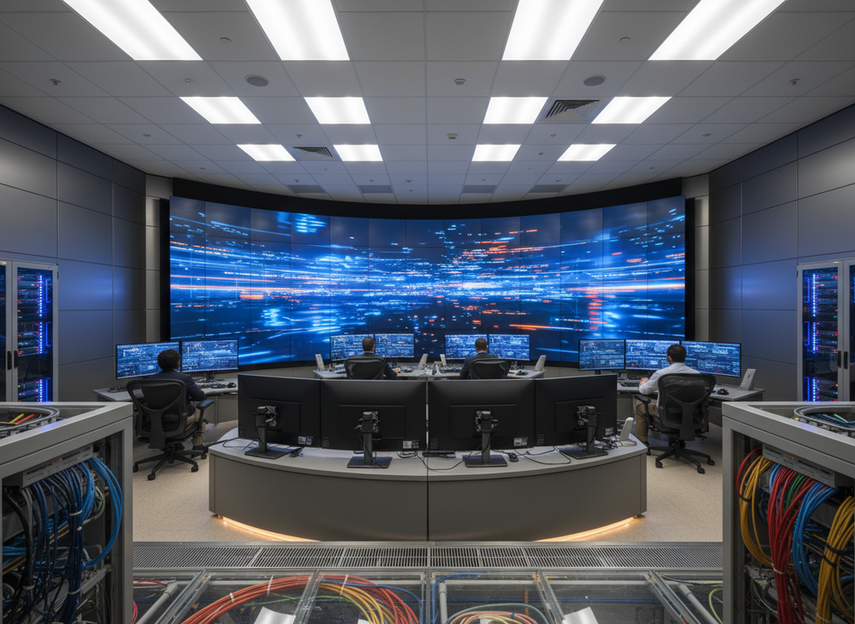
That distinction matters in command centers and control rooms, where a wall may run all day but not always at the same brightness or content level. A display that looks expensive on paper can budget more reasonably once you separate peak capacity from normal operation. If you only have a max number, treat it as a limit and ask for typical draw before you build the cost model.
How Brightness and Content Change Consumption
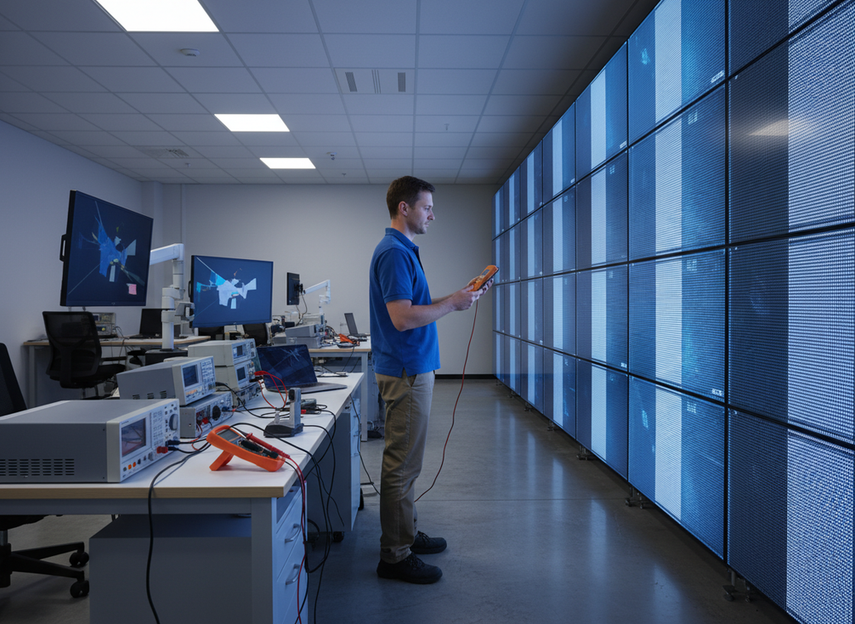
Brightness is usually the first lever that moves power use. A wall set brighter for a sunlit lobby, for example, will usually draw more than the same wall in a dimmer room with lower output settings. Content matters too, because large bright areas, especially full-screen white or high-average-luminance visuals, typically pull more power than darker scenes.
For buyers, that means the workload matters as much as the hardware. A command room dashboard, a security wall, and a presentation wall may all use the same cabinet family, but their operating costs can differ if the brightness target and content profile are different. If the wall will run mixed content, budget from the higher-use case instead of the lightest one.
Why Room Conditions Still Matter
Room temperature does not change the LED wall’s electrical input directly, but it does change the total site energy picture. Hotter rooms, cramped racks, and limited airflow can push cooling equipment to work harder, which increases total facility cost even when the screen itself looks efficient.
If the installation is enclosed or shares space with other equipment, the room-load effect becomes more important. In those cases, the wall’s heat output can matter almost as much as its electricity draw, especially when the installation is large or runs continuously.
How to Estimate Operating Cost
The safest way to estimate monthly cost is to move in three steps: watts to kilowatt-hours, then kilowatt-hours to dollars, then add cooling only if the room assumptions are clear. Start with typical power draw in watts, multiply by hours used per day, multiply by days used per month, and divide by 1,000 to get kilowatt-hours. Then multiply by your local commercial electricity rate. The EIA commercial electricity rates data shows that U.S. commercial prices vary by region, so use the local rate rather than a single national number.
A simple planning version looks like this:
- Confirm typical wattage for the wall, not just max wattage.
- Estimate daily runtime in hours.
- Convert watts to kWh for one month.
- Apply the local commercial electricity rate.
- Add a separate cooling allowance only when the room is enclosed, heavily occupied, or already close to HVAC limits.
That last step matters because display power and room cooling are not the same line item. If you fold HVAC into the screen number without room details, the estimate can become misleading fast. For variable schedules, it is better to calculate a low, medium, and high use case than to pretend one number covers every scenario.
| Scenario | Typical Use Pattern | Budgeting Takeaway |
|---|---|---|
| Lower-runtime room | A few hours per day | Electricity cost may be modest, so efficiency differences may not justify a premium |
| Standard command room | Long daily runtime | Typical draw and brightness settings matter more, so small wattage differences can add up |
| 24/7 critical room | Continuous operation | HVAC and electricity should be modeled together, because total operating cost is the real issue |
If you want the fastest shortcut, compare two options on the same runtime and the same rate first, then ask whether either one changes room cooling enough to matter. That keeps the estimate grounded in the real use case instead of a theoretical best case.
Standard LED Versus Common Cathode
Common cathode can improve efficiency, but it is not an automatic savings upgrade in every project. Texas Instruments explains the mechanism clearly: by matching voltage rails more closely to the RGB chip requirements, common-cathode LED driving can reduce wasted power and heat compared with standard approaches.
That is why the best buyers treat common cathode as a conditional efficiency option. It tends to matter more when the wall runs for long hours, brightness is high, or the room is sensitive to heat. If runtime is limited or cooling is not a major cost line, the dollar difference may be too small to change the purchase decision.
| Technology Approach | Where Efficiency Gains May Come From | What Matters Most | What To Verify |
|---|---|---|---|
| Standard LED | Simpler power delivery, but more voltage can be wasted as heat | Runtime, brightness, room cooling | Typical wattage and measured operating conditions |
| Common cathode | Voltage rails can better match the RGB load, reducing waste heat | Long runtime, high brightness, thermal sensitivity | Model-specific power data and the test basis |
The most useful question is not "Is common cathode better?" but "Is the efficiency gap large enough in my project to change the total cost picture?" If the answer depends on exact brightness targets or room load, ask for model-specific measurements before you compare savings claims.
How HVAC Changes the Equation
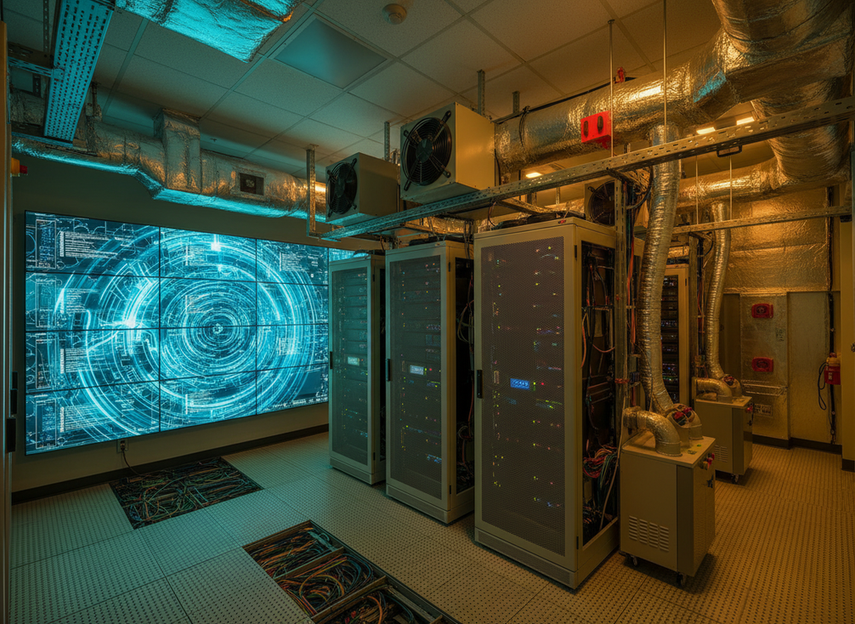
Every watt the LED wall consumes becomes heat in the room, so the display power budget also creates a cooling budget. ASHRAE’s cooling-load guidance treats electrical equipment as room heat load, which is why large LED installations should be reviewed with HVAC capacity in mind, not just display brightness and resolution.
That becomes more important as the wall gets larger, the space gets tighter, or the runtime gets closer to continuous. A 24/7 control room does not just need a display that works, it needs a room that can remove the heat it creates without pushing the HVAC system into a weak spot. In practice, the biggest mistake is budgeting screen power separately from the room that has to absorb it.
For command centers, the buying judgment changes when uptime and temperature control are both critical. If the wall is mission-critical, ask how the design affects room load, fan noise, and backup cooling capacity, because the total cost of ownership can move more from thermal planning than from a small difference in cabinet power draw.
Ways to Lower Operating Cost
The biggest savings usually come from combining display settings, procurement checks, and room design. Brightness control is the fastest lever, but it works best when the team also asks for typical wattage, compares the same measurement basis, and plans airflow around the wall instead of against it.
A practical checklist looks like this:
- Ask for typical power draw, not only maximum wattage.
- Confirm the brightness assumption behind any efficiency claim.
- Compare models on the same content and runtime basis.
- Keep HVAC separate unless the room load is fully defined.
- Use lower brightness where the task allows it.
- Treat long daily runtime as the point where small wattage differences start to matter more.
- Plan airflow, rack placement, and room ventilation together.
- Recheck operating cost after any major change in content mix or schedule.
If you are evaluating a mission-critical installation, our mission-critical LED walls are a useful place to start browsing because the question is not only image quality, but also whether the wall fits a 24/7 operating profile. For broader indoor use cases, commercial indoor LED options can help you compare category fit before you compare watts.
What to Ask Before You Buy
Typical Power Draw
Ask vendors for typical power draw in watts, not just the maximum. Then make sure the number is tied to the same brightness assumption and content profile on both options. If the measurement basis is different, the comparison is only directional.
Testing Conditions That Matter
A watt number is hard to compare unless you know how it was measured. Look for the brightness setting, the kind of content used, and whether the figure reflects indoor or outdoor operation. Temperature, runtime, and configuration can also change the result enough that two similar-looking numbers are not truly comparable.
Room Data to Collect
Before you finalize the budget, collect the room size, airflow setup, HVAC capacity, and expected operating schedule. If the wall will share space with other equipment or run continuously, the cooling question gets more important. In that case, the right comparison is not just which wall uses less power, but which wall fits the room without creating an avoidable load problem.
Final Takeaway
LED wall energy efficiency is easiest to judge when you separate three pieces: typical electricity use, monthly cost, and room heat load. Common cathode can help in the right project, but it is a conditional efficiency choice, not a universal savings upgrade. Before you compare products, request typical wattage, the measurement basis, brightness assumptions, and room/HVAC context so you can compare like for like. If you need to choose a path now, start with the use case, then check the power data, then verify the cooling plan.
FAQs
How Much Power Does an LED Wall Use?
It depends on size, brightness, content, and runtime, so a single number is usually misleading. The most useful buyer check is typical draw at the brightness you expect to run most often, then convert that to monthly kWh using your actual schedule. If a vendor only shares maximum wattage, treat it as a ceiling and ask for a typical-use figure before budgeting.
Does Common Cathode Save Energy?
It can, but only when the design, brightness target, and operating conditions make the efficiency gap meaningful. The deciding signal is whether the project runs long hours or creates enough heat for cooling costs to matter. If runtime is short or the room is not thermally constrained, the dollar impact may be too small to justify paying more for the feature.
How Do You Estimate Monthly LED Wall Electricity Cost?
Use typical watts, runtime, and your local commercial rate, then convert watts to kWh before multiplying by dollars. The quick check is simple: if the wall runs more hours or at higher brightness, the monthly cost goes up. Keep HVAC separate unless you also know the room size, ventilation, and cooling capacity, because those factors can change the total facility cost.
Why Does an LED Wall Affect HVAC Load?
Because the wall’s electrical input turns into heat inside the room. That means a larger wall, a tighter room, or a 24/7 schedule can raise cooling demand even if the display itself is efficient. The practical boundary is room capacity: if the HVAC system already runs near its limit, the wall’s heat load matters much more than it would in a lightly loaded space.
What Should Buyers Request Before Comparing Efficiency Claims?
Request typical power draw, the brightness assumption, the content basis, and any available thermal or system documentation. Then make sure both options were measured on the same basis. If one vendor uses max wattage and the other uses typical draw, the comparison is not reliable enough for procurement.





