





LED vs LCD vs MicroLED total cost of ownership is best treated as a five-year lifecycle decision, not a sticker-price contest. If you are comparing these technologies for a command room or enterprise operations space, the first question is not which one costs less up front, but which one creates the lowest combined burden across energy, service, spares, and downtime over time. That is the basic TCO definition that makes an LED video wall TCO comparison meaningful. The right answer depends on brightness needs, duty cycle, and how much interruption the room can tolerate.
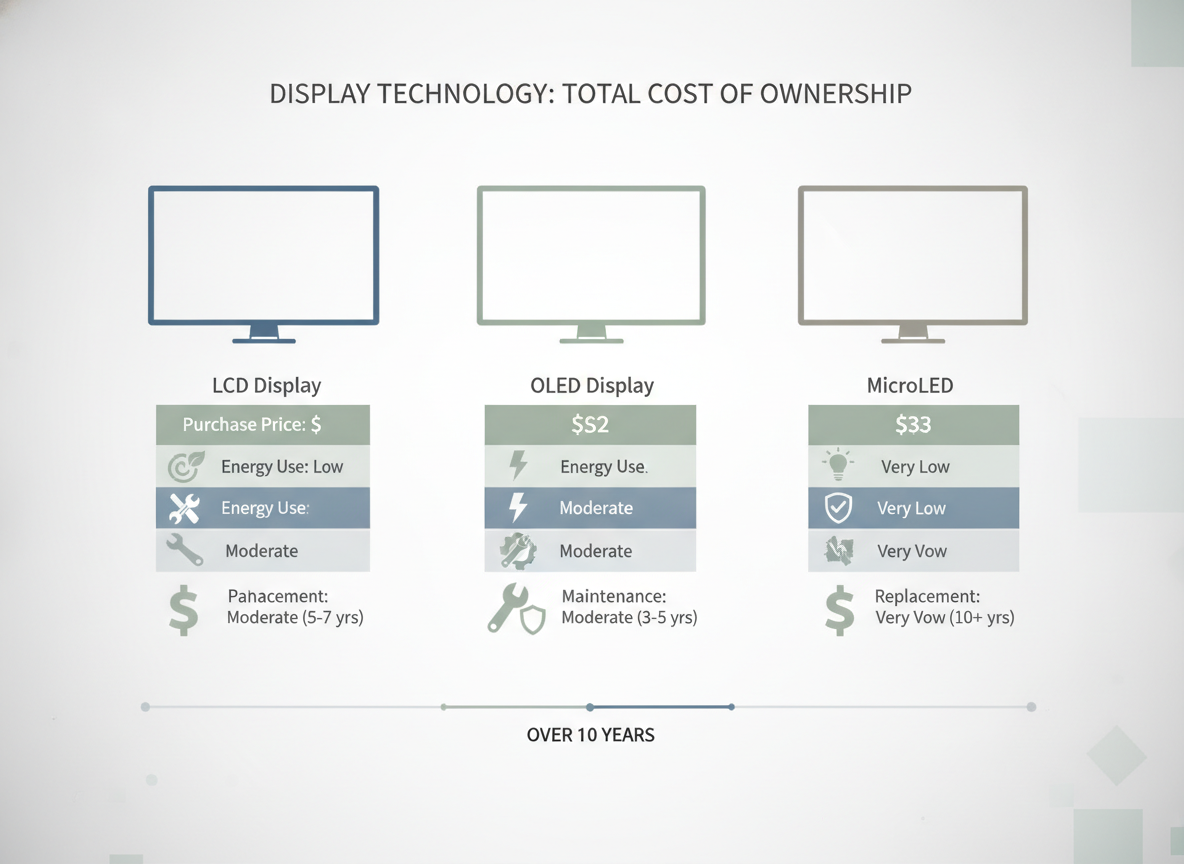
Upfront Cost Sets the Starting Point
Five-year comparison starts with the purchase quote, but it cannot end there. Total cost of ownership includes acquisition, operation, maintenance, and administrative overhead across the lifecycle, so a lower initial price can still lead to a higher bill later if energy or service needs are heavier.
For buyers, the useful question is: what is the real entry cost once mounting, control gear, installation work, and room readiness are included? That matters because the same screen class can look cheap in a quote and expensive after integration. In practice, LED vs LCD vs MicroLED total cost of ownership usually turns on whether the room is ready for the technology, not just whether the panel price looks attractive.
A good decision sentence here is simple: if the room is already engineered for the display and duty cycle is modest, upfront cost may dominate early review; if the room needs complex installation or long operating hours, the opening price is only part of the story.
Energy Use Over Five Years
Energy is one of the easiest costs to miss because it arrives in small amounts and compounds quietly. The comparison changes with brightness, screen size, and hours of operation. That means a high-brightness, always-on room should be modeled differently from an occasional-use conference space.
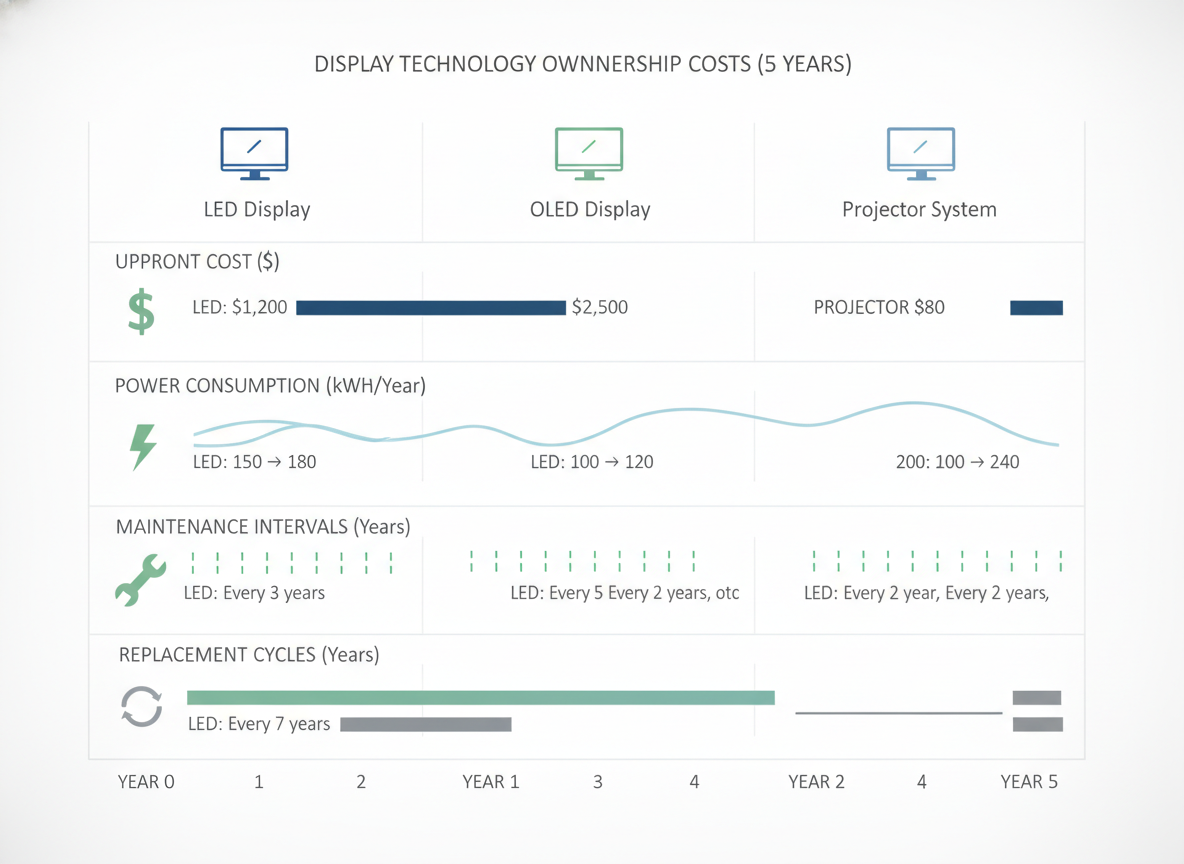
MicroLED is the one technology in this group with peer-reviewed support for lower power consumption versus LCD and OLED in certain display contexts, which can reduce energy pressure in high-duty or bright environments.Mini-LED, Micro-LED and OLED displays: present status and future perspectives That does not make it the automatic TCO winner, but it does make energy a more meaningful line item when the display runs most of the day.
For LED and LCD, the practical model should use the same assumptions for all three options: expected operating hours, intended brightness level, and whether the room runs near-constant content or only periodic updates. A facility with long hours and high visibility requirements should expect energy to matter more than a room that sits dark much of the day. Put another way, the more the display is treated like infrastructure, the more the utility bill deserves attention.
A simple planning rule helps: if you cannot normalize brightness and duty cycle across all quotes, you do not yet have a fair energy comparison. The label may say LED, LCD, or MicroLED, but the real driver is how hard the screen is being worked.
What Drives Energy Cost Differences
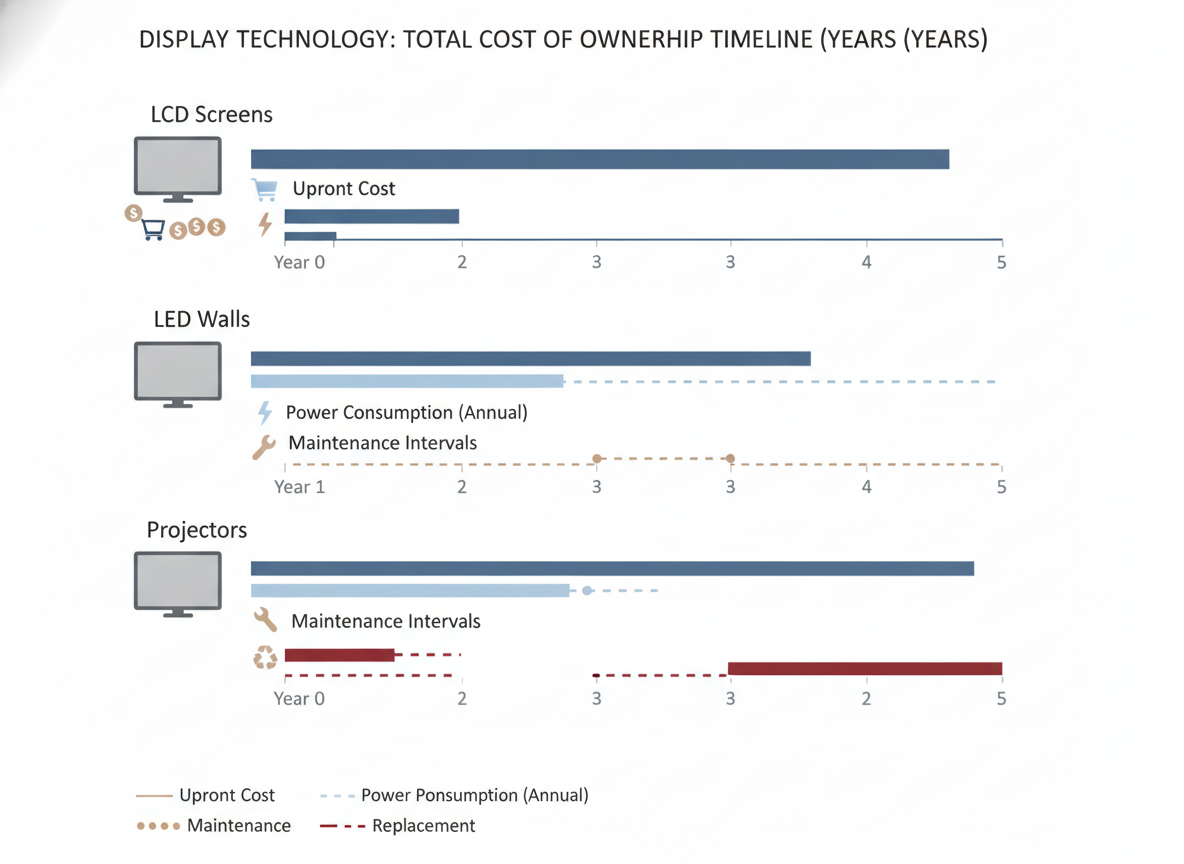
Three variables do most of the work: brightness, hours, and room conditions. Brightness matters because a screen that must stay highly visible in a well-lit control room typically draws more power than one used at lower output. Hours matter because a long-duty room spreads that draw across far more of the year. Room conditions matter because ambient light, viewing distance, and content type change what "usable" brightness looks like.
Where LED Use Cases Change the Math
In real operations rooms, energy is not just about the display itself. The decision also depends on whether the room must be readable under strong ambient light, whether the wall stays on all day, and whether the team values consistent visibility more than minimizing utility spend. A small energy advantage can be meaningful in a room that runs constantly, but it is less decisive in a low-duty environment.
How Buyers Should Model Utility Spend
Model utility spend with the same basic inputs for each technology: estimated operating hours, expected brightness target, and the room’s duty cycle. If cooling or facility overhead is tied to display load in your building, separate that from the display power draw so the comparison stays clean. That keeps LED vs LCD vs MicroLED total cost of ownership grounded in procurement logic instead of rough impressions.
Maintenance and Spares Shape the Real Bill
Maintenance is where many ownership models get too optimistic. Once a display is installed, the real question becomes how easily it can be serviced, how much the room is disrupted during repair, and whether spare parts are already in the plan. For mission-critical rooms, those factors can matter more than a modest difference in purchase price.
A useful directional comparison is that modular LED systems can often be repaired at the component level, while LCD video walls may require broader panel replacement when a unit fails.What’s the difference between LED and LCD Video Walls? That does not prove one category is always cheaper, but it does change the ownership pattern. A repair that stays local to one module usually creates less disruption than a repair that affects a larger section of the wall.
Spare strategy also matters. If your site cannot tolerate extended downtime, the question is not whether a failure will happen on a specific date, but whether you have the parts, labor path, and approval chain to recover quickly when it does. Procurement teams should ask who owns spare modules, who approves swap work, and how long a typical service event is expected to block the room.
Service Access and Repair Scope
The easier a display is to access and service, the less labor and disruption it tends to create during the ownership period. That can matter even when the display price is higher, because maintenance friction shows up repeatedly instead of once.
Spare Parts and Swap Strategy
Mission-critical rooms need a spare plan before go-live, not after the first failure. The practical issue is not only what parts exist, but whether the team can get a swap done without closing the room for long.
Lifecycle Planning for the Operations Team
Facilities, IT, and procurement should agree on service intervals, support scope, and escalation paths before the purchase is approved. That makes the five-year model more realistic and reduces the chance that maintenance gets treated as an afterthought.
Downtime Risk Can Outweigh Small Savings
Downtime is the cost driver that gets underestimated most often in control-room projects. If the display supports security monitoring, operations visibility, or other mission-critical work, even a short interruption can matter more than a moderate difference in hardware cost. In those rooms, continuity should be a first-class input in LED vs LCD vs MicroLED total cost of ownership.
The key distinction is planned service versus unplanned interruption. Planned work can be scheduled around operations, while an unexpected outage may force the room to change process, delay decisions, or fall back to a less efficient workflow. That is why room criticality changes the right answer: a technology with slightly higher operating cost can still be the better procurement choice if it reduces disruption risk.
This is the clearest not-a-fit filter in the article: if the room cannot tolerate interruption, do not optimize only for the lowest quote. Optimize for serviceability, spare access, and the operational cost of a failure. In that setting, the cheapest option on paper can be the more expensive option in practice.
Which Technology Fits Which Room
The table below turns the comparison into a buyer-fit view. It does not declare a universal winner, because five-year TCO changes with duty cycle, brightness, and tolerance for maintenance disruption. Instead, it shows where each technology usually creates the least ownership pressure.
| Technology | Best-Fit Environment | Cost Drivers | Maintenance Burden | Downtime Sensitivity | Budget Takeaway |
|---|---|---|---|---|---|
| LCD | Lower-duty rooms, tighter capital budgets, less demanding brightness requirements | Lower upfront price can be attractive, but operating assumptions matter | Can be more disruptive when a panel-level repair is needed | Be cautious in rooms where interruption is costly | Usually strongest when purchase price matters more than long-duty operating cost |
| LED | Bright rooms, longer duty cycles, command and control spaces | Energy and service planning matter, especially at high brightness | Modular repair can reduce disruption compared with broader replacement patterns | Often more forgiving when spares and service are planned | Often the most balanced choice when uptime and visibility both matter |
| MicroLED | High-end rooms where energy pressure and performance both matter | Lower power can help in some contexts, but the quote still needs normalization | Still requires a service plan, even if efficiency is attractive | Use careful downtime planning in mission-critical rooms | Most plausible when the room needs premium performance and the budget can support it |
If you want a quick filter, use this: choose LCD when the room is lower duty and the budget is tight; choose LED when the room is bright, long-running, and serviceability matters; choose MicroLED when energy pressure and premium performance both matter, and you are willing to pay for that position. In other words, the best technology is the one whose operating assumptions match the room.
For teams scoping a fine-pitch indoor LED path, a follow-up on indoor display resilience checks can help you verify the safety and compliance documents that often sit behind the TCO discussion. That is not a substitute for the cost model, but it is useful when LED is still on the table.
Build a Five-Year Procurement Checklist
Before budget approval, normalize every quote to the same duty cycle, brightness target, and room use case. Then verify who owns installation, service, and spares, because those responsibilities change five-year cost more than many teams expect. Finally, make sure downtime tolerance is written down in plain language so the decision does not drift toward the cheapest upfront number.
Use this checklist before you sign:
- Confirm that acquisition, installation, energy, maintenance, and support are all included in the comparison.
- Use the same operating hours and brightness assumptions for every technology.
- Ask who is responsible for service access and repair labor.
- Decide whether spare modules, panels, or replacement units are required.
- Separate planned maintenance from the cost of an unexpected outage.
- Note whether the room can tolerate service interruption or needs fast recovery.
If your team is still comparing LED options after that review, a rental LED test report is a useful next stop for checking documentation and support context before vendor discussions.
FAQs
How Do LED, LCD, and MicroLED Differ in Five-Year Ownership Cost?
They differ most in the mix of upfront cost, energy use, service burden, and disruption risk. LCD often looks easiest on purchase price, LED is frequently stronger where brightness and serviceability matter, and MicroLED can be compelling when energy pressure and premium performance justify the spend. The five-year answer still depends on duty cycle and room criticality.
What Cost Driver Most Often Gets Missed in Display TCO Models?
Downtime and service access are commonly underweighted. Teams often remember energy and the purchase quote, but they forget how much a repair can interrupt operations, especially in command rooms. That is why spare planning and support scope should be part of the model before approval.
Can a Lower Upfront Price Still Produce a Higher Five-Year TCO?
Yes. A cheaper purchase can become more expensive if it draws more power, needs more disruptive service, or creates more operational interruption. That is especially true in rooms that run long hours or cannot tolerate outages. The quote is only the starting point.
Why Does Room Criticality Change the Right Display Choice?
Because not every room values cost the same way. In a mission-critical room, a short outage can matter more than a modest difference in hardware price. In a lower-stakes room, capital cost may matter more, so the right balance shifts toward the simplest and least expensive workable option.
How Should Buyers Compare Vendor Quotes Fairly?
Put every quote on the same assumptions for duty cycle, brightness, installation scope, warranty coverage, support response, and spare ownership. If one bid includes services the others omit, the numbers are not comparable yet. The goal is to compare the five-year operating reality, not just the invoice.
When Does MicroLED Make the Most Sense?
MicroLED tends to make the most sense when energy pressure, premium visual performance, and long-duty operation all matter at the same time. It is less compelling if the room is low-duty or if capital budget is the main constraint. In other words, it is a fit for specific operating conditions, not a default winner.





