





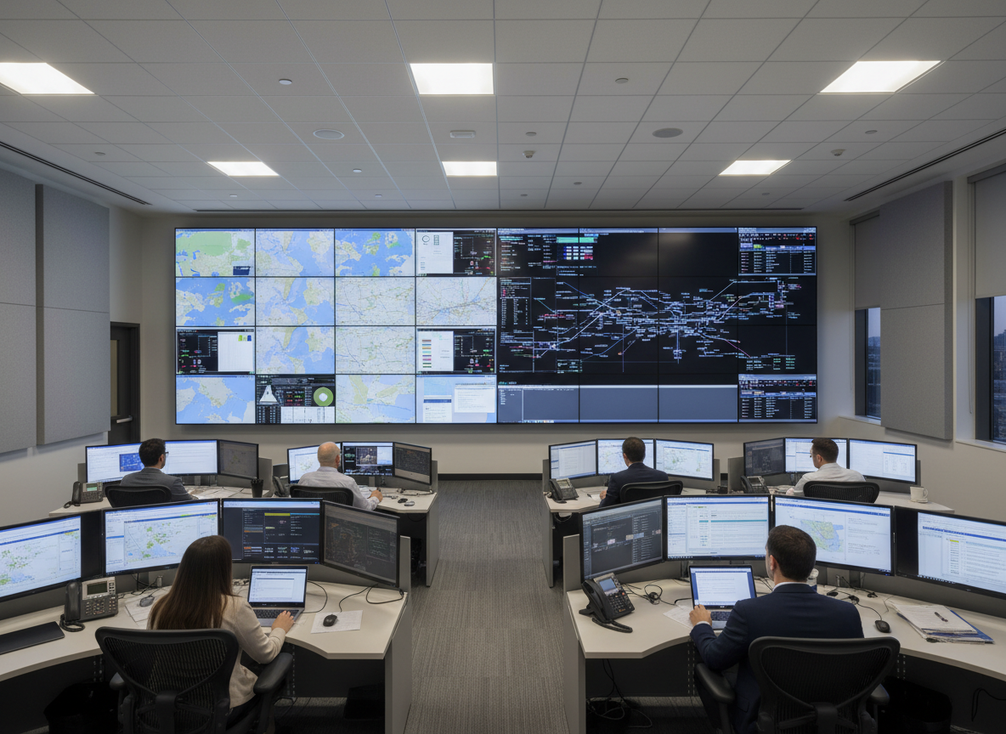
A LED vs LCD video wall upgrade in a control room makes sense when the current LCD wall no longer solves the real business problem, whether that is seam visibility, repair friction, layout limits, or an aging support model. The right answer is not always “switch to LED.” In smaller or simpler rooms, LCD can still be the better buy if it already meets the operating need.
When LCD to LED Migration Starts Making Sense
The replacement conversation usually starts before the wall fails. A control room should begin evaluating when to replace LCD video wall with LED if maintenance is getting harder, replacement panels are less convenient to source, the room layout has changed, or the wall no longer fits current operator workflows. AVIXA notes that LCD walls can be cost-effective in smaller rooms, but visible bezel lines can interrupt map-heavy or data-dense visuals, which is why seam visibility in LCD walls often becomes the first practical trigger.
For 24/7 rooms, the threshold is usually lower because repair friction matters more. If a display issue creates extra coordination, longer service windows, or a bigger risk of operator distraction, the migration case strengthens. If the room is lower-duty and the current wall still supports the task, the upgrade may be a preference, not a necessity.
A useful check is simple: is the problem operational, financial, or both? If the answer is only “we want newer technology,” the switch may be premature. If the answer includes recurring downtime risk, layout constraints, or mounting support issues, the room is closer to a true replacement point. That is the point where an LED vs LCD video wall upgrade review is worth the budget effort.
Quick Replacement Triggers
- The current wall is harder to service without disrupting operations.
- The display surface no longer suits maps, alarms, or dense status boards.
- The room has outgrown the fixed size or aspect ratio of the existing wall.
- The upgrade discussion is being driven by uptime, not just aesthetics.
LCD vs Direct-View LED in Control Rooms
The real comparison is not “new versus old.” It is which display path better matches the room’s operating model. AVIXA’s long-horizon view of display ownership is useful here: direct-view LED can support a different lifecycle and TCO model than LCD, but only when the project assumptions actually justify it. That is why a long-horizon TCO comparison belongs in the conversation before anyone treats CapEx as the whole story.
| Criterion | LCD Wall Implication | Direct-View LED Implication | Buyer Takeaway |
|---|---|---|---|
| Seam visibility | Bezel lines remain part of the image surface | A continuous display surface reduces visible interruption | Choose LED when visual continuity matters for maps, video, or dense dashboards |
| Layout flexibility | Size and format are more constrained by panel geometry | Size and shape can be configured more freely | LED helps when the wall must fit a custom room or nonstandard scale |
| Service access | Replacement often means swapping large display panels or modules within a fixed LCD structure | Many LED systems are designed around modular service access | LED can reduce repair disruption, but only if the service design fits the room |
| Cutover complexity | Familiar installation pattern if the room already uses LCD infrastructure | Migration can require more planning around structure, power, control, and commissioning | LCD is simpler when the room needs minimal change |
| Lifecycle/TCO posture | Often easier to justify when the room is smaller or the planning horizon is short | Can be stronger when long-term ownership and service model matter more than first cost | LED wins when the project is judged on full lifecycle value, not panel price alone |
This is also where the LED vs LCD video wall decision often flips. If the room is straightforward and the operators are already satisfied, LCD may remain the cleaner choice. If the room needs a more flexible wall, fewer visible seams, or a more future-proof service model, LED starts to look more rational.
Decision Sentence
When the room is small, stable, and already working well, LCD can be the better business choice; when layout flexibility and seam reduction are driving the project, direct-view LED usually deserves the stronger look.
What the Real Migration Budget Includes
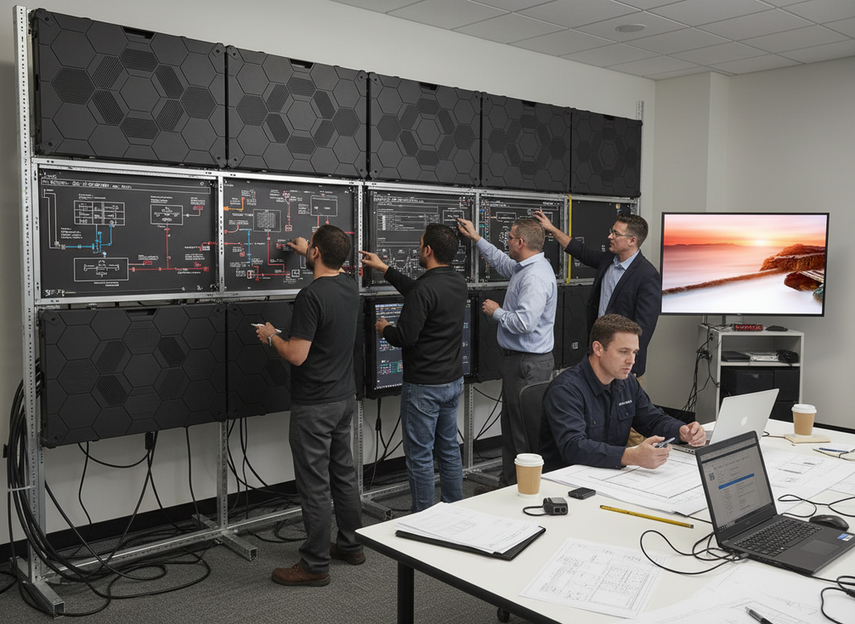
A serious LCD to LED migration costs mission critical review has to go beyond the display quote. We should budget for the whole job: hardware, installation, structure, electrical work, control integration, calibration, training, support, and the risk of operational disruption. Chipshow’s command-center TCO guidance frames the model this way, including hardware, installation, energy, maintenance labor, and downtime risk as part of the purchase decision, not just the deployment step. That is why the migration budget components deserve attention before procurement compares a single line item.
Visible Costs vs Hidden Costs
The visible costs are the easiest to compare: display cabinets or panels, mounting hardware, processors, and basic installation. The hidden costs are the ones that move approvals. In U.S. projects, installation labor can matter materially, and one buyer-focused price guide puts labor around US installation labor scope territory where hourly rates and onsite hours can vary enough to change the budget meaningfully.
That means the low quote is not always the lower project cost. Structural work, cabling, access equipment, finish repairs, and local labor can all push the total upward. For procurement, the right question is not “Which display is cheapest?” It is “Which proposal includes the full scope we actually need?”
Cutover, Downtime, and Operations
Cutover is part of cost, because a control room does not stop being mission critical during the upgrade. If the room needs phased migration, after-hours work, or a temporary workaround, those choices affect both schedule and spend. The more tightly the room is tied to 24/7 operations, the more important it is to price disruption as a real project cost instead of an afterthought.
This is where buyers often misjudge the project. They compare panel prices, then discover that access restrictions, temporary rerouting, or extra commissioning time changed the approval number. If the room cannot tolerate much disruption, the migration plan should be treated as part of the display decision.
Integration and Support Planning
Support planning also belongs in the budget. Control-system integration, operator training, warranty terms, and service access can all change the ownership model after installation. A control room that runs around the clock needs a support plan that matches its response expectations, not a generic office-hours assumption.
Decision Sentence
If the quote does not separate hardware, install, cutover, and post-install support, it is not yet an apples-to-apples migration quote.
Where LCD Still Makes More Sense
LCD can still be the better business choice when the room is simpler, the budget is tight, or the upgrade horizon is short. A full LED migration is harder to justify if the existing wall already supports the operator task, the seam lines are not causing real friction, and the organization does not want to absorb a larger retrofit scope.
- Stay with LCD when the current wall still meets readability and coverage needs.
- Stay with LCD when the room is modest in size and the visual surface is not the bottleneck.
- Stay with LCD when the project team wants the least disruptive path.
- Stay with LCD when the upgrade would solve preference, not a measurable operational issue.
That said, staying put should be a conscious decision, not a default. If the wall is costing time, causing avoidable service calls, or forcing the room to work around its own limitations, the case for replacement is stronger. For buyers who need a broader commercial indoor LED path, the commercial indoor LED options line up more naturally with a future migration review than a blanket technology upgrade.
A Practical Decision Checklist
- Check whether the current wall still supports the room’s actual workload, not just its original spec sheet.
- Measure the real pain points: seam visibility, service calls, downtime risk, layout limits, or content readability.
- Validate viewing positions and content size against the room’s intended reading distance using a planning framework such as AVIXA’s readability and viewing-distance check.
- Ask vendors to quote hardware, install, integration, cutover, training, and support separately.
- Compare the proposals on lifecycle fit, not only on first cost.
- Approve the upgrade only after stakeholders agree on downtime tolerance and ownership expectations.
If the wall still works and the room is stable, LCD can remain the rational choice. If the project is being driven by seams, service friction, or a bigger operational redesign, direct-view LED deserves the serious budget discussion. For mission-critical deployments, we recommend gathering like-for-like quotes and confirming the full scope before you sign off.
Final Takeaway
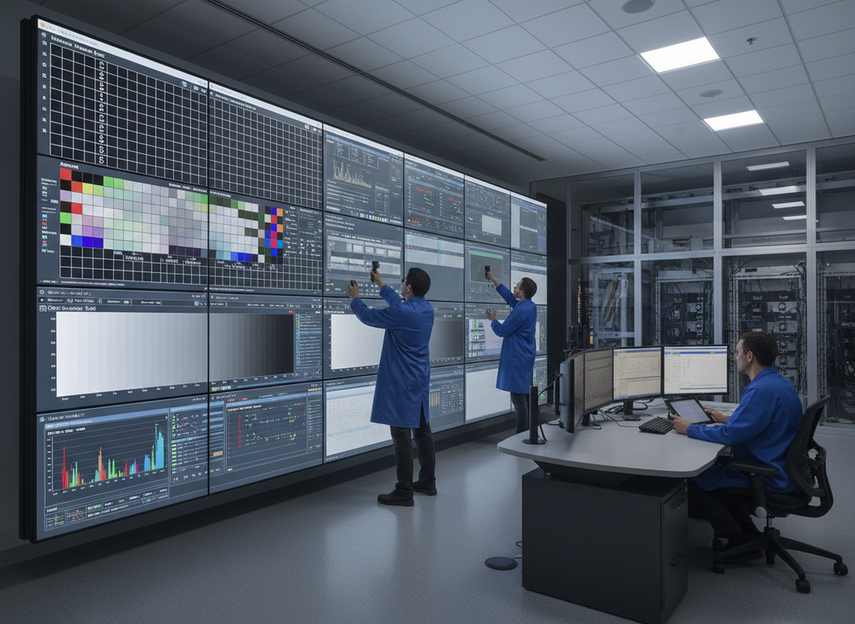
The best LED vs LCD video wall choice for a control room depends on the problem you are actually trying to solve. If the current LCD wall still works, LCD can remain the sensible option. If seams, service friction, cutover risk, or room redesign are driving the project, direct-view LED becomes more compelling. Before you approve anything, compare full-scope quotes, check viewing needs, and make downtime part of the budget discussion. That is the cleanest path to a defensible upgrade decision.
FAQs
How Do You Know When an LCD Video Wall Is Ready to Replace?
A replacement review is usually justified when maintenance is becoming harder, the wall no longer fits the room’s workflow, or visible seams are interfering with the content operators rely on. If the wall is still meeting the room’s needs without repeated service friction, it may not be at its true replacement point yet.
What Hidden Costs Should Buyers Expect in an LCD-To-LED Migration?
The most commonly missed costs are installation labor, structural changes, electrical work, control integration, cutover planning, training, and support. The first panel quote rarely shows the whole picture. The more mission critical the room, the more important it is to separate those items before comparing vendors.
Can LCD Still Be the Better Choice for Some Control Rooms?
Yes. LCD can be the better business choice when the room is small, the budget is tight, the current wall still works, or the upgrade horizon is short. In those cases, a full LED migration may solve a preference rather than a problem. The better choice is the one that matches the room’s real operating burden.
What Should a Command Center Ask Vendors Before Approving a Replacement?
Ask for a scope that separates hardware, installation, downtime assumptions, integration, and post-install support. Also ask how the quote handles service access and what is excluded. Those details tell you whether two bids are truly comparable or whether one looks cheaper only because the scope is thinner.
How Does Direct-View LED Change Operations After Installation?
The biggest operational change is usually in service and support planning. LED may reduce visible seam issues and can improve modular repair workflows, but it also changes commissioning, support expectations, and how the room handles future adjustments. Buyers should plan for day-two operations, not just the install date.





