





A bid-ready digital scoreboard for high school project starts with a written requirements package, not a vendor call. Define the venue and viewing zones first, then document content, operations, infrastructure, service, and budget inputs. Vendors can only price a like-for-like proposal when every bidder receives the same information. The sections below walk through each input and end with one consolidated checklist you can hand to bidders.
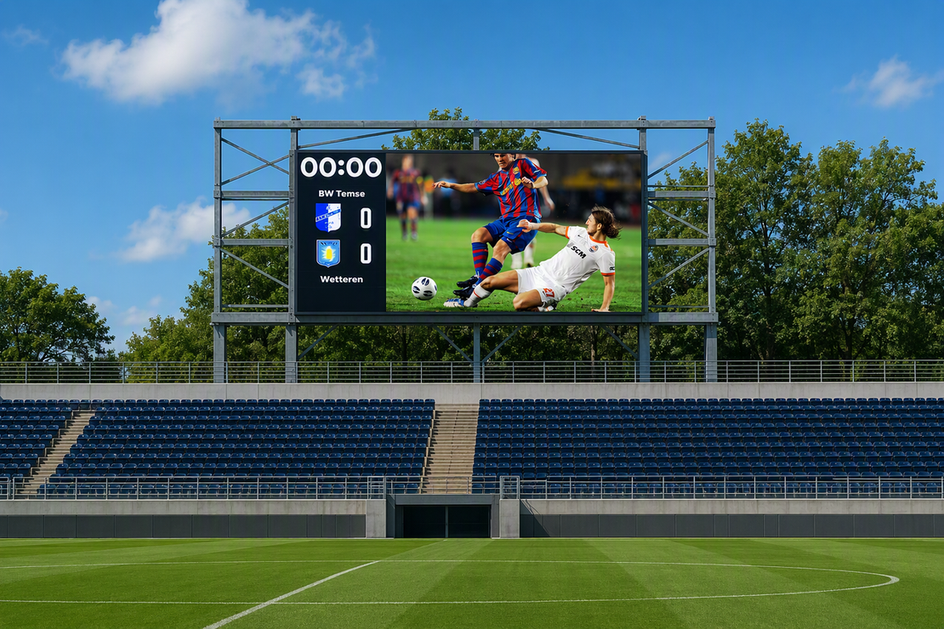
What a digital scoreboard for high school bids must define
Every bid package should open with a one-page project brief that names the venue, the installation type, the operating calendar, the people who will make content and operating decisions, and the deliverables each vendor must submit. This keeps every vendor quoting the same project instead of guessing at scope.
Start with the venue and project boundary
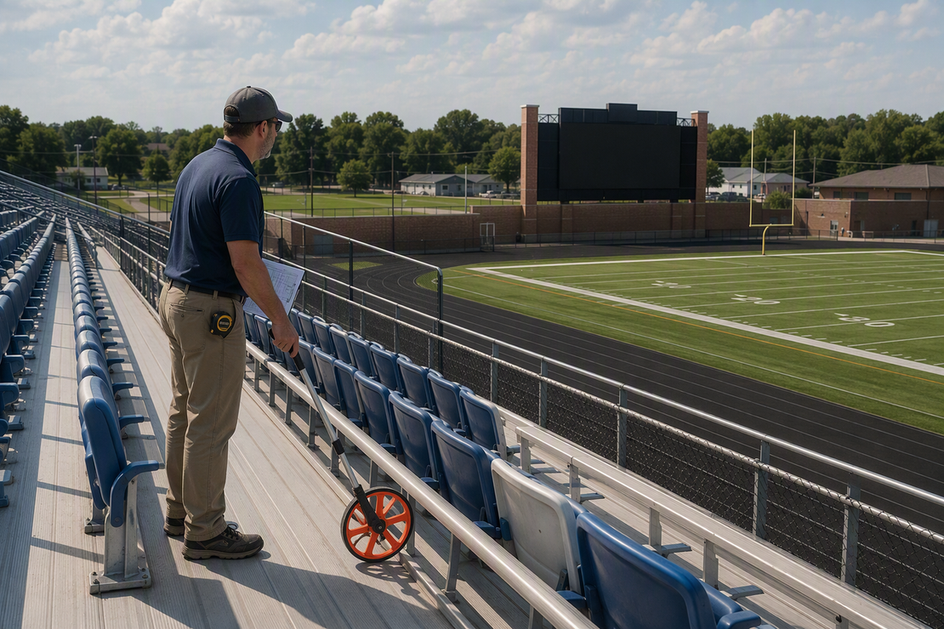
Name the specific venue: football stadium, multi-sport field, gymnasium, or indoor court. State whether this is new construction, a straight replacement, or a retrofit of an existing structure and electrical service. Collect site drawings or photos, the proposed mounting location, the seating plan, and any known structural or utility information you already have. This existing-condition record becomes the baseline every bidder measures against, and it prevents a vendor from quietly assuming a simpler site than the one you actually have.
Define the content and decision owners
Sort every display function into required, preferred, and out-of-scope categories, then assign an owner for each decision.
- Required functions: score, game clock, team names, period or quarter, and public announcements.
- Preferred functions: sponsor recognition, schedules, and simple graphics.
- Future-ready or excluded functions: video replay, live streaming feed, or district-wide messaging, if not needed now.
- Decision owners: athletics director, facilities manager, IT/network staff, procurement officer, and the person who will operate the display on game day.
How viewing distance shapes display size and pixel-pitch questions
Measured viewing zones should guide both the display-size discussion and the pixel-pitch test. There is no universal ideal size or pitch for a high school venue, so use the nearest, typical, and farthest priority seats to define readable content, compare candidate sizes, and plan an on-site viewing check.
Measure more than the back row
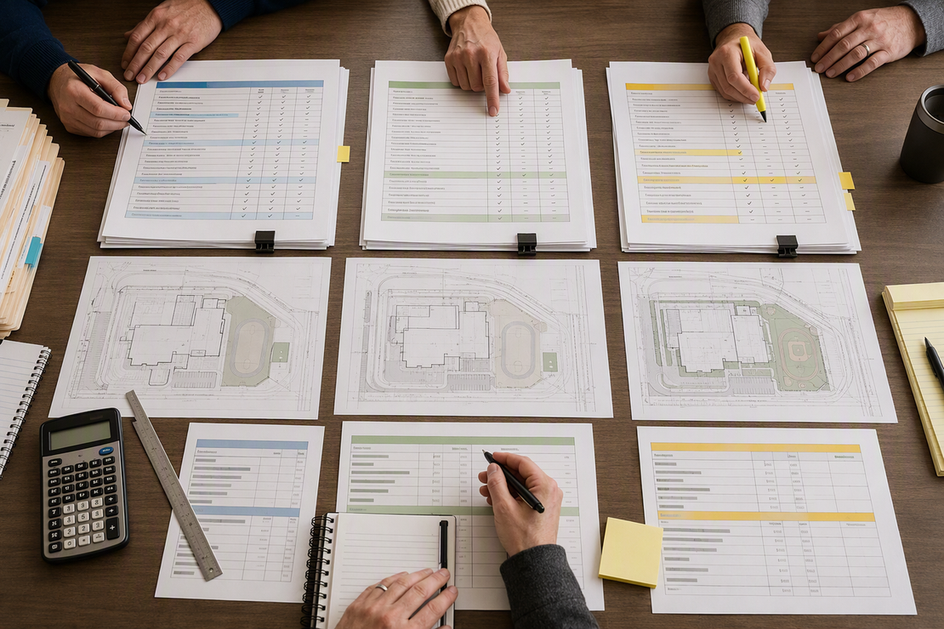
Record the nearest, typical, and farthest seating positions a viewer will realistically use to read the display, in feet from the display face. Note the seating angle, whether the display faces direct afternoon sun, how it reads under stadium lights at night, and whether obstructions or multiple seating banks change the sightline for part of the crowd. A gymnasium scoreboard usually has much shorter viewing distances than an outdoor stadium board, so treat each venue separately even within the same district.
Use a test table instead of an ideal-pitch claim
Pixel pitch is the distance between the centers of adjacent pixels. A smaller pitch can support sharper detail at a closer viewing range. First identify the smallest required content, then ask vendors to show candidate display sizes and pitches from the priority seating zones. One commonly cited manufacturer heuristic suggests roughly 3 feet of viewing distance per millimeter of pixel pitch as an illustrative starting point only; treat it as a question to test, not a specification to accept.
| Measured viewing scenario | Content priority | Pixel-pitch question | Validation action |
|---|---|---|---|
| Nearest priority seats (close range) | Score, clock, team names must be crisp | Does a finer pitch (e.g., low single digits) stay legible without a grainy or blocky look up close? | View sample content at this exact distance before accepting the pitch |
| Typical seating bank (mid-range) | Score, sponsor names, simple graphics | Does the proposed mid-range pitch stay readable in daylight and at night? | Request a side-by-side demo of two pitch options under both lighting conditions |
| Farthest priority seats (long range) | Score and clock only, minimal detail | Is a coarser, brighter pitch acceptable since fine detail is not required here? | Confirm legibility from the actual farthest seat, not a projected distance |
Vendors should show real score text, the game clock, team labels, sponsor creative, and any video content from these representative positions, angles, and lighting conditions before you sign off on a pitch or display size. For more background on matching stadium display size to viewing needs, see our stadium display viewing guide.
How content and control workflow should be specified
A scoreboard bid needs a clear content list and a clear operating plan, not just a display size. Separate the functions the display must run from the people and systems that will run them.
Separate required scoreboard functions from optional media
Use the required, preferred, and out-of-scope categories from the project brief to define what launches now and what remains an alternate or future option. Then map each selected function to its operator, data source, approval path, and training need.
Specify the operator workflow
Name the operator for football games, other sports, assemblies, and any public-information or emergency use. Set the control-station location and network path. Define who may change content and who approves it before it airs. Ask the vendor to demonstrate the control interface and list every data source the district must supply, such as a scoring system or network connection. Require a written description of what happens if the network goes down, including whether the display falls back to a basic score-and-clock mode or goes dark. Make the operator, data source, network dependency, and offline fallback explicit before accepting a control-system proposal.
What outdoor, weather, electrical, and professional review inputs vendors need
Vendors need specific site and environmental data to price a display correctly, but this article cannot design your electrical service or approve your local permit. This section gives you the inputs to collect and draws a clear line at the point where a qualified local professional takes over.
Describe the exposure and mounting environment
Document the sun’s direction relative to the display face, typical game and event times, and exposure to rain, snow, wind, temperature swings, dust, and sprinkler irrigation. Note any impact risk from balls, equipment, or foot traffic, plus drainage around the mounting location. Ask each bidder to state the enclosure rating, weatherproofing method, brightness control approach, and viewing-angle performance for the exact configuration they are proposing, not a generic catalog figure.
Give vendors usable electrical and infrastructure inputs
Request the following from every bidder, and separate what already exists on site from what is new work:
- Typical and maximum power draw for the proposed display.
- Voltage, electrical service type, and phase.
- Disconnect and grounding assumptions.
- Total display weight and mounting requirements.
- Network path and control-room power and conditions.
Clearly flag which of these depend on existing service and conduit versus new construction, and note which documents are owner-furnished versus vendor-supplied.
Where professional engineering and local code review begins
This guide does not provide structural or electrical engineering, select a permit path, or make a site-specific code determination. NFPA describes NFPA 70, the National Electrical Code as a benchmark for safe electrical design, installation, and inspection. Use the locally adopted requirements and direction from the authority having jurisdiction to determine what applies at the site.
Before bid award or installation, qualified local structural and electrical professionals should review structural loads, foundations, mounting design, electrical service sizing, grounding, permits, and inspections. If the project involves new construction or an alteration to an existing public school facility, coordinate an accessibility review with the design team as part of that process. Treat brightness, weatherproofing, impact protection, and power figures from any vendor as configuration-specific data that must be matched to the site and operating conditions.
How service access and maintenance should be priced
Service access is a site decision, not a vendor preference, and it should be settled before you compare maintenance pricing.
Match service access to the physical site
Front-service access works well where rear clearance is restricted by structure, landscaping, or traffic. Rear-service access works well where a dedicated maintenance path and safe work area are practical. Require the bidder to show the assumed access method on drawings and to confirm how technicians reach modules, power supplies, controllers, and cabling from that side.
Price support, spares, and downtime assumptions
Ask every bidder to itemize the following separately rather than bundling them into one lump service number:
- Included support: inspections, warranty scope if offered, and basic training.
- Optional support: event-day standby, extended service contracts, and remote diagnostics if offered.
- Owner responsibility: routine cleaning, minor consumables, and reporting outages promptly.
- Excluded support: anything not covered, such as storm damage or vandalism repair.
Also ask how an outage gets reported, prioritized, and communicated back to the district, and require a proposed preventive-maintenance schedule with owner responsibilities, consumables, spares, and support exclusions.
Which cost factors belong in the scoreboard budget
The LED display itself is only one line in a realistic scoreboard budget. Build your estimate from separate categories instead of a single headline price, since a low display quote can hide costs elsewhere in the project.
Separate one-time project costs
- Display and control hardware.
- Structure, foundation, or retrofit of the existing support.
- Engineering, surveys, and permits.
- Electrical service, feeders, disconnects, and grounding work.
- Networking and control-room setup.
- Installation, testing, and commissioning.
Also budget for removal of the old scoreboard, disposal, site restoration, freight, and applicable taxes, and note which of these are owner-furnished rather than vendor-supplied.
Separate recurring and uncertain costs
List ongoing items separately: service contracts, annual inspections, training refreshers, spare parts, any recurring software or network charges, and a future replacement allowance. Where a cost is genuinely uncertain, mark it as an allowance or alternate line rather than guessing, and require every bidder to state clearly what is excluded from their base price.
What to include in the RFQ and how to compare proposals
A complete RFQ package and a consistent scoring method let you compare bids on substance instead of just the bottom-line number.
Consolidated bid-ready documentation checklist
Assemble one package containing:
- Project scope: venue drawings, measured viewing zones, content requirements, and control workflow.
- Environmental and infrastructure data: exposure conditions, existing electrical service, network path, and access constraints.
- Technical submittals: for each proposed display, require the location and drawing reference, physical and active dimensions, pixel pitch and resolution, brightness, viewing angles, power consumption, service and phase, weight, and intended use.
- Commercial terms: itemized base bid, alternates, exclusions, owner-furnished items, schedule, commissioning plan, training, operations and maintenance responsibilities, warranty terms if offered, and references.
- Professional-review responsibilities: who confirms structural, electrical, permit, and accessibility compliance before installation.
Normalize proposals before comparing price
Line up every proposal against the identical scope so missing items become visible instead of hidden in a lower number. Require each bidder to state assumptions, owner-furnished work, alternates, recurring costs, and potential change-order items. As a bounded example, federal procurement guidance for distributed energy projects addresses site conditions, submittals, pricing structure, evaluation criteria, operations and maintenance, and repair responsibilities. It is not a school-scoreboard procurement rule, so use the district’s own procurement requirements and applicable state or local guidance for the solicitation. Score technical completeness and site fit first, then service and support, then schedule and experience, and compare normalized total cost last. For a broader look at the certifications and documentation a public-sector LED project typically needs, see our LED display compliance checklist.
Where our Sports & Stadium LED Solution fits
Once your district has a completed requirements brief, our Sports & Stadium LED Solution is worth evaluating for outdoor scoreboard and stadium applications. Our outdoor scoreboard configurations span a P6 to P10 pixel-pitch range with 6,000 to 10,000 nit brightness options, front or rear service, and IP65 weatherproofing. These are catalog solution ranges, not a site-specific recommendation: your final pitch, brightness, service method, power needs, and mounting still depend on the measurements and professional review completed above. Send us your completed requirements brief, and we can discuss a proposal and site-specific review for your venue.
FAQ
What is the ideal pixel pitch for a high school stadium?
There is no single ideal pitch for every stadium. Measure your nearest, typical, and farthest priority seating zones, identify the smallest content that must stay readable, and use any vendor rule of thumb only as a starting question. Confirm the choice by testing real content from those seats in daylight and at night before accepting a proposal.
How do we calculate the budget for a digital scoreboard?
Build the estimate from itemized categories: display hardware, control-system costs, structure work, removal, retrofit work, engineering, electrical and network work, installation, permits, commissioning, training, ongoing service, and a contingency allowance. Ask every bidder to quote against the same line items so you can compare totals fairly instead of relying on one generic price.
What electrical requirements are needed for an outdoor LED display?
Ask each vendor for maximum and typical power draw, voltage, service type, phase, and grounding assumptions for the proposed configuration. Request startup or inrush information when applicable, along with the technical drawings and related documents the electrical professional needs for review. The locally adopted electrical code and a qualified electrical professional, working with the authority having jurisdiction, determine the final installed design; this guide only identifies data to collect for that review.
Should a school replace a scoreboard structure or retrofit the existing one?
Base that decision on an existing-condition survey covering the current structure, foundation, conduit, feeders, network path, control room, access, and any removal constraints. Ask every bidder to state both a reuse assumption and a full-replacement assumption in their proposal so the district can compare the real cost difference.
References and Planning Resources
- University of Arkansas Reynolds Razorback Stadium, Video, Matrix and Scoring Systems Schedule and Performance Standards
- NFPA 70, National Electrical Code (NEC) Code Development
- 2010 ADA Standards for Accessible Design, ADA.gov
- U.S. Department of Energy, Federal Distributed Energy Project Implementation Process, Phase 4: Procurement





