





COB LED video walls for corporate boardrooms make the most sense when people sit close, read detailed content, and expect the room to look polished. They are not the right answer for every meeting room. If the space is presentation-first, seats viewers farther back, or needs a simpler budget path, a conventional display can still be the better choice.
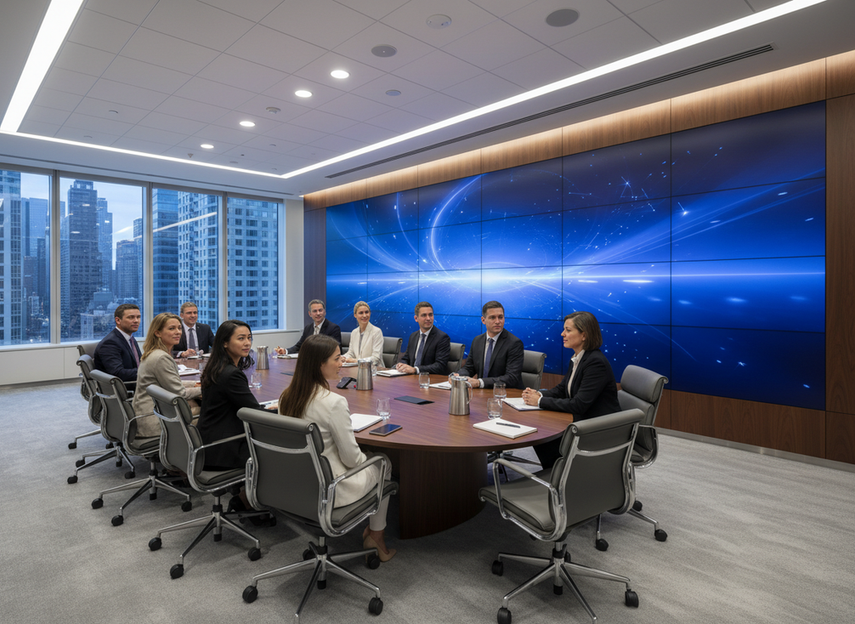
When COB Makes Sense in Boardrooms
For executive boardrooms, client-facing rooms, and hybrid collaboration spaces, a COB LED boardroom display is most useful when close viewing and visual consistency both matter. That is where a COB LED video wall stands out: it becomes part of the room, not just a screen at the front.
A good fit usually shows three signs. The room gets frequent use, so small maintenance delays matter. People read documents, slides, or shared screens up close, so visual continuity matters. The space also needs to look clean during leadership meetings or client visits.
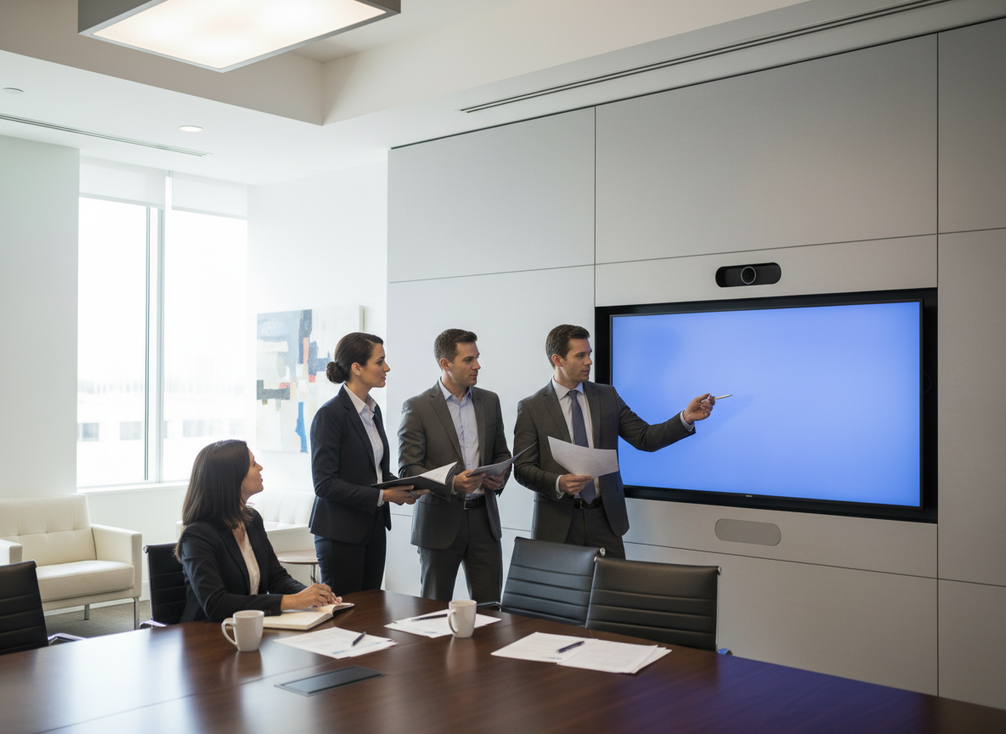
If the room mostly shows slides to a wider audience, the premium is harder to justify. In that case, you are paying for visual refinement and service convenience more than a universal performance upgrade.
Start with the room’s job, not the display type. A boardroom that supports collaboration, review sessions, and frequent guest meetings is a stronger COB candidate than a simple huddle room that only needs a large front screen.
COB vs LCD for Meeting Rooms
The practical comparison is less about which technology is better in general and more about which trade-offs fit your room. COB usually wins on visual continuity and a wall-like appearance. LCD usually wins on budget sensitivity, familiarity, and easier substitution when the room does not need fine-detail collaboration.
| Decision factor | COB LED | LCD |
|---|---|---|
| Visual continuity | Cleaner, more seamless look | Bezel lines can be more noticeable |
| Close-reading comfort | Better when people sit near the screen | Can work well for presentation-led rooms |
| Maintenance planning | Often chosen for front access or modular service paths | Common and familiar, but depends on the install |
| Room aesthetics | Strong fit for premium boardrooms | More utilitarian in most cases |
| Budget sensitivity | Higher upfront commitment | Usually easier to justify for simpler rooms |
COB vs LCD for meeting rooms should be judged by use case. If the room is a leadership or client space, COB’s cleaner appearance can matter. If the room mostly supports status updates or basic presentations, LCD may be enough.
A practical rule: choose COB when the room’s visual standard affects how the space feels to the people in it. Choose LCD when the main job is to show content efficiently.
Match Pixel Pitch to Viewing Distance
The safest sizing method is to start with the farthest viewer distance, then check whether the room also has close seats or detail-heavy content. AVIXA’s Display Image Size for 2D Content standard gives a defensible way to size a meeting-room display around viewer distance instead of a spec badge.
That matters because pixel pitch is not the first question; it is the check that follows room distance. In boardrooms, very fine pitch becomes more important as people sit closer or read denser content. A cautious close-view benchmark is that viewers within about 10 feet may need very fine pitch to avoid visible pixelation, especially with spreadsheets, small type, or side-by-side documents.
The boardroom rule is simple:
- If the room is presentation-led and most viewers sit back, a less aggressive pitch may be acceptable.
- If people gather near the screen to review text, charts, or shared files, finer pitch becomes more important.
- If the room mixes both uses, size for the farthest viewer and then check the closest reading position before you approve the spec.
This is where buyers often overbuy. They start with the smallest pitch they can afford instead of asking whether the room actually needs it. A finer pitch can be the right answer, but only when the room layout and content mix make the difference visible.
For a boardroom that lives on dense slides, financial tables, or document review, a fine-pitch COB LED video wall is easier to justify than a looser pitch. For a room that mostly hosts talking-head presentations, the value shifts back toward room layout and budget balance.
What this means is that COB LED conference room requirements come down to two questions: how far away the viewers sit, and how much of the meeting depends on reading detail.
Verify Durability and Front-Service Needs
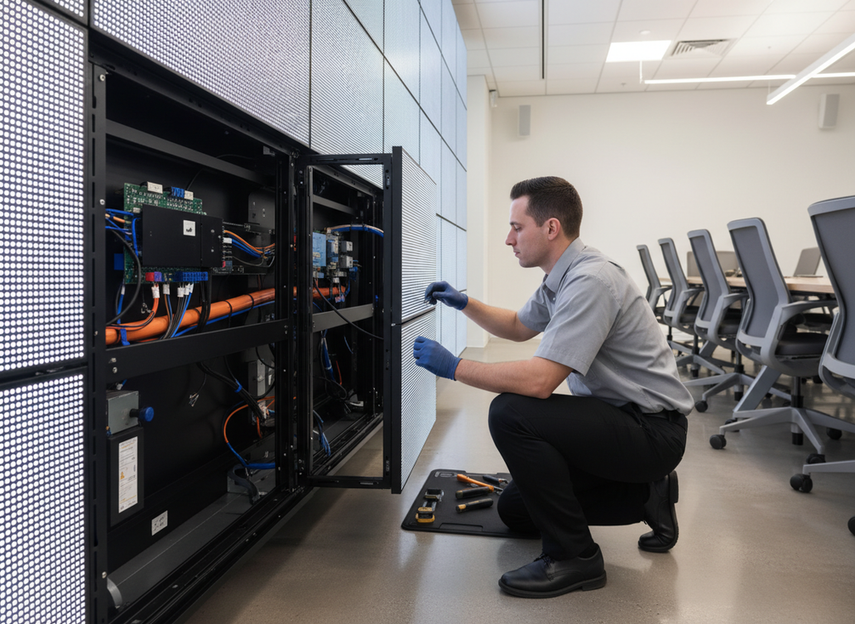
In boardrooms, durability is mostly a serviceability question. The screen has to stay presentable, easy to maintain, and quick to service without turning a meeting room into a project site. That is why front-service access, cleaner wall integration, and simpler cabinet handling often matter more than dramatic toughness claims.
Chipshow’s slim indoor COB display highlights a 34.6 mm profile, front-service design, and flush wall mounting. Those are useful boardroom signals because they reduce visual bulk and can make maintenance less disruptive. They do not, by themselves, prove compliance or ruggedness, so treat them as install and upkeep checks, not blanket guarantees.
That boundary matters in US facilities. The ADA’s protruding objects guidance is a reminder to check wall projection, circulation paths, and mounting details before you approve a boardroom display. Flush-looking is not the same as compliant, and slim is not the same as suitable.
A practical checklist:
- Can the screen be serviced without tearing up the room layout?
- Does the mount leave enough clearance for wall structure, cable routing, and access?
- Will the display’s depth and placement create issues for circulation or wall projection?
- Is the room booked often enough that a long repair window would be painful?
For high-use spaces, front service is often the more important durability signal than a marketing claim about impact resistance. If your boardroom is booked all day and used for external meetings, a durable LED wall for 24/7 boardroom use is better judged by service access and interruption risk than by broad toughness language.
Make the Final Boardroom Selection
Use this sequence to turn research into a purchase decision.
- Define the room’s main job.
Decide whether the space is presentation-led, collaboration-heavy, or client-facing.
- Map the farthest viewer first.
Use the farthest seating position to size the display, then check the closest reading position if people review detailed content near the screen.
- Confirm pitch against actual content.
If the room shows spreadsheets, dense slides, or shared documents, fine pitch matters more. If the room mostly plays back simple presentations, the pitch demand is lower.
- Verify service access and wall fit.
Check depth, front-service access, cable routing, and wall structure before you get too far into pricing.
- Compare the maintenance story, not just the screen.
Ask how often the room will be booked, who will service it, and how much disruption the team can tolerate.
If you need a boardroom-fit shortlist, start with our fixed indoor LED options and narrow it by viewing distance, service access, and mounting constraints. If the room is premium, close-view, and frequently used, ask us to help you map the best-fit configuration before you commit.
FAQs
Is COB LED Better Than LCD for Boardrooms?
COB is often the stronger choice when the room needs a polished look, tighter visual continuity, and closer reading comfort. LCD still makes sense for simpler presentation rooms or tighter budgets. The decision flips when the room is not collaboration-heavy and no one sits close enough to benefit from fine-detail readability.
What Pixel Pitch Works Best in Conference Rooms?
The best pitch depends on seating distance and content density. If people read small text or spreadsheets near the screen, you need finer pitch than a room that mainly shows slides. Start with the farthest viewer distance, then check the closest reading seat before you approve the spec.
How Do I Know If a Boardroom Needs a Durable LED Wall?
Look for frequent bookings, client-facing meetings, or rooms that cannot tolerate long service interruptions. Those are the settings where serviceability and maintenance convenience matter most. If the room is used lightly, durability may be less important than budget and ease of installation.
Can a COB Display Work in a Hybrid Meeting Room?
Yes, especially when the room mixes in-person discussion with screen-sharing and the display is close enough for fine detail to matter. The main checks are viewing distance, camera placement, and whether the wall install leaves enough access for service without disrupting meetings.
What Should Procurement Verify Before Approving a COB Boardroom Display?
Procurement should confirm room dimensions, seating distance, content type, wall structure, cable routing, service access, and warranty terms. The fastest way to avoid regret is to verify the install constraints before comparing prices, because a technically good screen can still be a poor fit if the room cannot support it.





