





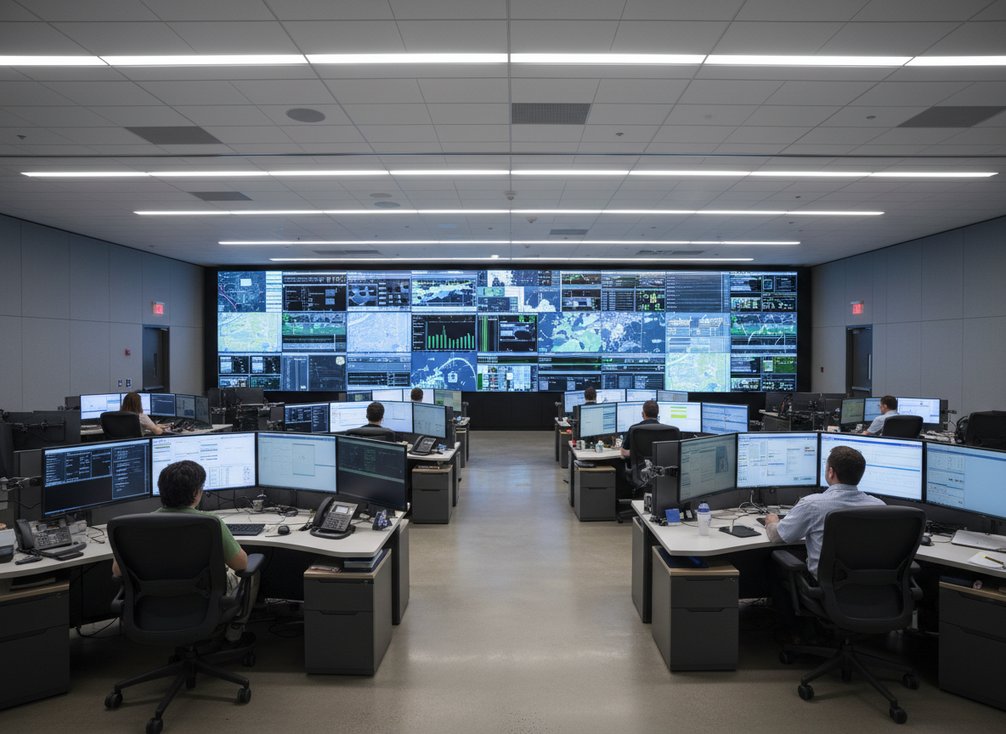
COB LED vs LCD for command centers comes down to the room, not the label. A COB LED video wall is often the stronger fit when durability, front-service access, and a cleaner visual field matter most. LCD can still be the practical choice when the project is a tight retrofit, the budget is constrained, or the room already has an LCD footprint.
Why COB LED and LCD Solve Different Command Room Problems
A control room display is not just a screen purchase. Procurement teams are really choosing between two operating models: keep the existing LCD path and optimize for a known retrofit, or move to fine-pitch COB LED and optimize for uptime, visual continuity, and service access.
That distinction matters because 24/7 command centers expose weaknesses that office displays never face. Operators sit with the wall on for long periods, the room lighting changes, and maintenance windows can be short. In that setting, a technology that looks cheaper on paper can become more expensive if it is harder to service or less comfortable over a shift.
The first filter is simple: if you are replacing an existing wall with minimal room changes, LCD still deserves a close look. If you are specifying a new mission-critical wall and the room can support it, COB LED becomes more compelling because it can align with durability, seamless visuals, and front-service planning.
Where COB LED Fits Best in 24/7 Operations
For long-shift monitoring rooms, comfort is a real procurement issue, not a soft preference. Control-room workers can experience visual fatigue and blurred vision during extended work, especially when glare and luminance differences are poorly controlled. That is why the control-room visual fatigue question belongs in the buying decision, even if the display itself is only one part of the comfort picture.
A COB LED video wall fits best when the room needs more protection from handling, dust, or accidental contact. Chipshow’s C-Pad COB platform is described with dual-side IP54 protection, which is a meaningful design cue for control rooms where the display sits in a busy technical environment. In plain terms, it signals more protection around the module than a bare, open surface would usually provide.
That does not make COB universally tougher in every building. It does mean the technology is easier to justify when the room has frequent service access, raised-floor dust concerns, or operators working close to the wall. In those cases, the protected surface is part of the decision, not just a feature line.
Operator Comfort and Visual Smoothness
Comfort is mostly about how the wall behaves in the room, not about one display name winning by default. The FAA’s large-display research shows that legibility and color distinction depend heavily on balancing display brightness with ambient light, which is why a bright wall can still feel uncomfortable if the room is not planned around it. A COB LED video wall can help when the buyer wants a smoother visual field and fewer visible seams, but the result still depends on viewing distance, content type, and lighting control.
So the judgment is conditional: if the operators spend long hours scanning dense information, COB LED video wall options are often the better candidate for perceived visual ease. If the room is small, the wall is viewed from a narrow set of seats, or the lighting is not controlled well, the comfort gap may shrink.
Front Service and Uptime Planning
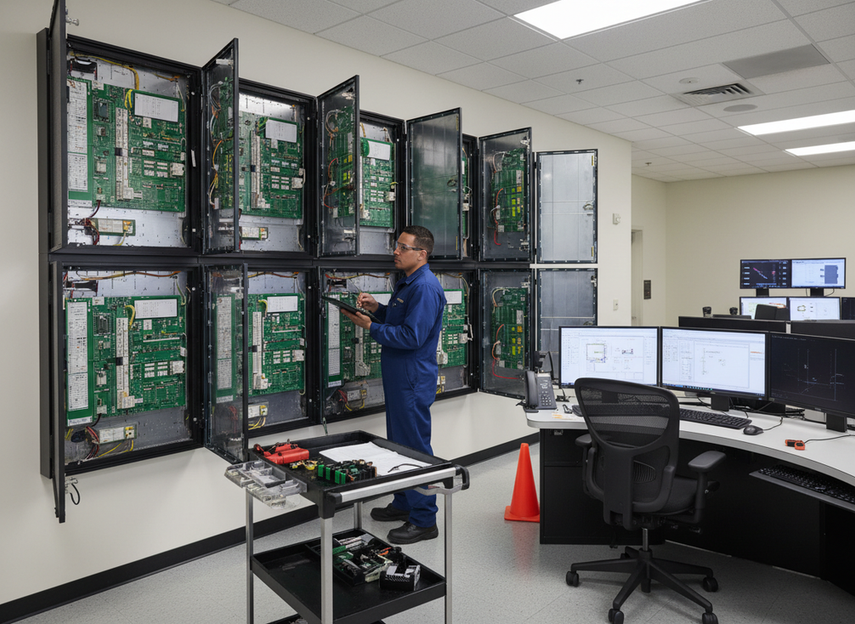
Front service is one of the most practical reasons buyers move toward COB in a command center. If maintenance can be handled from the front, the wall is often easier to keep online, especially when the installation is wall-mounted and rear access is limited. That can reduce disruption, but only if the spare-parts plan, access path, and service workflow are set up before purchase.
This is where a COB LED video wall becomes a stronger fit than LCD in many new builds. If your maintenance window is short and the room cannot tolerate long downtime, front service is not a nice-to-have. It is part of the uptime model.
COB LED and LCD Trade Off on Reliability, Service, and Cost
| Decision Criterion | COB LED Tendency | LCD Tendency | Procurement Implication |
|---|---|---|---|
| Physical durability | Stronger when protection and handling resistance matter | Adequate in simpler, lower-risk rooms | Choose COB if the wall sits in a busier technical space or needs more surface protection |
| Front service access | Often better aligned with wall-mounted service workflows | Can be practical, but depends on the retrofit design | Favor the technology that shortens maintenance disruption |
| Downtime exposure during maintenance | Usually lower when access and modular repair are planned well | Can be acceptable if the room already supports the LCD service path | Compare service windows, not just display specs |
| Visual comfort for long shifts | Often more favorable when the goal is a smoother visual field | Can still work, but comfort depends heavily on the room setup | Check lighting, viewing distance, and content density before deciding |
| Retrofit flexibility | Best when the project can support a new wall design | Often easier in legacy spaces with fixed footprints | LCD stays relevant when room constraints dominate |
| Upfront budget pressure | Usually higher | Often easier to justify at purchase | If capex is tight, LCD may win even when COB looks better operationally |
| Lifecycle cost | Can improve when service path and runtime needs are aligned | Can be competitive in simpler retrofits | Treat cost as project-specific, not automatic |
| Room design flexibility | Higher when you are building around the wall | Higher only when reusing an existing layout | New-build command centers usually have more freedom to choose COB |
The key takeaway is that COB LED video wall and LCD do not solve the same problem set. COB tends to win when the project is about mission-critical uptime, visual continuity, and maintenance access. LCD tends to win when the project is about making a legacy room work with fewer changes.
How to Choose for a 24/7 Command Center
-
Start with the room, not the screen. Measure whether you are dealing with a new build or an existing LCD retrofit. If the wall structure and footprint are already fixed, LCD may be the lower-friction path.
-
Define what failure costs. If a maintenance event would be expensive because the room cannot go dark for long, prioritize service access and spare-part planning before you compare visuals.
-
Check the operator view. If people will sit for long shifts, verify viewing distance, room lighting, and the amount of dense data on screen. That is the point where a COB LED video wall often starts to look more attractive.
-
Map the maintenance window. A front-service wall matters most when the room has limited rear access or when downtime must be short. If service access is easy, the gap between technologies narrows.
-
Compare lifecycle cost after fit, not before it. A cheaper wall that does not fit the room can cost more later through rebuilds, access issues, or operational friction.
What Buyers Should Verify Before They Spec a Wall
ISO 9241-307 is a useful reference when you want a formal way to think about display ergonomics and compliance testing. The display ergonomics requirements help buyers ask better questions about readability, luminance, and test methods before they lock in a design.
Use this checklist before you spec the wall:
- Confirm the room depth and viewing distance.
- Check whether the wall must be front serviced.
- Verify how much downtime the room can absorb during maintenance.
- Review the operator content mix, especially dense maps, alarms, and split-screen layouts.
- Ask how spare modules, power, and signal paths will be handled.
- Match the display choice to the actual lighting conditions in the room.
- Verify project documentation, compatibility, and any certification items for the specific install scope.
If those checks are clear, the technology choice usually becomes easier. If they are not clear, the safest answer is to pause and rework the room plan before comparing panel types.
Final Takeaway
For a 24/7 command center, COB LED video wall options are usually the stronger fit when durability, comfort planning, and service access matter more than the lowest upfront cost. LCD still has a place when the project is a tight retrofit or the room already favors that path. If you are narrowing the choice, compare your wall against the room conditions first, then review mission-critical display options or request a project consult so we can help you match the wall to the actual operating environment.
FAQs
Is COB LED Better Than LCD for 24/7 Control Rooms?
Often yes, but only when the room benefits from better protection, smoother visuals, and front-service planning. If the project is a straightforward LCD retrofit with limited budget or fixed infrastructure, LCD can still be the smarter choice. The deciding signal is whether uptime and service access matter more than the lowest initial spend.
What Makes COB LED More Comfortable for Operators?
COB LED can feel easier on the eyes when the wall needs a smoother visual surface and fewer visible discontinuities. That said, comfort is still shaped by room lighting, viewing distance, and how dense the content is. If the room is poorly lit or the wall is too close, the comfort advantage can shrink fast.
When Does an LCD Video Wall Still Make Sense in a Command Center?
LCD still makes sense when the room is already built around an LCD footprint, the budget is tight, or the retrofit needs to be simple and fast. In those cases, the practical question is not which technology is "better" in the abstract, but which one fits the existing structure without creating extra downtime.
How Does Front Service Affect Command Center Downtime?
Front service can reduce downtime because maintenance does not always require rear access or major wall disassembly. The real benefit depends on the install, though. If spare parts, access procedure, and service windows are not planned in advance, front service will not automatically protect uptime.
What Should Buyers Verify Before Choosing COB LED for a Control Room?
Verify room depth, viewing distance, lighting, service access, and the downtime window first. Then check whether the project needs front service, what the operator content looks like, and whether documentation and compatibility are clear for the exact install scope. Those checks tell you whether COB LED is a fit or just a nice-sounding option.





