





Brompton vs NovaStar interoperability for a mixed virtual production LED wall is best treated as a workflow question, not a feature-match question. The processors can sit in the same production ecosystem, but only if you verify sync, mapping, calibration, and operator handoff separately. That usually means the answer is not “do they work together?” so much as “which parts of the wall should share a system, and which parts should stay isolated?”
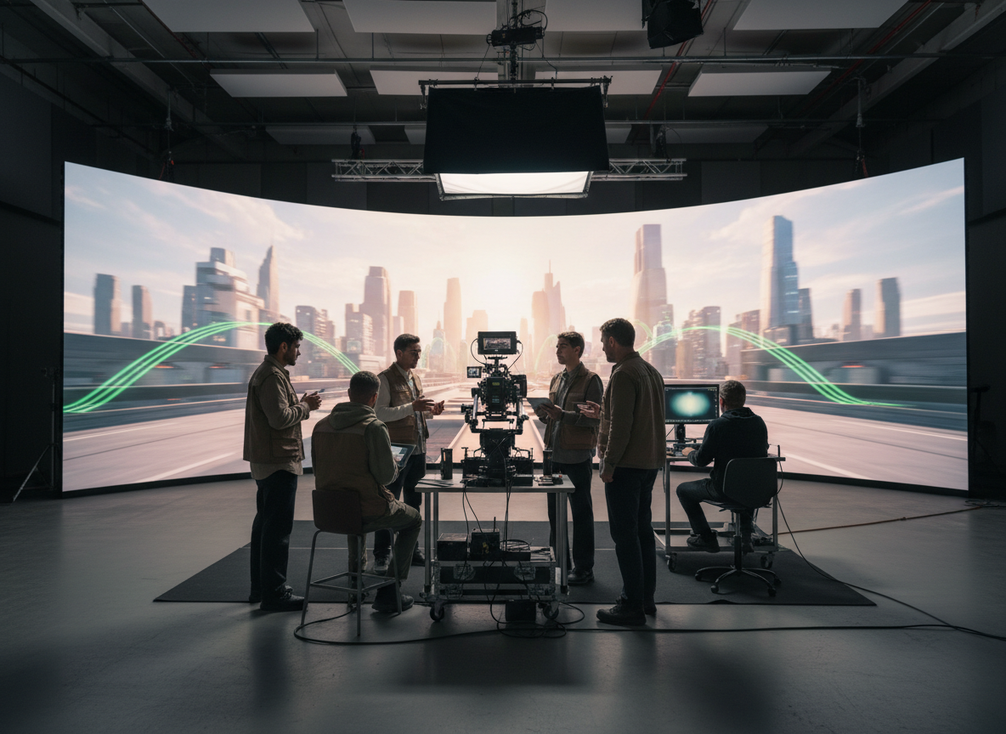
Why Mixed LED Volumes Need a Different Framework
A mixed Brompton and NovaStar stage adds decisions that single-vendor walls often hide. You have to decide who owns each zone, which timing reference governs the camera-facing surface, how mapping is handed off, and where troubleshooting responsibility starts and ends. If those choices are vague, the wall may still power on, but it becomes harder to commission and harder to run under pressure.
That is why Brompton vs NovaStar interoperability for mixed LED volumes should start with stage function, not brand preference. Ask first which surface is camera critical, which surfaces are secondary, and which team will own each part of the signal path. Mixed setups can be sensible, but compatibility is conditional, not automatic.

If you need a broader staging path while you work through processor ownership, a rental stage LED option can help you keep the system design discussion grounded in the physical wall rather than just the processor choice.
What Each Processor Tends to Own
For most mixed XR builds, Brompton is usually the safer fit for the camera-critical main wall, while NovaStar is more often a practical choice for secondary, lighting, or budget-sensitive zones. That is a planning tendency, not a universal rule. The real question is which processor can carry the most demanding surface with the least ambiguity for your crew.
Brompton’s own frame remapping documentation is a strong reason it often owns the main wall in multi-camera virtual production. Brompton describes frame remapping for multi-camera walls as a core workflow feature, which makes it easier to reason about camera-facing zones where timing and perspective matter.
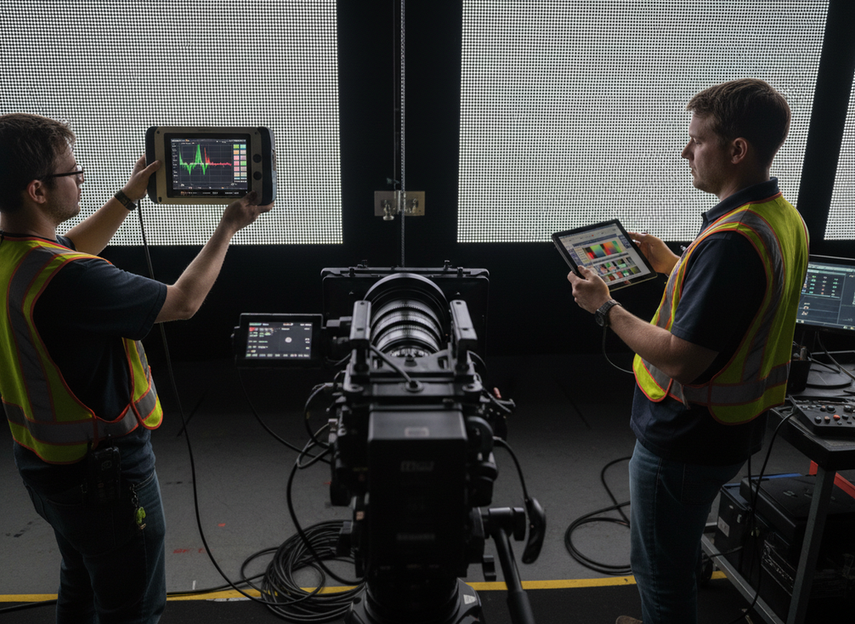
NovaStar is not out of the picture in mixed volumes. Recent XR-oriented coverage highlights XR-oriented control features in NovaStar, which is one reason it remains a legitimate option for secondary zones or staged rollouts. The key limitation is that this does not make it interchangeable with Brompton on a camera-critical surface.
| Stage Scenario | Better Fit | Why It Usually Works | Main Watchout |
|---|---|---|---|
| Camera-critical main wall with secondary scenic surfaces | Brompton on the main wall, NovaStar on secondary zones | Keeps the most demanding surface on the most camera-focused workflow | Two operating models to train and document |
| Phased upgrade or inherited rack environment | Mixed ownership can make sense | Lets the stage stay live while hardware is replaced over time | Boundary confusion during transition |
| Separate departments controlling different zones | Either can fit, depending on ownership | Useful when responsibility is already split by surface | Handoff errors between teams |
| One camera path across the whole wall | Single ecosystem is usually simpler | Fewer timing and calibration variables | Mixed systems add avoidable complexity |
How to Assign Processor Ownership by Zone
The cleanest mixed-volume design is the one with the clearest ownership lines. Start by dividing the wall into zones: main wall, ceiling elements, side or rear surfaces, and practical scenic pieces. Then assign the processor that best matches the most demanding zone to that zone first. The rest of the layout should follow from that decision, not the other way around.
For the camera-facing wall, keep the signal path as simple as possible. That is usually where Brompton’s stronger multi-camera workflow support matters most. For secondary surfaces, the goal is often operational convenience, not identical camera behavior. A ceiling strip, background element, or practical set piece can sometimes sit on a different processor if the boundary is explicit and the crew knows which system owns it.
Disguise’s multi-frame mapping for zone handoff is a useful model for this kind of planning because it treats mixed processor work as a routing and ownership problem. The media server and processor chain have to agree on who owns which raster region, or the handoff becomes hard to debug.
A good rule is this: if a zone will be camera critical during the shoot, it should have the simplest ownership line in the room. If a zone is decorative or secondary, it can absorb a little more complexity. That is the point where Brompton vs NovaStar interoperability for mixed LED volumes turns from theory into practical stage design.
Main Wall Ownership
The main wall should usually get the most stable timing and the most familiar operator workflow. In a mixed build, that often means giving the camera-critical surface to the processor ecosystem that best supports your capture requirements. Brompton’s frame-remapping workflow makes it a strong candidate when the wall has to behave consistently under multiple cameras.
That does not mean NovaStar cannot be used anywhere in the volume. It means the primary wall is where you should be least willing to experiment. If the main wall has to carry talent, key perspective shifts, or close camera work, use the processor path that is easiest to commission and easiest to prove on set.
Secondary Surfaces and Practical Elements
Secondary surfaces can tolerate more variation if they are not driving the camera decision. That makes them a better place for a mixed strategy, especially when a stage has ceiling strips, scenic extensions, or departments with different control needs. NovaStar’s XR positioning suggests it can fit into that kind of support role when the wall does not require the same level of camera-critical control as the main surface.
The catch is documentation. If a surface is secondary today but may become camera visible later, you need to label that boundary before load-in. Mixed ownership only works when everyone can see where one processor’s responsibility ends and the other begins.
Signal Handoff and Control Boundaries
Once the zones are decided, the handoff needs to be written down in the same language the crew will use on site. Input names, rack labels, and show-file naming should match the physical wall map. If the wall is split by processor but the paperwork still treats it like one system, troubleshooting gets slower.
This is where a mixed setup either becomes manageable or turns into a support burden. Keep the handoff points simple, and avoid asking operators to remember two different control stories for adjacent surfaces unless that complexity is unavoidable.
Troubleshooting Ownership Lines
When something breaks, the first question should be where ownership changes, not which brand is at fault. Is the issue in the main wall, the secondary zone, the server output, or the crossover point between ecosystems? If the team can answer that in a minute, the mixed volume is probably designed well enough.
If the team cannot answer it quickly, the system is too ambiguous. Mixed processor environments work best when the troubleshooting path is shorter, not longer, than a single-vendor build.
Genlock, Calibration, and Sync Checks
Timing is the first compatibility check because camera-facing LED work is very sensitive to sync. Brompton’s official genlock and shutter-lock documentation explains that its Tessera processors can lock refresh behavior to reference sync or a camera shutter path. That is one reason Brompton is so often used on the critical wall in virtual production.
The important part for mixed ecosystems is narrower: genlock on one side does not guarantee identical behavior across the entire volume. You still need to confirm which surface is tied to which reference and whether the camera sees a stable result across the seams. A system can be technically in sync and still look inconsistent if the mixed zones are not commissioned together.
Calibration should be treated the same way. Mixed volumes often need extra time for white point checks, gray balance, and camera validation because the processor stacks may not expose the same tuning path. The Unreal Engine camera color calibration workflow is a good reminder that calibration is a commissioning step, not a guarantee that two ecosystems will match automatically.
Before load-in, check four things: the master timing reference, the camera-critical zones, the processor that owns each zone, and the rollback plan if a seam does not behave as expected. If any of those are unclear, Brompton vs NovaStar interoperability for mixed LED volumes is still a design task, not a solved problem.
When a Mixed Setup Makes Sense
Mixed ownership makes the most sense when it solves a real constraint. The common cases are phased upgrades, inherited racks, or departments that already operate different zones separately. In those situations, a mixed approach can keep the stage live while you reduce replacement cost or avoid a disruptive rebuild.
That said, a mixed setup should be chosen for a documented reason. If the only motivation is that both brands are already available, the extra training, labeling, and rehearsal time may outweigh the savings. The cheapest hardware path is not always the lowest-risk production path.
Procurement matters too. Spare parts, support expectations, and operator familiarity all affect the final decision. A crew that has to switch mental models under time pressure will usually prefer the simplest stable design, even if a hybrid looks flexible on paper.
If you are still comparing broader stage packages, a stage solution path can be a useful browsing starting point while you decide whether the volume should stay single-ecosystem or move to a mixed design.
Mixed-Volume Selection Checklist
- Map the stage by function first. Identify the camera-critical wall, secondary scenic surfaces, and any practical elements that do not need the same behavior.
- Decide which processor should own the most demanding zone. The simplest stable path should sit on the surface the camera will judge most closely.
- Verify sync before rehearsal. Confirm the master timing reference, the camera path, and the processor that owns the timing decision.
- Assign calibration ownership. Decide who handles white point, gray balance, and camera validation so the work does not fall between teams.
- Write the handoff rules down. Match rack labels, input names, and show-file naming to the physical wall map.
- Plan rollback. If a zone fails look or timing checks, the crew should know which surface can be isolated first.
- Choose the least complex system that still satisfies the stage. Mixed ownership should solve a real constraint, not create a new one.
Final Takeaway
Brompton vs NovaStar interoperability for mixed LED volumes can work, but it should be treated as a controlled workflow choice rather than a blanket compatibility claim. If the wall is camera critical, keep the most demanding surface on the most stable path and separate the rest by zone. If you must mix, make timing, mapping, and calibration explicit before load-in. The safest next step is to document ownership first, then test the full handoff under camera conditions before show day.
FAQs
How Do You Decide Which Processor Owns the Main Wall?
Pick the processor that gives the camera-facing wall the simplest timing path and the most predictable operator workflow. In mixed volumes, that usually means giving the main wall to the ecosystem that is easiest to commission and verify, then keeping secondary surfaces separate unless there is a strong reason not to.
What Problems Show Up First in a Mixed Brompton and NovaStar Stage?
The earliest warning signs are usually boundary confusion, timing mismatches, and calibration drift. If operators spend too much time figuring out which system owns a seam or why two adjacent surfaces look different on camera, the mixed design probably needs clearer zone rules.
Can You Run Brompton and NovaStar on the Same LED Volume?
Yes, but only when the wall is divided into clear ownership zones and the timing, mapping, and calibration work are validated in advance. It is a workable approach for some stages, but it is not a default assumption you should make without commissioning checks.
What Should Be Verified Before a Mixed System Goes Live?
Confirm the master timing reference, the camera-critical surfaces, the calibration owner, the input naming scheme, and the rollback path. Those checks should happen before rehearsal or load-in, not after the first issue appears in front of the camera.
Why Would a Studio Choose a Mixed Processor Strategy Instead of One Ecosystem?
Phased upgrades, inherited equipment, and separate department workflows are the most common reasons. A mixed strategy can be practical when it reduces disruption or preserves usable hardware, but only if the added coordination load stays manageable for the crew.





